How Does Boundary Scan Know What It’s Testing?
 Simon Payne, CEO, XJTAG
|
Subscribe to LinkedIn newsletter
Simon Payne, CEO, XJTAG
|
Subscribe to LinkedIn newsletter
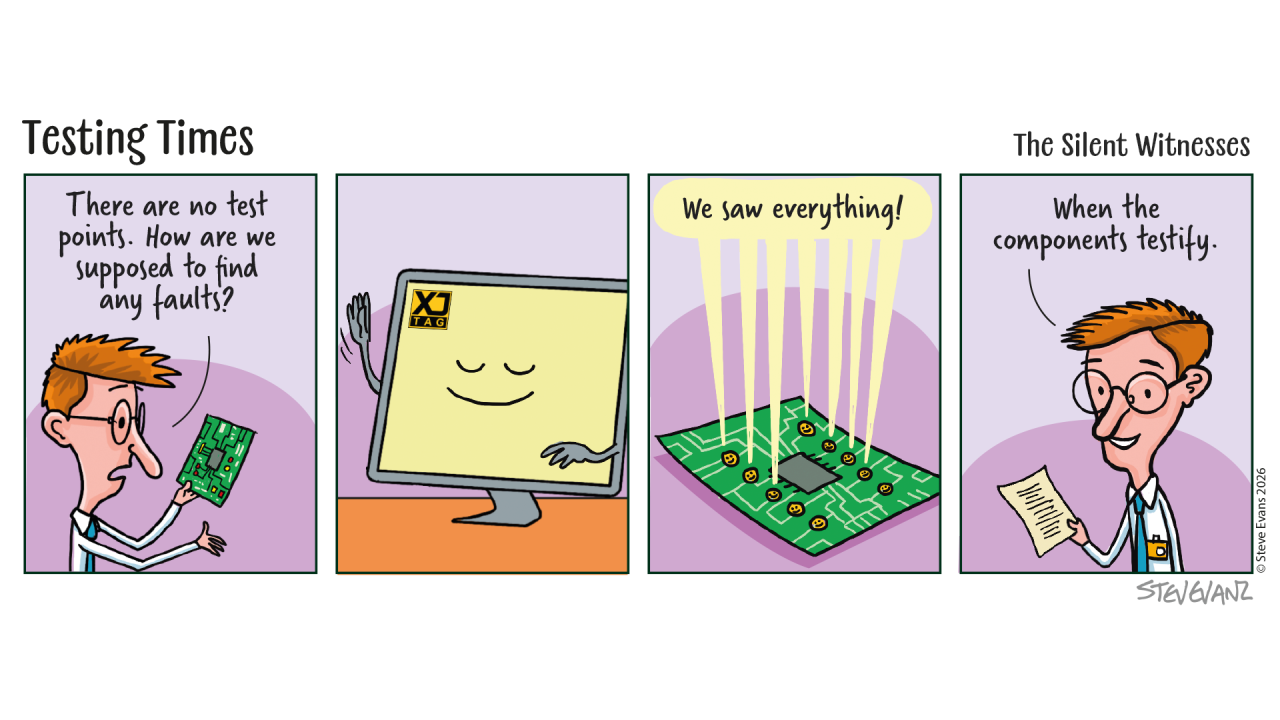
By now, we’ve explored what Boundary Scan is, what it can test and why it works even before the FPGA is configured or the processor has booted.
That naturally leads to another question.
How does a Boundary Scan tool know which pins belong to which signals, or what each device is capable of testing?
The answer lies in something that most engineers have never needed to think about.
Every Boundary Scan Device Comes with a Description
Boundary Scan isn’t based on guesswork.
Semiconductor manufacturers provide a formal description of each Boundary Scan-compatible device. This file describes the device’s Boundary Scan architecture, including its pins, instructions and test capabilities.
These descriptions are known as Boundary Scan Description Language (BSDL) files.
Think of a BSDL file as the device’s instruction manual for Boundary Scan.
It tells software how to communicate with the device and how its Boundary Scan logic is organised.
Why This Matters
Every FPGA, processor or SoC is different.
They have different pin counts.
Different functions.
Different Boundary Scan capabilities.
Without a standard way of describing each device, every Boundary Scan tool would need to understand every device individually. Instead, the BSDL file provides a common description that allows compatible tools to work with devices from many different semiconductor manufacturers.
More Than Just a Pin List
At first glance, a BSDL file might look like little more than a list of pins.
In reality, it contains far more information.
For example, it describes:
- Which pins support Boundary Scan
- The Boundary Scan instructions the device understands
- How the Boundary Scan register is organised
- Device identification information
- The behaviour of different pin types
This information allows software to communicate with the device correctly and make use of its available test capabilities.
Building a Picture of the Board
Of course, knowing about individual devices is only part of the story.
A PCB contains many devices connected together.
To generate useful tests, software also needs to understand how those devices are interconnected. By combining the information from the BSDL files with the board design, Boundary Scan tools can build a model of the hardware and determine which signals can be driven, observed and verified.
This transforms individual device descriptions into meaningful board-level tests.
Why Engineers Rarely Look at BSDL Files
Although every Boundary Scan engineer relies on BSDL files, many never open one. Today’s Boundary Scan software handles most of the complexity automatically. It imports the device descriptions, understands the Boundary Scan capabilities and uses that information to help generate tests and diagnostics. For most users, the BSDL file simply becomes another building block working behind the scenes.
Closing Thought
Boundary Scan isn’t simply a collection of test features built into semiconductor devices.
It is a standardised ecosystem.
The devices provide the hardware.
Manufacturers provide the descriptions.
Software brings everything together to create practical tests that help engineers understand their boards. It’s another example of how industry standards allow engineers to work across devices from many different vendors using a common approach.
Board Design Tip of the Week
When selecting components for a new design, check that BSDL files are available and up to date.
Most major semiconductor manufacturers provide them as part of their device support, and having access to the correct files from the start can make board bring-up and structural testing significantly smoother.
Related Reading