Your Development Board Cost Thousands. What Happens When It Stops Working?
 Simon Payne, CEO, XJTAG
|
September 29, 2026
Subscribe to LinkedIn newsletter
Simon Payne, CEO, XJTAG
|
September 29, 2026
Subscribe to LinkedIn newsletter

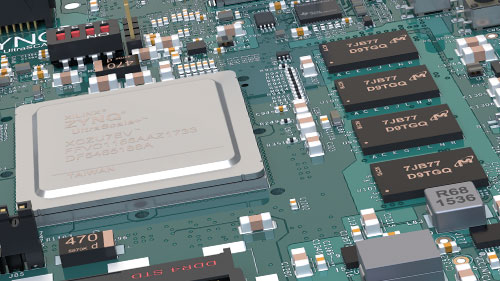
FPGA and SoC development platforms are powerful, complex and sometimes extremely expensive. Perhaps they deserve a test strategy of their own.
Development boards have changed dramatically.
What was once a relatively simple PCB containing an FPGA, some memory and a few connectors can now be an extremely sophisticated system in its own right.
Today’s FPGA and SoC development platforms may contain:
- High-end FPGAs or adaptive SoCs
- Multiple memory technologies
- High-speed serial interfaces
- Ethernet PHYs
- PCIe
- Power-management circuitry
- ADCs and DACs
- Configuration memories
- Expansion connectors
- Multiple voltage and power domains
They are invaluable engineering tools, they can also represent a significant investment.
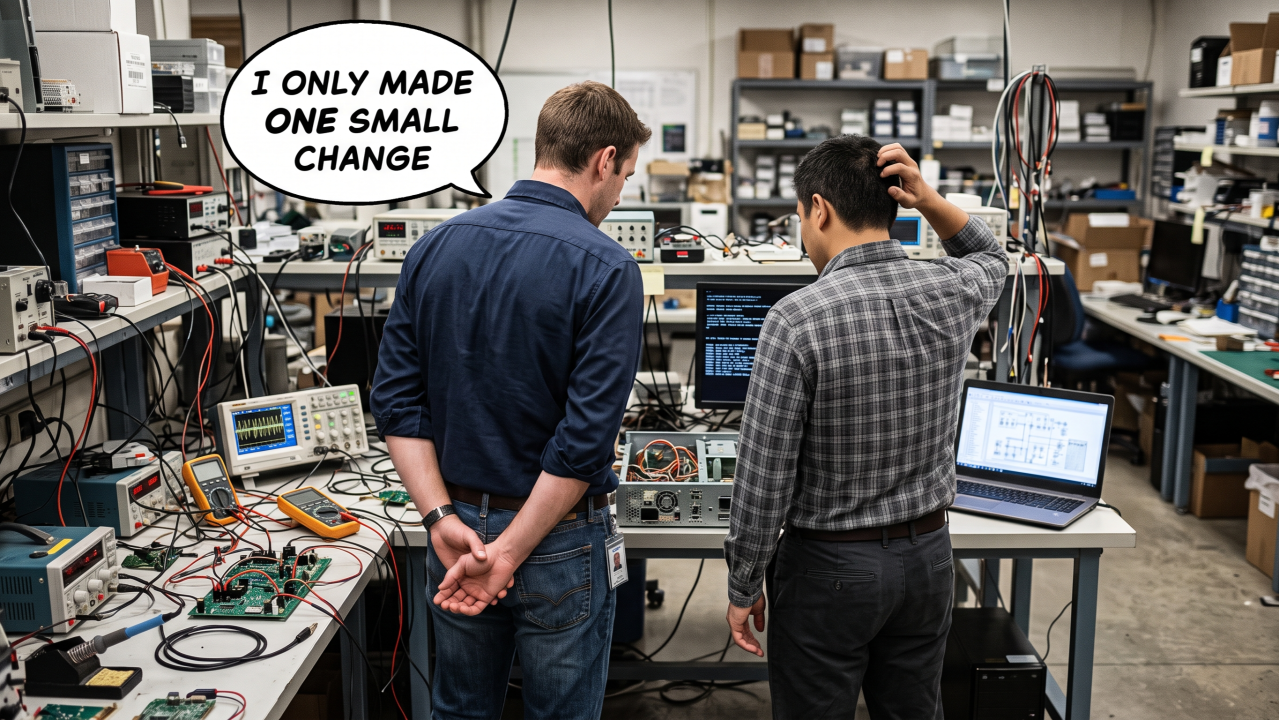
So what happens when one suddenly stops behaving as expected?
The First Question Is Usually: What Changed?
Perhaps the board worked perfectly yesterday.
Now the FPGA won’t configure.
The processor won’t boot.
DDR initialisation fails.
An Ethernet interface has disappeared.
Or a mezzanine card that previously worked is no longer being detected.
The natural reaction is to look at whatever changed most recently.
Was it the FPGA image?
The software?
A configuration setting?
A cable?
The power supply?
The expansion card?
That is entirely reasonable.
But eventually another possibility has to be considered:
What if the development board itself has developed a hardware problem?
Development Boards Have Difficult Lives
Development platforms don’t always live in gentle environments. They sit on engineers’ benches, cables are connected and disconnected repeatedly. expansion cards are changed, Jumpers and switches are moved, and power is cycled constantly.
Signals may be brought onto the board from external circuitry that is itself still under development. And unlike the final product, the development platform may be used in configurations its designers could never reasonably have anticipated.
Most of the time, these boards tolerate this remarkably well.
But they are still electronic assemblies.
Components can fail.
Connectors can be damaged.
Solder joints can develop problems.
Power circuitry can be affected.
And accidental electrical overstress is always possible when prototype hardware is involved.
The Problem Is Establishing What You Know
When something stops working, the challenge isn’t necessarily repairing it immediately.
The first challenge is establishing where the problem actually is.
Suppose an FPGA no longer communicates with a peripheral.
Is the FPGA configuration wrong?
Has the peripheral failed?
Is there a problem with the PCB connection between them?
Is a power rail missing?
Has a clock disappeared?
Or is the application software simply no longer configuring the interface correctly?
The symptom alone rarely tells you.
And that can turn an apparently simple problem into hours—or days—of investigation.
Vendor Support Is Valuable, but Independent Evidence Is Valuable Too
Development-board manufacturers generally provide extensive documentation, reference designs, software examples and technical support.
All of that is extremely useful.
But there is still value in being able to independently establish confidence in the hardware sitting on your own bench.
Not because vendor support has failed.
And not because you should be expected to repair every problem yourself.
But because additional evidence can dramatically improve the engineering conversation.
Instead of saying:
“The board doesn’t seem to work anymore.”
you may be able to establish:
“The JTAG chain is intact, these connections test correctly, this device responds as expected, but this area of the board does not.”
That is a very different starting point.
A Development Board Is Still a PCB
It is easy to think of a development platform as a complete product.
Plug it in.
Download the tools.
Load the design.
Start developing.
But electrically, it is still a PCB full of interconnected semiconductor devices.
The FPGA or SoC at the centre of the board may provide access to a surprisingly large amount of surrounding circuitry.
That means the development board itself may already contain much of the hardware required to perform useful structural tests.
Boundary Scan Gives You Another View of the Hardware
A normal development workflow tends to look at the board through the application.
Configure the FPGA.
Boot the processor.
Run software.
Exercise the interface.
That works extremely well—until the application itself cannot run.
Boundary Scan provides a different route.
Because its test logic operates independently of the application, it may still be possible to access the hardware even when the FPGA design, processor software or operating system is unavailable.
Depending on the board and the devices fitted, Boundary Scan may help engineers investigate areas such as:
- JTAG chain integrity
- Connections between Boundary Scan devices
- Memories
- Peripheral interfaces
- GPIO
- Control signals
- Configuration circuitry
- Other accessible non-JTAG components
It doesn’t replace the vendor’s diagnostics or your normal development tools.
It provides another source of evidence.
Proving What Still Works
This is perhaps the most useful mindset.
When an expensive development board develops an unexplained problem, don’t begin by assuming that the entire board is faulty.
Start by asking: What can I prove still works?
Can you communicate with the devices in the JTAG chain?
Can you verify connections between major devices?
Can you exercise an attached memory?
Can you control or observe the signals connected to a peripheral?
Can you establish that a particular section of the PCB is behaving correctly?
Every positive result eliminates another possible cause.
And as we’ve discussed throughout Testing Times, reducing the list of possibilities is often the fastest route to understanding the real problem.
The Same Principle Applies to Your Own Prototype
There is a wider lesson here.
If independent structural testing is useful for an expensive commercial development platform, it is probably worth considering for the hardware your own engineering team is developing as well.
A development board has usually been designed by an experienced engineering team with extensive debug access.
Your first prototype may not have that luxury. Thinking about test access during your own design process can provide the same advantage:
the ability to establish confidence in the hardware independently of the application running on it. That becomes especially valuable when the software and hardware are being developed at the same time.
Perhaps Development Boards Deserve a Test Strategy Too
We spend a lot of time thinking about the products we design.
Far less attention is given to the development equipment we depend on to create them.
Yet a high-end FPGA or SoC development board may be one of the most important pieces of hardware on an engineer’s bench.
If losing access to it can stop development, having a way to establish whether the board itself is healthy starts to make sense.
Not necessarily as a full manufacturing test.
Not as a replacement for vendor support.
But as a practical engineering diagnostic.
Where Boundary Scan Testing Fits
This is one of the areas where Boundary Scan software such as XJTAG can be useful.
By combining the Boundary Scan capability already built into the devices with information about how the development board is connected, XJTAG can provide an independent way of exercising and checking accessible parts of the hardware.
For supported development platforms, that can turn the JTAG connection already present on the board into something more than a programming and debugging interface.
It becomes another route to understanding the PCB itself.
And importantly, it complements the manufacturer’s existing tools rather than replacing them.
Closing Thought
Modern development boards are extraordinarily capable pieces of engineering.
They are also becoming increasingly complex and increasingly valuable.
When one stops behaving as expected, the most useful question isn’t immediately:
“Is the board broken?”
It is: “What can I independently prove about the hardware?”
Vendor diagnostics, application software and conventional bench equipment all have an important role to play.
Boundary Scan can add another layer of evidence.
And when a development project is waiting for an answer, that additional visibility can be extremely valuable. Perhaps the expensive development board on your bench deserves a test strategy of its own.
Board Design Tip of the Week
The next time you select a development board, don’t look only at the FPGA, processor, memory capacity and interfaces.
Also look at the diagnostic access the platform provides.
Is the JTAG chain readily accessible?
Are schematics available?
Can important devices and interfaces be reached independently of the application?
Those details may seem relatively unimportant when everything is working.
They become considerably more valuable the day it isn’t.
Want to See What’s Possible on Your Development Board?
XJTAG supports a growing range of FPGA and SoC development and evaluation boards, helping engineers use the Boundary Scan capability already built into the hardware to gain greater visibility into the PCB.
If you’re using a supported platform, you can explore the available boards and see how XJTAG can help you test and diagnose the hardware here:
Explore XJTAG supported development and evaluation boards: https://www.xjtag.com/development-evaluation-boards/
Discover more about your board design with the Free XJTAG Layout Viewer.
To get started find out how the Free XJTAG Layout Viewer can help you see on your board: