How Can Boundary Scan Test a Board Before the FPGA or Processor Is Running?
 Simon Payne, CEO, XJTAG
|
Subscribe to LinkedIn newsletter
Simon Payne, CEO, XJTAG
|
Subscribe to LinkedIn newsletter
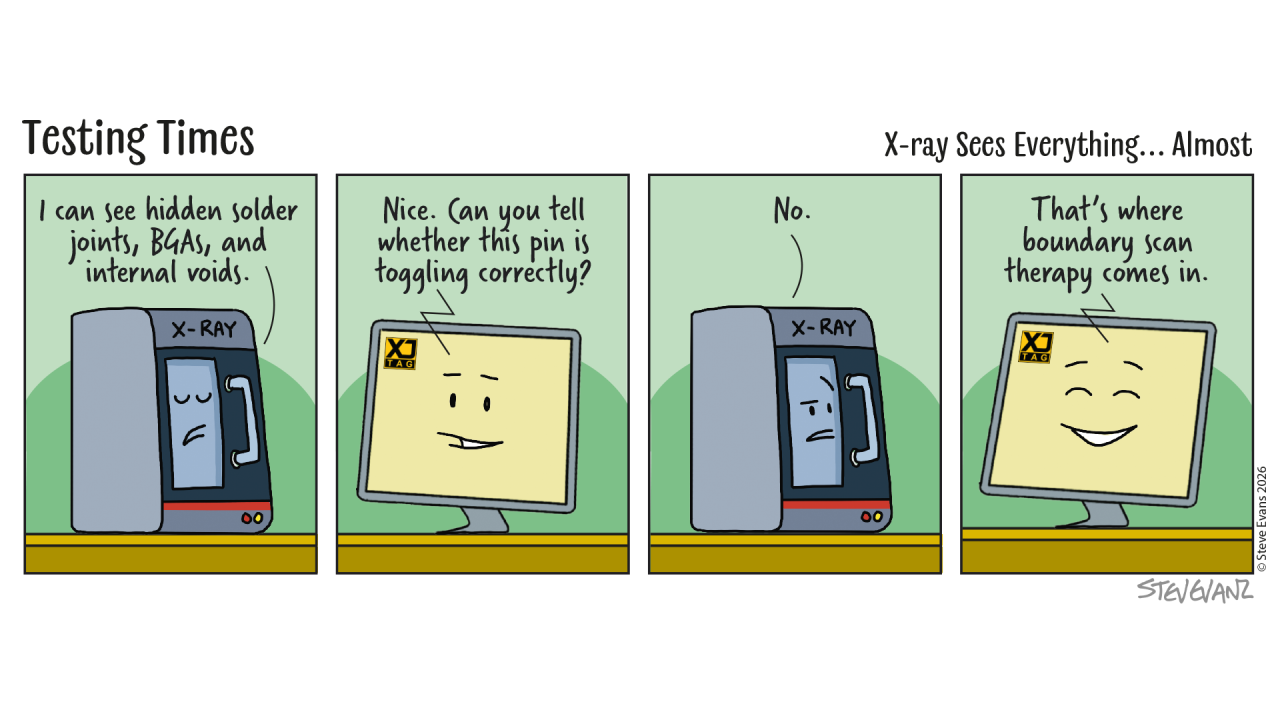
One of the biggest surprises for engineers discovering Boundary Scan is that it doesn’t rely on your application software.
It doesn’t require the processor to have booted.
It doesn’t require the FPGA to be configured.
It doesn’t require memories to be programmed.
Boundary Scan can often begin testing the hardware before any of these have happened.
How is that possible?
The Secret Is Inside the Silicon
When people first hear about Boundary Scan, they often imagine external test equipment somehow taking control of the core of a device.
That’s not what happens.
The functionality that makes Boundary Scan possible already exists inside the semiconductor device itself.
Today’s FPGAs, processors, SoCs, CPLDs and many other digital devices include dedicated Boundary Scan logic as part of their silicon.
That logic is completely separate from the logic that runs your application.
It is always available whenever the device is powered.
A Separate Path
Think of the device as having two completely independent ways to interact with the outside world.
The first is through the application itself.
Software executes.
The FPGA design runs.
Signals behave exactly as the product was designed.
The second path is through the Boundary Scan logic.
Instead of relying on the application, engineers can communicate directly with the dedicated test circuitry built into the device.
This allows individual pins to be observed or controlled regardless of what the application is doing—or whether it is running at all.
Why This Matters During Bring-Up
Early prototypes rarely work perfectly.
Perhaps the FPGA hasn’t yet been configured.
Perhaps the boot firmware is incomplete.
Perhaps the processor isn’t reaching its first instruction.
Traditional debugging often has to wait until enough of the system is operational.
Boundary Scan doesn’t.
Engineers can begin verifying power-up assumptions, checking connectivity and building confidence in the hardware before software development has reached that point.
Rather than waiting for the application to become the diagnostic tool, Boundary Scan provides an independent source of information from the very beginning.
Independent Information
One of the strengths of Boundary Scan is that it provides evidence that is independent of the software under development.
Imagine a DDR memory test fails.
Is the software wrong?
Is the memory initialisation incorrect?
Is there a PCB assembly problem?
Is there a soldering fault beneath the BGA?
Boundary Scan helps answer those questions by examining the hardware directly.
Rather than relying solely on software symptoms, engineers gain another way of determining where the problem really lies.
Confidence Before Code
Every successful Boundary Scan test removes uncertainty.
A verified address bus.
A proven control signal.
A confirmed data connection.
Each result helps engineers build confidence in the hardware long before the full application is available.
That confidence makes subsequent software debugging significantly more efficient because the hardware foundation has already been established.
Closing Thought
Software (functional testing) is excellent at proving what a system does but often requires significant development time.
Boundary Scan tests are faster to implement and operate in a fundamentally different way, which means they can often detect faults that may be missed by functional tests alone.
Together they provide a far more complete understanding of the board than either approach can achieve alone.
Understanding both is one of the reasons experienced bring-up engineers can diagnose complex hardware problems so quickly.
Board Design Tip of the Week
Don’t treat the JTAG connector as something that’s only needed for programming.
Providing reliable access to the Boundary Scan chain from the very first prototype gives engineers an independent way to investigate hardware, even before software is available.
That capability can save days, or even weeks, during early board bring-up.
Explore your board design with the Free XJTAG Layout Viewer
To get started find out how the Free XJTAG Layout Viewer can help you see your board connections:
Related Reading