What Happens When the Prototype Arrives?
 Simon Payne, CEO, XJTAG
|
Subscribe to LinkedIn newsletter
Simon Payne, CEO, XJTAG
|
Subscribe to LinkedIn newsletter
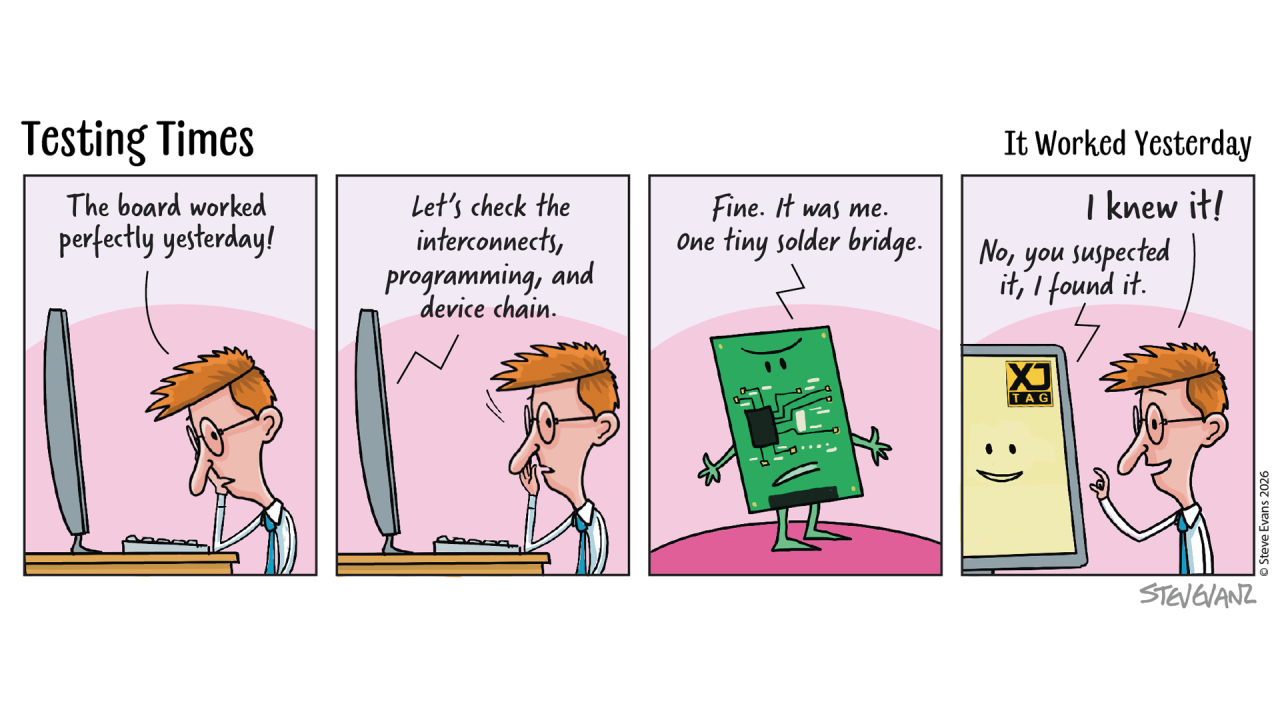
Few moments in a development project are more anticipated than the arrival of the first assembled PCB.
Months have been spent defining the requirements, designing the schematic, laying out the PCB and selecting components. The boards finally arrive, and the question everyone wants answered is a simple one:
Does it work?
The first few days are often referred to as board bring-up or commissioning. It’s the point where hardware and software engineers begin working together to understand how the new design behaves.
The First Steps
The initial objective isn’t to prove every feature of the product. It’s to establish confidence that the hardware is fundamentally healthy.
Can the FPGA be programmed?
Will the processor boot?
Do key interfaces respond?
Can the application software begin running?
Existing boot software, demonstration code or simple application software is often used to answer these first questions. The aim is to determine whether the board behaves sufficiently well for development to continue.
If everything works, the project moves forward.
If it doesn’t, the investigation begins.
When Questions Start Appearing
Imagine the processor doesn’t boot or the FPGA won’t configure. A memory interface fails to initialise or a communication interface refuses to respond. At this point, engineers know something isn’t right, but they don’t yet know why.
Is it the software?
A configuration issue?
Or is there a hardware problem somewhere on the board?
Answering those questions is often the most time-consuming part of bring-up.
The Natural Response
When hardware behaviour doesn’t match expectations, engineers do what engineers have always done.
They investigate.
Additional software is written to read registers, exercise peripherals, toggle GPIOs or collect diagnostic information. Each small test is designed to answer another question about the system.
This investigative software is invaluable during development, but it is usually written to solve a specific problem on a specific prototype. Once the issue has been resolved, much of it is rarely used again.
Looking at the Hardware Differently
Structural testing approaches the problem from a different direction.
Instead of asking whether the application software behaves correctly, it asks whether the underlying hardware has been assembled and connected correctly. One of the biggest advantages is that structural testing does not rely on the application software running successfully.
Many structural tests can begin before a processor has booted or before an FPGA has completed its intended function, because they use dedicated hardware test logic already built into many semiconductor devices and accessed through the JTAG interface.
This allows engineers to begin establishing confidence in the hardware, even when the system itself is not yet capable of running software.
A Different Level of Information
There is another important difference. Imagine an memory interface doesn’t work, a software-based investigation may just tell you that communication has failed.
What it often cannot tell you immediately is why.
Structural testing can often investigate the individual interconnections that make up the interface, helping engineers narrow the search to the specific signals involved rather than simply identifying that the interface has failed.
That level of detail can significantly reduce the time needed to isolate hardware faults.
Two Approaches That Work Together
It is sometimes tempting to compare software-based investigation with structural testing, but in reality they answer different questions.
Application software demonstrates that the product performs the functions it was designed to perform.
Structural testing provides confidence that the hardware supporting those functions has been assembled and connected correctly.
One validates the behaviour of the product. The other validates the hardware platform on which that behaviour depends.
Together, they help engineering teams move from uncertainty to understanding much more quickly.
Beyond the First Prototype
The benefits don’t stop once bring-up is complete. Much of the diagnostic software written during development is closely tied to a particular investigation or a specific board revision.
Structural tests, by contrast, can often be reused throughout the product lifecycle.
The same tests developed during prototype bring-up may later be used for:
- Design verification
- Manufacturing test
- Later board revisions
- Fault diagnosis
- Repair and service
As the application software evolves, the hardware foundation changes much more slowly, making structural tests a valuable long-term engineering asset.
Closing Thought
Every new product begins with questions, some are answered by running software. Others require engineers to look deeper into the hardware itself. The most effective engineering teams recognise that these are not competing activities. They are complementary ways of building confidence.
By combining software-based investigation with structural testing, engineers can establish confidence earlier, isolate faults more quickly and spend more time developing products instead of searching for the cause of unexpected behaviour.
Board Design Tip of the Week
Design every board with future investigation in mind.
Good JTAG access and thoughtful testability features don’t just help during manufacturing—they can provide valuable insight long before the processor boots or the application software is running.
The easiest time to make a board easier to investigate is during the design phase. The value of those decisions often isn’t realised until the very first prototype arrives.
Explore your board design with the Free XJTAG Layout Viewer
To get started find out how the Free XJTAG Layout Viewer can help you see your board connections:
Related Reading