
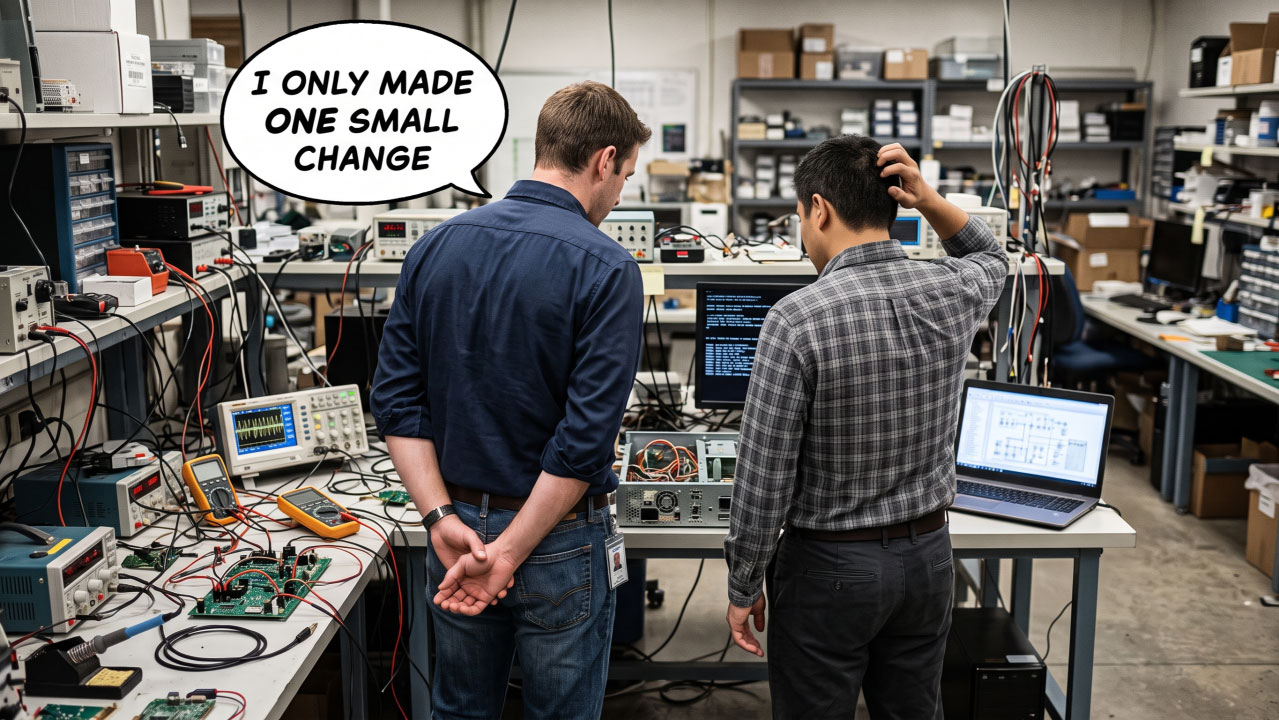
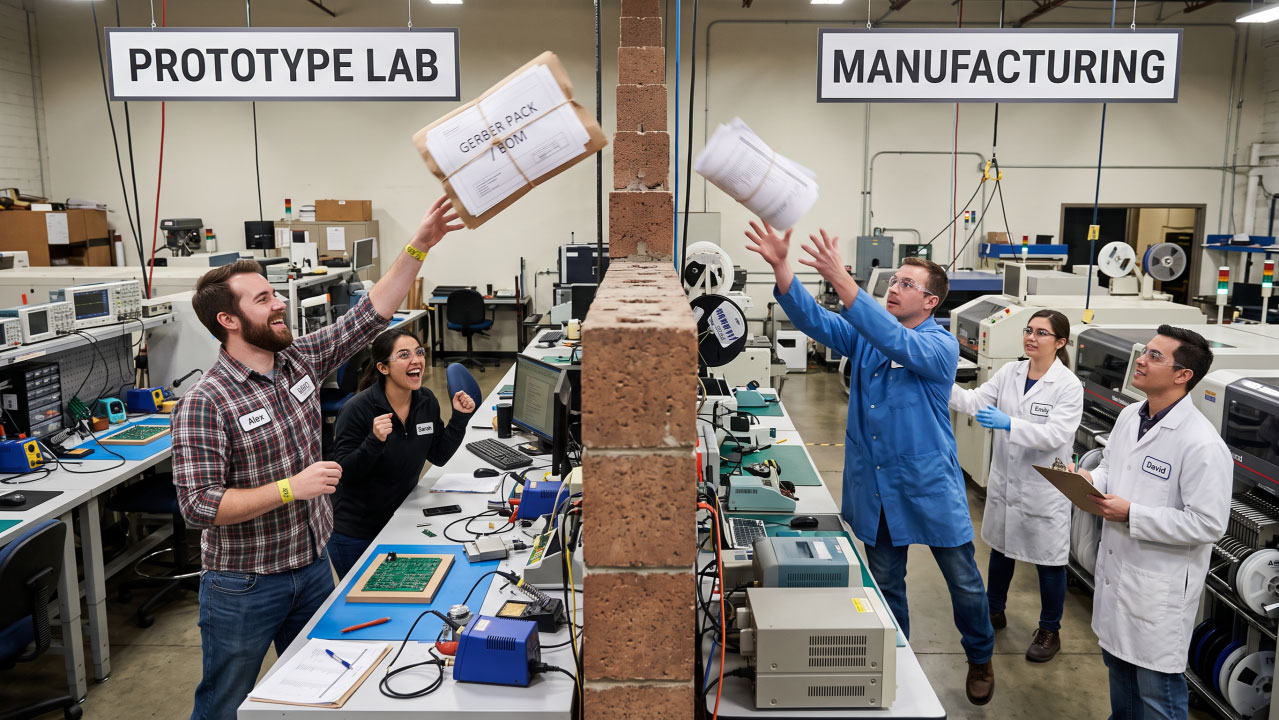
 Don’t Throw Away the Tests That Got Your Prototype Working
The first prototype arrives and the engineering team begins the process of proving the hardware.
Connections are checked.
Memories are exercised.
Peripherals are tested.
Problems are found, understood and fixed.
Eventually, the board works.
And then something slightly strange can happen.
Much of the test capability that helped get it working is never used again.
Bring-Up Creates More Than a Working Board
During bring-up, engineers build up a significant amount of knowledge about the hardware.
They learn how to initialise devices.
They discover which signals need to be controlled.
They find ways of checking memories and peripherals.
They work out how to distinguish between a software problem and a hardware problem.
Sometimes this knowledge becomes a formal test.
Sometimes it is a small utility written by one engineer.
Sometimes it is little more than a sequence of commands, measurements or notes that helped prove a particular part of the board.
But whatever form it takes, it has value.
The question is:
What happens to it once the prototype works?
A Test Shouldn't Necessarily Be Used Only Once
Some bring-up tests are naturally temporary.
But many aren't.
If a test helped prove that an interface was correctly connected on the first prototype, there may be no reason why the same test cannot help verify that interface again later.
The purpose simply changes.
During bring-up, the question might be:
“Did we design this correctly?”
During production:
“Has this particular board been assembled correctly?”
During repair:
“Which part of this board is no longer behaving correctly?”
Different stages of the product lifecycle.
But often the same underlying hardware evidence is useful.
Turn Engineering Knowledge into Something Repeatable
There is an important difference between knowing how to test something and having a test that someone else can run.
If an engineer manually performs a sequence of checks during bring-up, that knowledge may disappear when the project moves on.
If the same procedure is documented and automated where practical, it becomes reusable.
That means the effort invested during development can continue providing value.
Instead of every new team starting again, the product carries some of its diagnostic knowledge with it.
Boundary Scan Is Particularly Well Suited to Reuse
Boundary Scan can be especially useful here because structural tests are based on the hardware and its connectivity rather than depending entirely on the final application software.
A test created to verify connections between devices during bring-up can potentially verify those same connections during manufacturing.
A test used to exercise a memory, peripheral or other accessible device may remain useful during fault diagnosis.
The reason for running the test changes.
The physical hardware being checked does not.
That gives structural tests the potential to move with the product from development into production and later support.
Don't Lose the Tests at Handover
When a product moves from development into manufacturing, the handover typically includes things such as:
Schematics
PCB data
BOMs
Manufacturing information
Firmware
Programming files
Test specifications
It is worth asking whether the diagnostic capability developed during bring-up should be treated in exactly the same way.
Which tests proved particularly useful?
Which interfaces can be independently verified?
Which procedures helped isolate previous faults?
Which tools or scripts should be retained?
If that knowledge stays with one engineer rather than moving with the product, its value can easily be lost.
One Investment, Several Uses
The same test capability can potentially support:
Prototype bring-up — establishing confidence in the first hardware.
Design verification — proving that important areas of the PCB behave as intended.
Production — checking whether individual assemblies have been manufactured correctly.
Repair and rework — confirming whether a fault has been successfully corrected.
Failure analysis — narrowing down where to investigate a returned board.
Long-term support — providing engineers with diagnostic capability years after the original development team has moved on.
That starts to change the way we think about the cost of developing a test.
It isn't necessarily an investment for one stage of the project.
It can be an investment in the product's entire lifecycle.
Where XJTAG Fits
This is one reason an XJTAG project can become more than something used to bring up the first prototype.
Once the design information, device models and tests have been developed, that work can potentially be reused as the product moves into manufacturing, repair and support.
Rather than rebuilding the test strategy at every stage, the same underlying project can evolve with the hardware.
The value isn't simply in running another test.
It is in preserving and reusing what the engineering team has already learned.
Closing Thought
Getting the first prototype working shouldn't necessarily be the point at which your test investment ends.
It can be the point at which that investment starts becoming reusable.
The tests that help an engineer understand board number one may also help manufacturing verify board number 1,000—or help a service engineer understand a failure years later.
A good test isn't just something you run.
It's engineering knowledge you can reuse.
Board Design Tip of the Week
When your next prototype reaches the point where everyone agrees it is working, don't immediately move on.
Ask: “Which of the tests and diagnostic procedures we've developed should follow this product into production and support?”
Capture them.
Document them.
Automate them where practical.
And consider keeping them under the same configuration control as the rest of the product.
The knowledge required to prove the first board works may be just as valuable when a board much later in the product's lifecycle doesn't.
Discover more about your board design with the Free XJTAG Layout Viewer.
To get started find out how the Free XJTAG Layout Viewer can help you see on your board:
Download your Free XJTAG Layout Viewer today
Don’t Throw Away the Tests That Got Your Prototype Working
The first prototype arrives and the engineering team begins the process of proving the hardware.
Connections are checked.
Memories are exercised.
Peripherals are tested.
Problems are found, understood and fixed.
Eventually, the board works.
And then something slightly strange can happen.
Much of the test capability that helped get it working is never used again.
Bring-Up Creates More Than a Working Board
During bring-up, engineers build up a significant amount of knowledge about the hardware.
They learn how to initialise devices.
They discover which signals need to be controlled.
They find ways of checking memories and peripherals.
They work out how to distinguish between a software problem and a hardware problem.
Sometimes this knowledge becomes a formal test.
Sometimes it is a small utility written by one engineer.
Sometimes it is little more than a sequence of commands, measurements or notes that helped prove a particular part of the board.
But whatever form it takes, it has value.
The question is:
What happens to it once the prototype works?
A Test Shouldn't Necessarily Be Used Only Once
Some bring-up tests are naturally temporary.
But many aren't.
If a test helped prove that an interface was correctly connected on the first prototype, there may be no reason why the same test cannot help verify that interface again later.
The purpose simply changes.
During bring-up, the question might be:
“Did we design this correctly?”
During production:
“Has this particular board been assembled correctly?”
During repair:
“Which part of this board is no longer behaving correctly?”
Different stages of the product lifecycle.
But often the same underlying hardware evidence is useful.
Turn Engineering Knowledge into Something Repeatable
There is an important difference between knowing how to test something and having a test that someone else can run.
If an engineer manually performs a sequence of checks during bring-up, that knowledge may disappear when the project moves on.
If the same procedure is documented and automated where practical, it becomes reusable.
That means the effort invested during development can continue providing value.
Instead of every new team starting again, the product carries some of its diagnostic knowledge with it.
Boundary Scan Is Particularly Well Suited to Reuse
Boundary Scan can be especially useful here because structural tests are based on the hardware and its connectivity rather than depending entirely on the final application software.
A test created to verify connections between devices during bring-up can potentially verify those same connections during manufacturing.
A test used to exercise a memory, peripheral or other accessible device may remain useful during fault diagnosis.
The reason for running the test changes.
The physical hardware being checked does not.
That gives structural tests the potential to move with the product from development into production and later support.
Don't Lose the Tests at Handover
When a product moves from development into manufacturing, the handover typically includes things such as:
Schematics
PCB data
BOMs
Manufacturing information
Firmware
Programming files
Test specifications
It is worth asking whether the diagnostic capability developed during bring-up should be treated in exactly the same way.
Which tests proved particularly useful?
Which interfaces can be independently verified?
Which procedures helped isolate previous faults?
Which tools or scripts should be retained?
If that knowledge stays with one engineer rather than moving with the product, its value can easily be lost.
One Investment, Several Uses
The same test capability can potentially support:
Prototype bring-up — establishing confidence in the first hardware.
Design verification — proving that important areas of the PCB behave as intended.
Production — checking whether individual assemblies have been manufactured correctly.
Repair and rework — confirming whether a fault has been successfully corrected.
Failure analysis — narrowing down where to investigate a returned board.
Long-term support — providing engineers with diagnostic capability years after the original development team has moved on.
That starts to change the way we think about the cost of developing a test.
It isn't necessarily an investment for one stage of the project.
It can be an investment in the product's entire lifecycle.
Where XJTAG Fits
This is one reason an XJTAG project can become more than something used to bring up the first prototype.
Once the design information, device models and tests have been developed, that work can potentially be reused as the product moves into manufacturing, repair and support.
Rather than rebuilding the test strategy at every stage, the same underlying project can evolve with the hardware.
The value isn't simply in running another test.
It is in preserving and reusing what the engineering team has already learned.
Closing Thought
Getting the first prototype working shouldn't necessarily be the point at which your test investment ends.
It can be the point at which that investment starts becoming reusable.
The tests that help an engineer understand board number one may also help manufacturing verify board number 1,000—or help a service engineer understand a failure years later.
A good test isn't just something you run.
It's engineering knowledge you can reuse.
Board Design Tip of the Week
When your next prototype reaches the point where everyone agrees it is working, don't immediately move on.
Ask: “Which of the tests and diagnostic procedures we've developed should follow this product into production and support?”
Capture them.
Document them.
Automate them where practical.
And consider keeping them under the same configuration control as the rest of the product.
The knowledge required to prove the first board works may be just as valuable when a board much later in the product's lifecycle doesn't.
Discover more about your board design with the Free XJTAG Layout Viewer.
To get started find out how the Free XJTAG Layout Viewer can help you see on your board:
Download your Free XJTAG Layout Viewer today
Testing Times
Don’t Throw Away the Tests That Got Your Prototype Working
The first prototype arrives and the engineering team begins the process of proving the hardware.
Connections are checked.
Memories are exercised.
Peripherals are tested.
Problems are found, understood and fixed.
Eventually, the board works.
And then something slightly strange can happen.
Much of the test capability that helped get it working is never used again.
Bring-Up Creates More Than a Working Board
During bring-up, engineers build up a significant amount of knowledge about the hardware.
They learn how to initialise devices.
They discover which signals need to be controlled.
They find ways of checking memories and peripherals.
They work out how to distinguish between a software problem and a hardware problem.
Sometimes this knowledge becomes a formal test.
Sometimes it is a small utility written by one engineer.
Sometimes it is little more than a sequence of commands, measurements or notes that helped prove a particular part of the board.
But whatever form it takes, it has value.
The question is:
What happens to it once the prototype works?
A Test Shouldn't Necessarily Be Used Only Once
Some bring-up tests are naturally temporary.
But many aren't.
If a test helped prove that an interface was correctly connected on the first prototype, there may be no reason why the same test cannot help verify that interface again later.
The purpose simply changes.
During bring-up, the question might be:
“Did we design this correctly?”
During production:
“Has this particular board been assembled correctly?”
During repair:
“Which part of this board is no longer behaving correctly?”
Different stages of the product lifecycle.
But often the same underlying hardware evidence is useful.
Turn Engineering Knowledge into Something Repeatable
There is an important difference between knowing how to test something and having a test that someone else can run.
If an engineer manually performs a sequence of checks during bring-up, that knowledge may disappear when the project moves on.
If the same procedure is documented and automated where practical, it becomes reusable.
That means the effort invested during development can continue providing value.
Instead of every new team starting again, the product carries some of its diagnostic knowledge with it.
Boundary Scan Is Particularly Well Suited to Reuse
Boundary Scan can be especially useful here because structural tests are based on the hardware and its connectivity rather than depending entirely on the final application software.
A test created to verify connections between devices during bring-up can potentially verify those same connections during manufacturing.
A test used to exercise a memory, peripheral or other accessible device may remain useful during fault diagnosis.
The reason for running the test changes.
The physical hardware being checked does not.
That gives structural tests the potential to move with the product from development into production and later support.
Don't Lose the Tests at Handover
When a product moves from development into manufacturing, the handover typically includes things such as:
Schematics
PCB data
BOMs
Manufacturing information
Firmware
Programming files
Test specifications
It is worth asking whether the diagnostic capability developed during bring-up should be treated in exactly the same way.
Which tests proved particularly useful?
Which interfaces can be independently verified?
Which procedures helped isolate previous faults?
Which tools or scripts should be retained?
If that knowledge stays with one engineer rather than moving with the product, its value can easily be lost.
One Investment, Several Uses
The same test capability can potentially support:
Prototype bring-up — establishing confidence in the first hardware.
Design verification — proving that important areas of the PCB behave as intended.
Production — checking whether individual assemblies have been manufactured correctly.
Repair and rework — confirming whether a fault has been successfully corrected.
Failure analysis — narrowing down where to investigate a returned board.
Long-term support — providing engineers with diagnostic capability years after the original development team has moved on.
That starts to change the way we think about the cost of developing a test.
It isn't necessarily an investment for one stage of the project.
It can be an investment in the product's entire lifecycle.
Where XJTAG Fits
This is one reason an XJTAG project can become more than something used to bring up the first prototype.
Once the design information, device models and tests have been developed, that work can potentially be reused as the product moves into manufacturing, repair and support.
Rather than rebuilding the test strategy at every stage, the same underlying project can evolve with the hardware.
The value isn't simply in running another test.
It is in preserving and reusing what the engineering team has already learned.
Closing Thought
Getting the first prototype working shouldn't necessarily be the point at which your test investment ends.
It can be the point at which that investment starts becoming reusable.
The tests that help an engineer understand board number one may also help manufacturing verify board number 1,000—or help a service engineer understand a failure years later.
A good test isn't just something you run.
It's engineering knowledge you can reuse.
Board Design Tip of the Week
When your next prototype reaches the point where everyone agrees it is working, don't immediately move on.
Ask: “Which of the tests and diagnostic procedures we've developed should follow this product into production and support?”
Capture them.
Document them.
Automate them where practical.
And consider keeping them under the same configuration control as the rest of the product.
The knowledge required to prove the first board works may be just as valuable when a board much later in the product's lifecycle doesn't.
Discover more about your board design with the Free XJTAG Layout Viewer.
To get started find out how the Free XJTAG Layout Viewer can help you see on your board:
Download your Free XJTAG Layout Viewer today
 Your Board Already Has a Powerful PCB Test Capability
The design has been verified, production starts, the first boards come through test successfully.
Then one fails.
That is the moment you discover how good your test strategy really is.
Finding a fault on a prototype is one thing. The development team knows the design intimately, has access to schematics, debug software and bench equipment, and may be prepared to spend hours investigating an unusual problem.
Production is different.
When a manufactured board fails, the question isn't simply:
“Does it work?”
It becomes:
“What's wrong with this particular board, and how quickly can we find the fault?”
Prototype Debugging and Production Diagnosis Are Different
During development, engineers are often investigating the design itself.
Is the interface configured correctly?
Does the circuit behave as expected?
Are the component values right?
Does the software initialise the hardware correctly?
By the time a product reaches production, the design should already have been proven. The production test is answering a different question:
Has this particular assembly been manufactured correctly?
That changes the nature of the investigation.
A Failure Needs to Narrow the Search
Imagine a board fails because an interface is not responding.
A basic production test may tell you exactly that:
Interface failed.
But the engineer still has to work out why.
Is there an open connection?
A short?
A missing component?
A badly soldered pin beneath a BGA?
An incorrectly fitted device?
Or is the problem somewhere else entirely?
A useful test strategy should progressively reduce that search area.
The closer the test can get from:
“Something is wrong.”
to:
“Start looking here.”
the more useful it becomes.
This Is Where Structural Information Helps
Functional testing is extremely valuable in production because it proves that the completed product behaves as expected.
But when a functional test fails, the symptom can sometimes cover a large area of hardware.
Structural testing provides a different layer of evidence.
Boundary Scan can often verify inaccessible PCB connections independently of the application software and relate unexpected results back to the nets and devices involved.
That can help answer an important question:
Is this an assembly problem, and if so, where should we investigate first?
Boundary Scan does not replace functional production testing.
It complements it by providing another way to understand the hardware beneath the symptom.
One Failed Board May Be Manageable
If one board fails, spending an hour investigating it may not seem significant.
But what happens when ten fail?
Or fifty?
Or when the same type of fault appears repeatedly? At that point, diagnostic time starts affecting manufacturing throughput.
That is why the economics of production test aren't determined only by how quickly passing boards can be tested.
They are also influenced by how efficiently failed boards can be diagnosed.
A fast PASS/FAIL test followed by hours of fault finding may not be as efficient as it first appears.
Don't Wait for the First Failure to Think About Diagnosis
There is an important Design for Test lesson here.
When the first failed production board arrives, the PCB design is already complete.
If a reset cannot be controlled, an enable is inaccessible or an important interface cannot be exercised independently, the test engineer has to work within those constraints.
The opportunity to make a simple schematic change may have disappeared months earlier.
This is why testability shouldn't only ask:
“Can we detect a failure?”
It should also ask:
“If it fails, what information will we have?”
That question is much easier to answer while the schematic is still open.
Carry What You Learned During Bring-Up into Production
There is another opportunity that is often overlooked.
Structural tests developed during prototype bring-up don't necessarily need to be discarded once the design is working. Tests that proved connectivity, memories, peripherals or interfaces during development may also provide useful coverage in production. That means the effort invested in understanding the first prototypes can potentially become part of the manufacturing test strategy.
Instead of starting again, knowledge moves forward with the product.
Closing Thought
A string of passing boards doesn't really test your diagnostic strategy.
The first failure does.
That is when you discover whether your test simply detects a problem or actually helps the engineer understand it. And the difference between knowing:
“This board failed.”
and:
“This is where you should start looking.”
can determine whether the problem is diagnosed in minutes, investigated for hours or placed on a growing bone pile marked:
Investigate later.
The best production tests don't just catch faults.
They help engineers understand them.
Board Design Tip of the Week
Before releasing your next design, choose three realistic manufacturing faults.
For example:
An open connection beneath a BGA
A short between two adjacent signals
An incorrectly fitted peripheral
Then ask:
“If this happened on the production line, what would our test actually tell us?”
If the answer is simply:
FAIL
there may still be work to do.
Discover more about your board design with the Free XJTAG Layout Viewer.
To get started find out how the Free XJTAG Layout Viewer can help you see on your board:
Download your Free XJTAG Layout Viewer today
Your Board Already Has a Powerful PCB Test Capability
The design has been verified, production starts, the first boards come through test successfully.
Then one fails.
That is the moment you discover how good your test strategy really is.
Finding a fault on a prototype is one thing. The development team knows the design intimately, has access to schematics, debug software and bench equipment, and may be prepared to spend hours investigating an unusual problem.
Production is different.
When a manufactured board fails, the question isn't simply:
“Does it work?”
It becomes:
“What's wrong with this particular board, and how quickly can we find the fault?”
Prototype Debugging and Production Diagnosis Are Different
During development, engineers are often investigating the design itself.
Is the interface configured correctly?
Does the circuit behave as expected?
Are the component values right?
Does the software initialise the hardware correctly?
By the time a product reaches production, the design should already have been proven. The production test is answering a different question:
Has this particular assembly been manufactured correctly?
That changes the nature of the investigation.
A Failure Needs to Narrow the Search
Imagine a board fails because an interface is not responding.
A basic production test may tell you exactly that:
Interface failed.
But the engineer still has to work out why.
Is there an open connection?
A short?
A missing component?
A badly soldered pin beneath a BGA?
An incorrectly fitted device?
Or is the problem somewhere else entirely?
A useful test strategy should progressively reduce that search area.
The closer the test can get from:
“Something is wrong.”
to:
“Start looking here.”
the more useful it becomes.
This Is Where Structural Information Helps
Functional testing is extremely valuable in production because it proves that the completed product behaves as expected.
But when a functional test fails, the symptom can sometimes cover a large area of hardware.
Structural testing provides a different layer of evidence.
Boundary Scan can often verify inaccessible PCB connections independently of the application software and relate unexpected results back to the nets and devices involved.
That can help answer an important question:
Is this an assembly problem, and if so, where should we investigate first?
Boundary Scan does not replace functional production testing.
It complements it by providing another way to understand the hardware beneath the symptom.
One Failed Board May Be Manageable
If one board fails, spending an hour investigating it may not seem significant.
But what happens when ten fail?
Or fifty?
Or when the same type of fault appears repeatedly? At that point, diagnostic time starts affecting manufacturing throughput.
That is why the economics of production test aren't determined only by how quickly passing boards can be tested.
They are also influenced by how efficiently failed boards can be diagnosed.
A fast PASS/FAIL test followed by hours of fault finding may not be as efficient as it first appears.
Don't Wait for the First Failure to Think About Diagnosis
There is an important Design for Test lesson here.
When the first failed production board arrives, the PCB design is already complete.
If a reset cannot be controlled, an enable is inaccessible or an important interface cannot be exercised independently, the test engineer has to work within those constraints.
The opportunity to make a simple schematic change may have disappeared months earlier.
This is why testability shouldn't only ask:
“Can we detect a failure?”
It should also ask:
“If it fails, what information will we have?”
That question is much easier to answer while the schematic is still open.
Carry What You Learned During Bring-Up into Production
There is another opportunity that is often overlooked.
Structural tests developed during prototype bring-up don't necessarily need to be discarded once the design is working. Tests that proved connectivity, memories, peripherals or interfaces during development may also provide useful coverage in production. That means the effort invested in understanding the first prototypes can potentially become part of the manufacturing test strategy.
Instead of starting again, knowledge moves forward with the product.
Closing Thought
A string of passing boards doesn't really test your diagnostic strategy.
The first failure does.
That is when you discover whether your test simply detects a problem or actually helps the engineer understand it. And the difference between knowing:
“This board failed.”
and:
“This is where you should start looking.”
can determine whether the problem is diagnosed in minutes, investigated for hours or placed on a growing bone pile marked:
Investigate later.
The best production tests don't just catch faults.
They help engineers understand them.
Board Design Tip of the Week
Before releasing your next design, choose three realistic manufacturing faults.
For example:
An open connection beneath a BGA
A short between two adjacent signals
An incorrectly fitted peripheral
Then ask:
“If this happened on the production line, what would our test actually tell us?”
If the answer is simply:
FAIL
there may still be work to do.
Discover more about your board design with the Free XJTAG Layout Viewer.
To get started find out how the Free XJTAG Layout Viewer can help you see on your board:
Download your Free XJTAG Layout Viewer today
 PASS or FAIL Isn’t Enough
A production test has one obvious job, tell us whether the board passes or fails.
But sooner or later, a board will fail and at that point, FAIL is only the beginning of the engineering problem. The more useful question becomes:
Why did it fail?
The First Failed Board Changes the Question
When every board is passing, the test strategy can look excellent.
Then the first failure arrives, perhaps DDR isn't responding, an Ethernet interface doesn't come up, a peripheral can't be detected or the product simply refuses to boot.
A functional test may tell you which part of the system isn't behaving correctly.
But the test engineer still has to determine whether the cause is:
A component fault
An open connection
A short
An incorrectly fitted device
A configuration problem
Or something else entirely
Suddenly the quality of the diagnostic information matters just as much as the test itself.
Think About Diagnosis While You're Designing the Test
There is an important difference between:
“This interface failed.”
and:
“These connections associated with this interface are not behaving as expected.”
The second gives the engineer somewhere to start. That is why a good test strategy shouldn't only consider whether a fault can be detected.
It should also ask:
What information will we get when it happens?
The answer can have a major effect on repair time, manufacturing throughput and ultimately the cost of dealing with failures.
Structural Testing Adds Another Layer of Evidence
This is one area where Boundary Scan can be particularly useful. Because Boundary Scan software understands the PCB connectivity, a structural test can often relate an unexpected result back to the signals and devices involved.
Instead of knowing only that a memory test failed, for example, engineers may be able to investigate the individual connections making up that interface.
That doesn't mean Boundary Scan identifies every fault automatically.
But it can significantly reduce the area that needs investigating.
And reducing uncertainty is often the fastest way to find the real problem.
A Test Should Help the Person Who Comes Next
It is easy to develop tests from the perspective of the person creating them. But think about the engineer who receives the failed board six months later.
They may not have designed the hardware.
They may not know its history.
They may be supporting hundreds of products rather than one prototype.
For them, FAIL isn't much of a diagnostic.
A useful test should provide enough information to help answer:
Where should I look next?
Closing Thought
Detecting a faulty board is important. Understanding why it failed is considerably more valuable.
So when you're thinking about test coverage, don't stop at:
“Can we test this?”
Ask one more question:
“If it fails, what will the test tell us?”
That question can make the difference between quickly isolating a manufacturing fault and putting another board onto the growing pile marked investigate later.
Board Design Tip of the Week
When reviewing your test strategy, look at some realistic failure scenarios.
Imagine an open circuit beneath a BGA, a short between two adjacent signals or a peripheral that hasn't been assembled correctly.
Then ask: Would our test merely tell us that the board failed or would it help an engineer work out where to look?
Good diagnostics should be considered alongside good test coverage.
Discover more about your board design with the Free XJTAG Layout Viewer.
To get started find out how the Free XJTAG Layout Viewer can help you see on your board:
Download your Free XJTAG Layout Viewer today
PASS or FAIL Isn’t Enough
A production test has one obvious job, tell us whether the board passes or fails.
But sooner or later, a board will fail and at that point, FAIL is only the beginning of the engineering problem. The more useful question becomes:
Why did it fail?
The First Failed Board Changes the Question
When every board is passing, the test strategy can look excellent.
Then the first failure arrives, perhaps DDR isn't responding, an Ethernet interface doesn't come up, a peripheral can't be detected or the product simply refuses to boot.
A functional test may tell you which part of the system isn't behaving correctly.
But the test engineer still has to determine whether the cause is:
A component fault
An open connection
A short
An incorrectly fitted device
A configuration problem
Or something else entirely
Suddenly the quality of the diagnostic information matters just as much as the test itself.
Think About Diagnosis While You're Designing the Test
There is an important difference between:
“This interface failed.”
and:
“These connections associated with this interface are not behaving as expected.”
The second gives the engineer somewhere to start. That is why a good test strategy shouldn't only consider whether a fault can be detected.
It should also ask:
What information will we get when it happens?
The answer can have a major effect on repair time, manufacturing throughput and ultimately the cost of dealing with failures.
Structural Testing Adds Another Layer of Evidence
This is one area where Boundary Scan can be particularly useful. Because Boundary Scan software understands the PCB connectivity, a structural test can often relate an unexpected result back to the signals and devices involved.
Instead of knowing only that a memory test failed, for example, engineers may be able to investigate the individual connections making up that interface.
That doesn't mean Boundary Scan identifies every fault automatically.
But it can significantly reduce the area that needs investigating.
And reducing uncertainty is often the fastest way to find the real problem.
A Test Should Help the Person Who Comes Next
It is easy to develop tests from the perspective of the person creating them. But think about the engineer who receives the failed board six months later.
They may not have designed the hardware.
They may not know its history.
They may be supporting hundreds of products rather than one prototype.
For them, FAIL isn't much of a diagnostic.
A useful test should provide enough information to help answer:
Where should I look next?
Closing Thought
Detecting a faulty board is important. Understanding why it failed is considerably more valuable.
So when you're thinking about test coverage, don't stop at:
“Can we test this?”
Ask one more question:
“If it fails, what will the test tell us?”
That question can make the difference between quickly isolating a manufacturing fault and putting another board onto the growing pile marked investigate later.
Board Design Tip of the Week
When reviewing your test strategy, look at some realistic failure scenarios.
Imagine an open circuit beneath a BGA, a short between two adjacent signals or a peripheral that hasn't been assembled correctly.
Then ask: Would our test merely tell us that the board failed or would it help an engineer work out where to look?
Good diagnostics should be considered alongside good test coverage.
Discover more about your board design with the Free XJTAG Layout Viewer.
To get started find out how the Free XJTAG Layout Viewer can help you see on your board:
Download your Free XJTAG Layout Viewer today
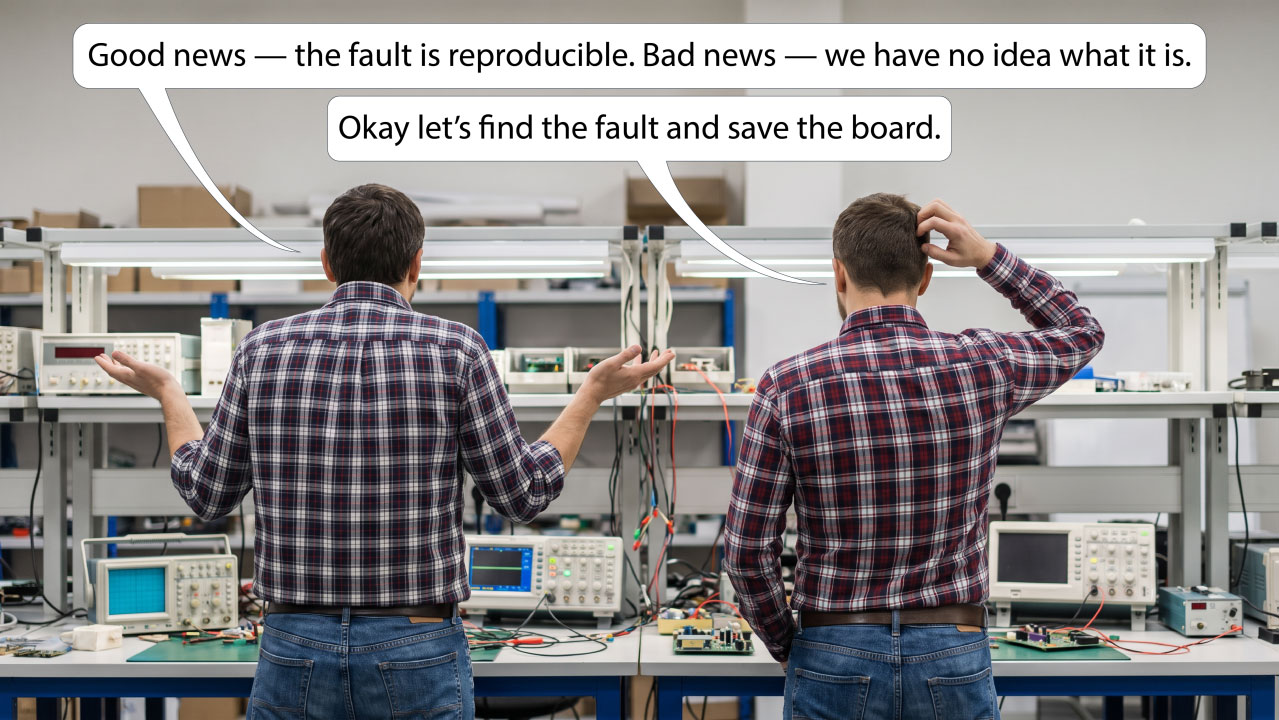 Your Development Board Cost Thousands. What Happens When It Stops Working?
FPGA and SoC development platforms are powerful, complex and sometimes extremely expensive. Perhaps they deserve a test strategy of their own.
Development boards have changed dramatically.
What was once a relatively simple PCB containing an FPGA, some memory and a few connectors can now be an extremely sophisticated system in its own right.
Today's FPGA and SoC development platforms may contain:
High-end FPGAs or adaptive SoCs
Multiple memory technologies
High-speed serial interfaces
Ethernet PHYs
PCIe
Power-management circuitry
ADCs and DACs
Configuration memories
Expansion connectors
Multiple voltage and power domains
They are invaluable engineering tools, they can also represent a significant investment.
So what happens when one suddenly stops behaving as expected?
The First Question Is Usually: What Changed?
Perhaps the board worked perfectly yesterday.
Now the FPGA won't configure.
The processor won't boot.
DDR initialisation fails.
An Ethernet interface has disappeared.
Or a mezzanine card that previously worked is no longer being detected.
The natural reaction is to look at whatever changed most recently.
Was it the FPGA image?
The software?
A configuration setting?
A cable?
The power supply?
The expansion card?
That is entirely reasonable.
But eventually another possibility has to be considered:
What if the development board itself has developed a hardware problem?
Development Boards Have Difficult Lives
Development platforms don't always live in gentle environments. They sit on engineers' benches, cables are connected and disconnected repeatedly. expansion cards are changed, Jumpers and switches are moved, and power is cycled constantly.
Signals may be brought onto the board from external circuitry that is itself still under development. And unlike the final product, the development platform may be used in configurations its designers could never reasonably have anticipated.
Most of the time, these boards tolerate this remarkably well.
But they are still electronic assemblies.
Components can fail.
Connectors can be damaged.
Solder joints can develop problems.
Power circuitry can be affected.
And accidental electrical overstress is always possible when prototype hardware is involved.
The Problem Is Establishing What You Know
When something stops working, the challenge isn't necessarily repairing it immediately.
The first challenge is establishing where the problem actually is.
Suppose an FPGA no longer communicates with a peripheral.
Is the FPGA configuration wrong?
Has the peripheral failed?
Is there a problem with the PCB connection between them?
Is a power rail missing?
Has a clock disappeared?
Or is the application software simply no longer configuring the interface correctly?
The symptom alone rarely tells you.
And that can turn an apparently simple problem into hours—or days—of investigation.
Vendor Support Is Valuable, but Independent Evidence Is Valuable Too
Development-board manufacturers generally provide extensive documentation, reference designs, software examples and technical support.
All of that is extremely useful.
But there is still value in being able to independently establish confidence in the hardware sitting on your own bench.
Not because vendor support has failed.
And not because you should be expected to repair every problem yourself.
But because additional evidence can dramatically improve the engineering conversation.
Instead of saying:
“The board doesn't seem to work anymore.”
you may be able to establish:
“The JTAG chain is intact, these connections test correctly, this device responds as expected, but this area of the board does not.”
That is a very different starting point.
A Development Board Is Still a PCB
It is easy to think of a development platform as a complete product.
Plug it in.
Download the tools.
Load the design.
Start developing.
But electrically, it is still a PCB full of interconnected semiconductor devices.
The FPGA or SoC at the centre of the board may provide access to a surprisingly large amount of surrounding circuitry.
That means the development board itself may already contain much of the hardware required to perform useful structural tests.
Boundary Scan Gives You Another View of the Hardware
A normal development workflow tends to look at the board through the application.
Configure the FPGA.
Boot the processor.
Run software.
Exercise the interface.
That works extremely well—until the application itself cannot run.
Boundary Scan provides a different route.
Because its test logic operates independently of the application, it may still be possible to access the hardware even when the FPGA design, processor software or operating system is unavailable.
Depending on the board and the devices fitted, Boundary Scan may help engineers investigate areas such as:
JTAG chain integrity
Connections between Boundary Scan devices
Memories
Peripheral interfaces
GPIO
Control signals
Configuration circuitry
Other accessible non-JTAG components
It doesn't replace the vendor's diagnostics or your normal development tools.
It provides another source of evidence.
Proving What Still Works
This is perhaps the most useful mindset.
When an expensive development board develops an unexplained problem, don't begin by assuming that the entire board is faulty.
Start by asking: What can I prove still works?
Can you communicate with the devices in the JTAG chain?
Can you verify connections between major devices?
Can you exercise an attached memory?
Can you control or observe the signals connected to a peripheral?
Can you establish that a particular section of the PCB is behaving correctly?
Every positive result eliminates another possible cause.
And as we've discussed throughout Testing Times, reducing the list of possibilities is often the fastest route to understanding the real problem.
The Same Principle Applies to Your Own Prototype
There is a wider lesson here.
If independent structural testing is useful for an expensive commercial development platform, it is probably worth considering for the hardware your own engineering team is developing as well.
A development board has usually been designed by an experienced engineering team with extensive debug access.
Your first prototype may not have that luxury. Thinking about test access during your own design process can provide the same advantage:
the ability to establish confidence in the hardware independently of the application running on it. That becomes especially valuable when the software and hardware are being developed at the same time.
Perhaps Development Boards Deserve a Test Strategy Too
We spend a lot of time thinking about the products we design.
Far less attention is given to the development equipment we depend on to create them.
Yet a high-end FPGA or SoC development board may be one of the most important pieces of hardware on an engineer's bench.
If losing access to it can stop development, having a way to establish whether the board itself is healthy starts to make sense.
Not necessarily as a full manufacturing test.
Not as a replacement for vendor support.
But as a practical engineering diagnostic.
Where Boundary Scan Testing Fits
This is one of the areas where Boundary Scan software such as XJTAG can be useful.
By combining the Boundary Scan capability already built into the devices with information about how the development board is connected, XJTAG can provide an independent way of exercising and checking accessible parts of the hardware.
For supported development platforms, that can turn the JTAG connection already present on the board into something more than a programming and debugging interface.
It becomes another route to understanding the PCB itself.
And importantly, it complements the manufacturer's existing tools rather than replacing them.
Closing Thought
Modern development boards are extraordinarily capable pieces of engineering.
They are also becoming increasingly complex and increasingly valuable.
When one stops behaving as expected, the most useful question isn't immediately:
“Is the board broken?”
It is: “What can I independently prove about the hardware?”
Vendor diagnostics, application software and conventional bench equipment all have an important role to play.
Boundary Scan can add another layer of evidence.
And when a development project is waiting for an answer, that additional visibility can be extremely valuable. Perhaps the expensive development board on your bench deserves a test strategy of its own.
Board Design Tip of the Week
The next time you select a development board, don't look only at the FPGA, processor, memory capacity and interfaces.
Also look at the diagnostic access the platform provides.
Is the JTAG chain readily accessible?
Are schematics available?
Can important devices and interfaces be reached independently of the application?
Those details may seem relatively unimportant when everything is working.
They become considerably more valuable the day it isn't.
Want to See What's Possible on Your Development Board?
XJTAG supports a growing range of FPGA and SoC development and evaluation boards, helping engineers use the Boundary Scan capability already built into the hardware to gain greater visibility into the PCB.
If you're using a supported platform, you can explore the available boards and see how XJTAG can help you test and diagnose the hardware here:
Explore XJTAG supported development and evaluation boards: https://www.xjtag.com/development-evaluation-boards/
Discover more about your board design with the Free XJTAG Layout Viewer.
To get started find out how the Free XJTAG Layout Viewer can help you see on your board:
Download your Free XJTAG Layout Viewer today
Your Development Board Cost Thousands. What Happens When It Stops Working?
FPGA and SoC development platforms are powerful, complex and sometimes extremely expensive. Perhaps they deserve a test strategy of their own.
Development boards have changed dramatically.
What was once a relatively simple PCB containing an FPGA, some memory and a few connectors can now be an extremely sophisticated system in its own right.
Today's FPGA and SoC development platforms may contain:
High-end FPGAs or adaptive SoCs
Multiple memory technologies
High-speed serial interfaces
Ethernet PHYs
PCIe
Power-management circuitry
ADCs and DACs
Configuration memories
Expansion connectors
Multiple voltage and power domains
They are invaluable engineering tools, they can also represent a significant investment.
So what happens when one suddenly stops behaving as expected?
The First Question Is Usually: What Changed?
Perhaps the board worked perfectly yesterday.
Now the FPGA won't configure.
The processor won't boot.
DDR initialisation fails.
An Ethernet interface has disappeared.
Or a mezzanine card that previously worked is no longer being detected.
The natural reaction is to look at whatever changed most recently.
Was it the FPGA image?
The software?
A configuration setting?
A cable?
The power supply?
The expansion card?
That is entirely reasonable.
But eventually another possibility has to be considered:
What if the development board itself has developed a hardware problem?
Development Boards Have Difficult Lives
Development platforms don't always live in gentle environments. They sit on engineers' benches, cables are connected and disconnected repeatedly. expansion cards are changed, Jumpers and switches are moved, and power is cycled constantly.
Signals may be brought onto the board from external circuitry that is itself still under development. And unlike the final product, the development platform may be used in configurations its designers could never reasonably have anticipated.
Most of the time, these boards tolerate this remarkably well.
But they are still electronic assemblies.
Components can fail.
Connectors can be damaged.
Solder joints can develop problems.
Power circuitry can be affected.
And accidental electrical overstress is always possible when prototype hardware is involved.
The Problem Is Establishing What You Know
When something stops working, the challenge isn't necessarily repairing it immediately.
The first challenge is establishing where the problem actually is.
Suppose an FPGA no longer communicates with a peripheral.
Is the FPGA configuration wrong?
Has the peripheral failed?
Is there a problem with the PCB connection between them?
Is a power rail missing?
Has a clock disappeared?
Or is the application software simply no longer configuring the interface correctly?
The symptom alone rarely tells you.
And that can turn an apparently simple problem into hours—or days—of investigation.
Vendor Support Is Valuable, but Independent Evidence Is Valuable Too
Development-board manufacturers generally provide extensive documentation, reference designs, software examples and technical support.
All of that is extremely useful.
But there is still value in being able to independently establish confidence in the hardware sitting on your own bench.
Not because vendor support has failed.
And not because you should be expected to repair every problem yourself.
But because additional evidence can dramatically improve the engineering conversation.
Instead of saying:
“The board doesn't seem to work anymore.”
you may be able to establish:
“The JTAG chain is intact, these connections test correctly, this device responds as expected, but this area of the board does not.”
That is a very different starting point.
A Development Board Is Still a PCB
It is easy to think of a development platform as a complete product.
Plug it in.
Download the tools.
Load the design.
Start developing.
But electrically, it is still a PCB full of interconnected semiconductor devices.
The FPGA or SoC at the centre of the board may provide access to a surprisingly large amount of surrounding circuitry.
That means the development board itself may already contain much of the hardware required to perform useful structural tests.
Boundary Scan Gives You Another View of the Hardware
A normal development workflow tends to look at the board through the application.
Configure the FPGA.
Boot the processor.
Run software.
Exercise the interface.
That works extremely well—until the application itself cannot run.
Boundary Scan provides a different route.
Because its test logic operates independently of the application, it may still be possible to access the hardware even when the FPGA design, processor software or operating system is unavailable.
Depending on the board and the devices fitted, Boundary Scan may help engineers investigate areas such as:
JTAG chain integrity
Connections between Boundary Scan devices
Memories
Peripheral interfaces
GPIO
Control signals
Configuration circuitry
Other accessible non-JTAG components
It doesn't replace the vendor's diagnostics or your normal development tools.
It provides another source of evidence.
Proving What Still Works
This is perhaps the most useful mindset.
When an expensive development board develops an unexplained problem, don't begin by assuming that the entire board is faulty.
Start by asking: What can I prove still works?
Can you communicate with the devices in the JTAG chain?
Can you verify connections between major devices?
Can you exercise an attached memory?
Can you control or observe the signals connected to a peripheral?
Can you establish that a particular section of the PCB is behaving correctly?
Every positive result eliminates another possible cause.
And as we've discussed throughout Testing Times, reducing the list of possibilities is often the fastest route to understanding the real problem.
The Same Principle Applies to Your Own Prototype
There is a wider lesson here.
If independent structural testing is useful for an expensive commercial development platform, it is probably worth considering for the hardware your own engineering team is developing as well.
A development board has usually been designed by an experienced engineering team with extensive debug access.
Your first prototype may not have that luxury. Thinking about test access during your own design process can provide the same advantage:
the ability to establish confidence in the hardware independently of the application running on it. That becomes especially valuable when the software and hardware are being developed at the same time.
Perhaps Development Boards Deserve a Test Strategy Too
We spend a lot of time thinking about the products we design.
Far less attention is given to the development equipment we depend on to create them.
Yet a high-end FPGA or SoC development board may be one of the most important pieces of hardware on an engineer's bench.
If losing access to it can stop development, having a way to establish whether the board itself is healthy starts to make sense.
Not necessarily as a full manufacturing test.
Not as a replacement for vendor support.
But as a practical engineering diagnostic.
Where Boundary Scan Testing Fits
This is one of the areas where Boundary Scan software such as XJTAG can be useful.
By combining the Boundary Scan capability already built into the devices with information about how the development board is connected, XJTAG can provide an independent way of exercising and checking accessible parts of the hardware.
For supported development platforms, that can turn the JTAG connection already present on the board into something more than a programming and debugging interface.
It becomes another route to understanding the PCB itself.
And importantly, it complements the manufacturer's existing tools rather than replacing them.
Closing Thought
Modern development boards are extraordinarily capable pieces of engineering.
They are also becoming increasingly complex and increasingly valuable.
When one stops behaving as expected, the most useful question isn't immediately:
“Is the board broken?”
It is: “What can I independently prove about the hardware?”
Vendor diagnostics, application software and conventional bench equipment all have an important role to play.
Boundary Scan can add another layer of evidence.
And when a development project is waiting for an answer, that additional visibility can be extremely valuable. Perhaps the expensive development board on your bench deserves a test strategy of its own.
Board Design Tip of the Week
The next time you select a development board, don't look only at the FPGA, processor, memory capacity and interfaces.
Also look at the diagnostic access the platform provides.
Is the JTAG chain readily accessible?
Are schematics available?
Can important devices and interfaces be reached independently of the application?
Those details may seem relatively unimportant when everything is working.
They become considerably more valuable the day it isn't.
Want to See What's Possible on Your Development Board?
XJTAG supports a growing range of FPGA and SoC development and evaluation boards, helping engineers use the Boundary Scan capability already built into the hardware to gain greater visibility into the PCB.
If you're using a supported platform, you can explore the available boards and see how XJTAG can help you test and diagnose the hardware here:
Explore XJTAG supported development and evaluation boards: https://www.xjtag.com/development-evaluation-boards/
Discover more about your board design with the Free XJTAG Layout Viewer.
To get started find out how the Free XJTAG Layout Viewer can help you see on your board:
Download your Free XJTAG Layout Viewer today
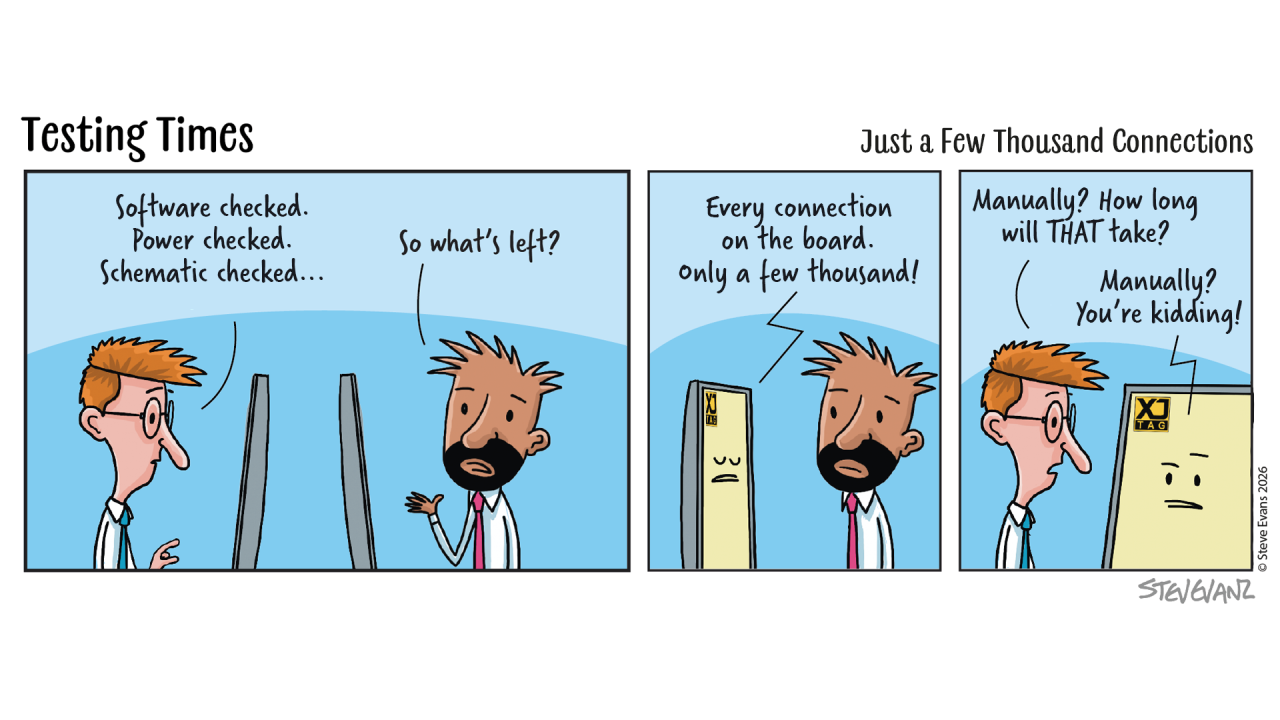 Design Verification to Production Test Why Early Test Input Matters
There is an important transition in almost every hardware development project.
The design has progressed through schematic capture, PCB layout, prototype manufacture, bring-up and verification.
The engineering team has worked to establish that the design behaves correctly across the operating conditions, component tolerances and variations the product is expected to encounter.
As the product moves towards production, another engineering challenge becomes increasingly important:
How are we going to test every board we manufacture?
That is where the requirements of production test begin to look rather different from those of design verification.
A Proven Design Isn't the Same as a Production Test
The development team and production test team are ultimately working towards the same objective: confidence in the product.
But they approach that objective from different perspectives.
During development, engineers need to demonstrate that the design itself is correct.
They investigate interfaces, validate performance, exercise operating conditions and establish that the product meets its requirements.
Production test has a different task.
Once the design moves into manufacture, engineers need a repeatable way of determining whether each individual PCB has been assembled correctly.
And when one hasn't, they need enough information to determine where the problem is likely to be.
Both are important, but they answer different questions.
The Design Influences the Test Long Before Production Begins
By the time a design approaches production, many of the decisions that influence how it can be tested have already been made.
The PCB determines which signals are physically accessible.
The circuitry determines which devices can be controlled and observed.
The JTAG architecture determines how Boundary Scan devices can be accessed.
Reset, enable and mode circuitry affects which parts of the board can be exercised independently.
Power architecture, buffers, multiplexers and connectors can all influence the eventual production test strategy.
Test engineers may already have had some involvement during development—and in many organisations they will.
The important point is that the earlier test requirements are considered, the more opportunity there is to make useful changes.
As the design progresses towards release, those options naturally become more constrained.
Give the Test Engineer More Options
Consider a peripheral connected to a Boundary Scan-enabled FPGA.
The FPGA may provide excellent access to the interface.
But suppose the peripheral's reset can only be released once the processor is running application software.
Or perhaps a buffer sits between the FPGA and the peripheral, but its enable cannot be controlled independently during test.
The potential test path exists, but making practical use of it has become more difficult.
Identified during schematic development, the answer might be as simple as a resistor option, an alternative control path or access to an additional signal.
Identified after PCB layout or during an early production build—the available solutions are likely to be more limited.
This is why relatively small design decisions can have a disproportionate effect on testability later.
Production Testing Asks Different Questions
During development, one of the central questions is:
“Does this design operate correctly across the conditions it needs to support?”
Production test asks:
“Has this particular board been manufactured correctly?”
And if it hasn't:
“Can we identify the likely fault quickly enough to diagnose, repair or reject it?”
In a production environment, those questions need to be answered repeatedly and efficiently.
A diagnostic process that is perfectly reasonable when investigating an occasional prototype may become impractical if it has to be repeated across every failed production board.
The test therefore needs to be repeatable.
The results need to be meaningful.
And ideally, a failure should provide useful information about where further investigation should begin.
Boundary Scan Can Help Bridge the Gap
This is one of the reasons Boundary Scan can be particularly valuable as a product moves from development towards manufacturing.
The structural tests created during prototype bring-up and verification don't necessarily have to disappear once development progresses.
They can potentially become part of the production test strategy.
Tests that verify PCB connectivity during development can continue checking those same connections on manufactured boards.
Tests developed for memories, peripherals and interfaces may also be reusable.
That creates an opportunity to carry both engineering knowledge and test capability forward rather than starting again when the product reaches production.
Develop Once, Reuse Many Times
This can significantly increase the value of the original test development effort.
A Boundary Scan test might initially be created to provide confidence during prototype bring-up or design verification.
That same test capability can potentially support:
Prototype bring-up
Design verification
Production test
Repair and rework
Failure analysis
Service and support
The test doesn't have to belong to one phase of the product lifecycle.
It can become an engineering asset that continues to provide value as the product moves from development into manufacture and beyond.
Test Engineers Need More Than a Working Design
As a product approaches production, the test team benefits from understanding not only how the product works, but how it was designed to be tested.
Which areas can Boundary Scan verify?
Which devices can be controlled independently?
Which tests proved particularly useful during development?
Which areas require application software?
Where are the known gaps in coverage?
What diagnostic information will be available when a test fails?
Answering those questions earlier makes the transition into production test much easier.
It also gives the test engineer an opportunity to identify areas where a relatively small design change could provide substantially greater test access.
Bring Development and Test Together Earlier
This doesn't mean every hardware designer needs to become a production test engineer.
Nor does it mean the complete manufacturing test needs to exist before the first prototype is built.
It means giving the people responsible for production test an opportunity to contribute while their input can still influence the design.
The hardware engineer understands how the circuit is intended to operate and what must be demonstrated during design verification.
The test engineer brings a different perspective:
How can this be tested repeatedly?
How can this section be isolated?
Can this device be put into the required state without relying on the complete application?
If a board fails, what information will the test provide?
Bringing those perspectives together can produce a product that is not only well designed, but considerably easier to manufacture and support.
Avoid Making the Test Engineer Reverse-Engineer the Test Strategy
When testability has been considered during development, the production test engineer starts with a much stronger foundation.
They don't have to discover late in the process whether an enable can be overridden.
They don't have to find an unexpected way of disabling a watchdog.
They don't have to discover that one inaccessible control signal prevents an otherwise testable interface from being exercised.
Instead, many of those questions have already been considered as part of the design.
The test engineer can then concentrate on developing the most effective production test rather than finding ways around avoidable hardware constraints.
A Better Handover
Moving a product towards manufacturing shouldn't be a moment where one team simply finishes and another begins.
Ideally, knowledge moves with the product.
The design team understands what has been verified and where the difficult areas are.
The test team understands what must be proved repeatedly on each manufactured assembly.
Boundary Scan provides one way of carrying structural test capability between those stages.
And when test requirements have influenced the design early enough, the production test engineer has substantially more options available.
Closing Thought
Design verification and production test perform different jobs.
One establishes confidence that the design is correct.
The other helps establish that each manufactured board has been assembled correctly.
Thinking about both while the PCB can still be changed makes that transition considerably easier.
The objective isn't to ask the test team to design the product.
It is to make sure that, when they need to develop an effective production test, the design hasn't unnecessarily restricted the tools available to them.
Board Design Tip of the Week
Before your next design is released for layout, involve someone who understands how the product will eventually be tested in production.
Don't ask them to develop the complete production test.
Ask: “Is there anything we could change now that would give you better control, observation or diagnostic access later?”
It might be a resistor option, an accessible enable, a controllable reset, a way of disabling a watchdog or a small change to the JTAG architecture.
These changes may have little impact on the product's normal operation.
But they can give the test engineer considerably more freedom when each manufactured board needs to be tested quickly, consistently and with useful diagnostics.
Could boundary scan save time on your next design?
Discover how boundary scan can help you improve test coverage, diagnose faults faster and simplify board testing:
See what you can test with XJTAG.
Discover more about your board design with the Free XJTAG Layout Viewer.
To get started find out how the Free XJTAG Layout Viewer can help you see your board connections:
Download your Free XJTAG Layout Viewer today
Design Verification to Production Test Why Early Test Input Matters
There is an important transition in almost every hardware development project.
The design has progressed through schematic capture, PCB layout, prototype manufacture, bring-up and verification.
The engineering team has worked to establish that the design behaves correctly across the operating conditions, component tolerances and variations the product is expected to encounter.
As the product moves towards production, another engineering challenge becomes increasingly important:
How are we going to test every board we manufacture?
That is where the requirements of production test begin to look rather different from those of design verification.
A Proven Design Isn't the Same as a Production Test
The development team and production test team are ultimately working towards the same objective: confidence in the product.
But they approach that objective from different perspectives.
During development, engineers need to demonstrate that the design itself is correct.
They investigate interfaces, validate performance, exercise operating conditions and establish that the product meets its requirements.
Production test has a different task.
Once the design moves into manufacture, engineers need a repeatable way of determining whether each individual PCB has been assembled correctly.
And when one hasn't, they need enough information to determine where the problem is likely to be.
Both are important, but they answer different questions.
The Design Influences the Test Long Before Production Begins
By the time a design approaches production, many of the decisions that influence how it can be tested have already been made.
The PCB determines which signals are physically accessible.
The circuitry determines which devices can be controlled and observed.
The JTAG architecture determines how Boundary Scan devices can be accessed.
Reset, enable and mode circuitry affects which parts of the board can be exercised independently.
Power architecture, buffers, multiplexers and connectors can all influence the eventual production test strategy.
Test engineers may already have had some involvement during development—and in many organisations they will.
The important point is that the earlier test requirements are considered, the more opportunity there is to make useful changes.
As the design progresses towards release, those options naturally become more constrained.
Give the Test Engineer More Options
Consider a peripheral connected to a Boundary Scan-enabled FPGA.
The FPGA may provide excellent access to the interface.
But suppose the peripheral's reset can only be released once the processor is running application software.
Or perhaps a buffer sits between the FPGA and the peripheral, but its enable cannot be controlled independently during test.
The potential test path exists, but making practical use of it has become more difficult.
Identified during schematic development, the answer might be as simple as a resistor option, an alternative control path or access to an additional signal.
Identified after PCB layout or during an early production build—the available solutions are likely to be more limited.
This is why relatively small design decisions can have a disproportionate effect on testability later.
Production Testing Asks Different Questions
During development, one of the central questions is:
“Does this design operate correctly across the conditions it needs to support?”
Production test asks:
“Has this particular board been manufactured correctly?”
And if it hasn't:
“Can we identify the likely fault quickly enough to diagnose, repair or reject it?”
In a production environment, those questions need to be answered repeatedly and efficiently.
A diagnostic process that is perfectly reasonable when investigating an occasional prototype may become impractical if it has to be repeated across every failed production board.
The test therefore needs to be repeatable.
The results need to be meaningful.
And ideally, a failure should provide useful information about where further investigation should begin.
Boundary Scan Can Help Bridge the Gap
This is one of the reasons Boundary Scan can be particularly valuable as a product moves from development towards manufacturing.
The structural tests created during prototype bring-up and verification don't necessarily have to disappear once development progresses.
They can potentially become part of the production test strategy.
Tests that verify PCB connectivity during development can continue checking those same connections on manufactured boards.
Tests developed for memories, peripherals and interfaces may also be reusable.
That creates an opportunity to carry both engineering knowledge and test capability forward rather than starting again when the product reaches production.
Develop Once, Reuse Many Times
This can significantly increase the value of the original test development effort.
A Boundary Scan test might initially be created to provide confidence during prototype bring-up or design verification.
That same test capability can potentially support:
Prototype bring-up
Design verification
Production test
Repair and rework
Failure analysis
Service and support
The test doesn't have to belong to one phase of the product lifecycle.
It can become an engineering asset that continues to provide value as the product moves from development into manufacture and beyond.
Test Engineers Need More Than a Working Design
As a product approaches production, the test team benefits from understanding not only how the product works, but how it was designed to be tested.
Which areas can Boundary Scan verify?
Which devices can be controlled independently?
Which tests proved particularly useful during development?
Which areas require application software?
Where are the known gaps in coverage?
What diagnostic information will be available when a test fails?
Answering those questions earlier makes the transition into production test much easier.
It also gives the test engineer an opportunity to identify areas where a relatively small design change could provide substantially greater test access.
Bring Development and Test Together Earlier
This doesn't mean every hardware designer needs to become a production test engineer.
Nor does it mean the complete manufacturing test needs to exist before the first prototype is built.
It means giving the people responsible for production test an opportunity to contribute while their input can still influence the design.
The hardware engineer understands how the circuit is intended to operate and what must be demonstrated during design verification.
The test engineer brings a different perspective:
How can this be tested repeatedly?
How can this section be isolated?
Can this device be put into the required state without relying on the complete application?
If a board fails, what information will the test provide?
Bringing those perspectives together can produce a product that is not only well designed, but considerably easier to manufacture and support.
Avoid Making the Test Engineer Reverse-Engineer the Test Strategy
When testability has been considered during development, the production test engineer starts with a much stronger foundation.
They don't have to discover late in the process whether an enable can be overridden.
They don't have to find an unexpected way of disabling a watchdog.
They don't have to discover that one inaccessible control signal prevents an otherwise testable interface from being exercised.
Instead, many of those questions have already been considered as part of the design.
The test engineer can then concentrate on developing the most effective production test rather than finding ways around avoidable hardware constraints.
A Better Handover
Moving a product towards manufacturing shouldn't be a moment where one team simply finishes and another begins.
Ideally, knowledge moves with the product.
The design team understands what has been verified and where the difficult areas are.
The test team understands what must be proved repeatedly on each manufactured assembly.
Boundary Scan provides one way of carrying structural test capability between those stages.
And when test requirements have influenced the design early enough, the production test engineer has substantially more options available.
Closing Thought
Design verification and production test perform different jobs.
One establishes confidence that the design is correct.
The other helps establish that each manufactured board has been assembled correctly.
Thinking about both while the PCB can still be changed makes that transition considerably easier.
The objective isn't to ask the test team to design the product.
It is to make sure that, when they need to develop an effective production test, the design hasn't unnecessarily restricted the tools available to them.
Board Design Tip of the Week
Before your next design is released for layout, involve someone who understands how the product will eventually be tested in production.
Don't ask them to develop the complete production test.
Ask: “Is there anything we could change now that would give you better control, observation or diagnostic access later?”
It might be a resistor option, an accessible enable, a controllable reset, a way of disabling a watchdog or a small change to the JTAG architecture.
These changes may have little impact on the product's normal operation.
But they can give the test engineer considerably more freedom when each manufactured board needs to be tested quickly, consistently and with useful diagnostics.
Could boundary scan save time on your next design?
Discover how boundary scan can help you improve test coverage, diagnose faults faster and simplify board testing:
See what you can test with XJTAG.
Discover more about your board design with the Free XJTAG Layout Viewer.
To get started find out how the Free XJTAG Layout Viewer can help you see your board connections:
Download your Free XJTAG Layout Viewer today
 The Best Time to Find a Testability Problem Is Before the PCB Exists
Last week, we looked at some of the design decisions that can significantly increase Boundary Scan test coverage.
Accessible resets.
Controllable enables.
Flexible mode pins.
A well-considered JTAG architecture.
Individually, these can seem like relatively small details.
But there is an important question that comes before all of them:
When should you actually check whether your board is testable?
The answer is simple.
Before the design is finished.
Because once the PCB has been laid out, manufactured and assembled, many of the decisions that determine testability have already been made.
Testability Should Be Reviewed Like Any Other Design Requirement
Engineering teams routinely review a design for things such as:
Signal integrity
Power integrity
Component availability
Thermal performance
EMC
Manufacturability
Testability deserves the same consideration.
Yet it is still common for the question:
“How are we going to test this?”
to be asked only after the design is complete.
At that point, the answer may be constrained by decisions made months earlier.
A much better approach is to make testability part of the design review itself.
Start with the JTAG Chain
The obvious place to begin is the JTAG architecture.
Are all the intended devices present in the chain?
Are TDI, TDO, TMS and TCK connected correctly?
How will the test system connect to the JTAG signals? Are there sufficient ground connections nearby?
Are appropriate pull-up,pull-down and signal termination options available where required?
Can every device in the chain be powered when JTAG access is needed?
Could one unpowered or optional device prevent access to everything else?
And on a more complex PCB, would separating devices into several chains provide greater flexibility?
These are much easier questions to answer while looking at a schematic than while diagnosing a board that will not respond to JTAG.
Then Look Beyond JTAG
The JTAG chain is only the beginning.
The greater opportunity is to look at what the Boundary Scan-enabled devices can reach.
Take an FPGA, processor or SoC and examine the circuitry around it.
What memories are connected?
What peripherals?
What control signals?
What analogue interfaces?
What external connectors?
Each accessible pin potentially provides another route into the hardware.
The objective is not simply to confirm that Boundary Scan is present.
It is to understand how far that access can extend into the rest of the design.
Ask What Can Be Controlled
For every important area of the PCB, ask whether the signals required to operate it can be controlled.
That might include:
Chip selects
Resets
Enables
Multiplexer controls
Mode-selection pins
Power-enable signals
Consider a peripheral that is connected perfectly to a Boundary Scan-enabled FPGA.
If the peripheral's reset signal is controlled elsewhere and cannot be released without application software, much of that potential test access may be lost.
The connection is there.
The opportunity to test it is there.
But one control signal has effectively closed the door.
Ask What Can Be Observed
Control is only half of the story.
You also need to consider what can be observed.
If you drive a signal, how will you know whether the expected result occurred?
Sometimes another Boundary Scan device provides the observation point.
Sometimes it may be a non-JTAG component whose behaviour can be read back.
An ADC may allow a voltage to be measured.
An Ethernet PHY may provide status information.
A memory can return data that has previously been written.
The more opportunities you have to both control and observe the hardware, the more confidence your tests can provide.
Think About the Board in Its Test State
One useful exercise is to stop thinking about the PCB in normal operation for a moment.
Instead, imagine the board while it is being tested.
Which power rails are active?
Which devices are in reset?
What state are the buffers in?
Are level translators enabled?
Is the watchdog running?
Which boot mode has been selected?
Can the processor or FPGA inadvertently interfere with the test?
The board may need to occupy a very different state during structural testing from the state it uses in normal operation.
Designing so that this state can be achieved deliberately can make testing much simpler.
Look for the Small Changes with the Biggest Impact
One of the reasons to perform this review early is that improvements are often surprisingly inexpensive.
You may discover that adding:
A resistor option
A zero-ohm link
An accessible enable
An alternative mode selection
A way of disabling a watchdog
A different JTAG chain arrangement
could unlock test access to an entire section of the board.
During schematic design, that change might take minutes.
After manufacture, it might require soldering modifications, a PCB re-spin or simply accepting that the area cannot easily be tested.
Bring the Test Engineer into the Conversation
There is another benefit to doing this review early.
It gives the people who will eventually test the product an opportunity to influence the design while changes are still possible.
A test engineer looking at a schematic may ask very different questions from a hardware designer.
How will I isolate this section?
Can I force that device into the state I need?
How will I determine whether this interface is working?
What happens if this device is not fitted?
Can I access this signal without application software?
Those questions can reveal opportunities that are easy to miss when the design is considered purely from a functional perspective.
The Question You Don't Want to Hear Too Late
There is a familiar moment in many product developments.
After months of design, layout, prototype manufacture and board bring-up, the first working system is finally ready.
The design works.
The software runs.
Everyone is pleased with the result.
Then the design is handed to the contract manufacturer and someone asks:
“How are we going to test these boards?”
It sounds like a simple question, but by this stage many of the answers have already been designed into or out of the PCB.
The test engineer can only work with the access, control and observation that the finished design provides.
A coverage review earlier in the project changes that conversation completely.
Instead of asking how to test a finished product, the team can ask while the schematic is still being developed:
Which areas can we test already?
Where are the gaps?
What additional access would make the test engineer's job easier?
And what small changes could make those areas accessible?
Those are much easier questions to answer before the first PCB exists.
And the benefits aren't limited to production testing.
The same additional access can help the development team during initial board bring-up, give manufacturing engineers better diagnostics when individual boards fail and provide service teams with more options later in the product's life.
Don't Wait Until the Test Development Phase
If the first time a test engineer sees the board is after the design has been released, their options are already limited.
They can develop tests around the access that exists.
They cannot easily create access that was never designed in.
This is why Design for Test isn't simply about making the test engineer's job easier.
It is about giving the organisation more options.
More options during bring-up.
More options during manufacturing.
More options when diagnosing failures.
And more options when products eventually return from the field.
Closing Thought
There will always be parts of a complex PCB that require different test techniques.
The objective isn't necessarily to achieve 100% Boundary Scan coverage.
The objective is to understand the testability you have, identify opportunities to improve it and make those decisions while the design can still be changed.
A board shouldn't simply be designed to work.
It should also be designed so that engineers can establish why it works or why it doesn't.
Because the difference between discovering a testability problem on the schematic and discovering it on an assembled PCB can be enormous.
The cheapest testability problem you'll ever fix is the one you find before the board is built.
Board Design Tip of the Week
Before your next schematic is released for layout, invite someone responsible for bring-up or production test to review it.
Don't simply ask:
“Does the JTAG chain look right?”
Ask:
“If this board doesn't work, what will you need access to in order to find out why?”
And:
“When we hand this design to manufacturing, have we given the test engineer enough control and visibility to build an effective test?”
Those questions can uncover small design changes that make life considerably easier for everyone who has to bring up, test, manufacture or support the product later.
Could boundary scan save time on your next design?
Discover how boundary scan can help you improve test coverage, diagnose faults faster and simplify board testing:
See what you can test with XJTAG.
Discover more about your board design with the Free XJTAG Layout Viewer.
To get started find out how the Free XJTAG Layout Viewer can help you see your board connections:
Download your Free XJTAG Layout Viewer today
The Best Time to Find a Testability Problem Is Before the PCB Exists
Last week, we looked at some of the design decisions that can significantly increase Boundary Scan test coverage.
Accessible resets.
Controllable enables.
Flexible mode pins.
A well-considered JTAG architecture.
Individually, these can seem like relatively small details.
But there is an important question that comes before all of them:
When should you actually check whether your board is testable?
The answer is simple.
Before the design is finished.
Because once the PCB has been laid out, manufactured and assembled, many of the decisions that determine testability have already been made.
Testability Should Be Reviewed Like Any Other Design Requirement
Engineering teams routinely review a design for things such as:
Signal integrity
Power integrity
Component availability
Thermal performance
EMC
Manufacturability
Testability deserves the same consideration.
Yet it is still common for the question:
“How are we going to test this?”
to be asked only after the design is complete.
At that point, the answer may be constrained by decisions made months earlier.
A much better approach is to make testability part of the design review itself.
Start with the JTAG Chain
The obvious place to begin is the JTAG architecture.
Are all the intended devices present in the chain?
Are TDI, TDO, TMS and TCK connected correctly?
How will the test system connect to the JTAG signals? Are there sufficient ground connections nearby?
Are appropriate pull-up,pull-down and signal termination options available where required?
Can every device in the chain be powered when JTAG access is needed?
Could one unpowered or optional device prevent access to everything else?
And on a more complex PCB, would separating devices into several chains provide greater flexibility?
These are much easier questions to answer while looking at a schematic than while diagnosing a board that will not respond to JTAG.
Then Look Beyond JTAG
The JTAG chain is only the beginning.
The greater opportunity is to look at what the Boundary Scan-enabled devices can reach.
Take an FPGA, processor or SoC and examine the circuitry around it.
What memories are connected?
What peripherals?
What control signals?
What analogue interfaces?
What external connectors?
Each accessible pin potentially provides another route into the hardware.
The objective is not simply to confirm that Boundary Scan is present.
It is to understand how far that access can extend into the rest of the design.
Ask What Can Be Controlled
For every important area of the PCB, ask whether the signals required to operate it can be controlled.
That might include:
Chip selects
Resets
Enables
Multiplexer controls
Mode-selection pins
Power-enable signals
Consider a peripheral that is connected perfectly to a Boundary Scan-enabled FPGA.
If the peripheral's reset signal is controlled elsewhere and cannot be released without application software, much of that potential test access may be lost.
The connection is there.
The opportunity to test it is there.
But one control signal has effectively closed the door.
Ask What Can Be Observed
Control is only half of the story.
You also need to consider what can be observed.
If you drive a signal, how will you know whether the expected result occurred?
Sometimes another Boundary Scan device provides the observation point.
Sometimes it may be a non-JTAG component whose behaviour can be read back.
An ADC may allow a voltage to be measured.
An Ethernet PHY may provide status information.
A memory can return data that has previously been written.
The more opportunities you have to both control and observe the hardware, the more confidence your tests can provide.
Think About the Board in Its Test State
One useful exercise is to stop thinking about the PCB in normal operation for a moment.
Instead, imagine the board while it is being tested.
Which power rails are active?
Which devices are in reset?
What state are the buffers in?
Are level translators enabled?
Is the watchdog running?
Which boot mode has been selected?
Can the processor or FPGA inadvertently interfere with the test?
The board may need to occupy a very different state during structural testing from the state it uses in normal operation.
Designing so that this state can be achieved deliberately can make testing much simpler.
Look for the Small Changes with the Biggest Impact
One of the reasons to perform this review early is that improvements are often surprisingly inexpensive.
You may discover that adding:
A resistor option
A zero-ohm link
An accessible enable
An alternative mode selection
A way of disabling a watchdog
A different JTAG chain arrangement
could unlock test access to an entire section of the board.
During schematic design, that change might take minutes.
After manufacture, it might require soldering modifications, a PCB re-spin or simply accepting that the area cannot easily be tested.
Bring the Test Engineer into the Conversation
There is another benefit to doing this review early.
It gives the people who will eventually test the product an opportunity to influence the design while changes are still possible.
A test engineer looking at a schematic may ask very different questions from a hardware designer.
How will I isolate this section?
Can I force that device into the state I need?
How will I determine whether this interface is working?
What happens if this device is not fitted?
Can I access this signal without application software?
Those questions can reveal opportunities that are easy to miss when the design is considered purely from a functional perspective.
The Question You Don't Want to Hear Too Late
There is a familiar moment in many product developments.
After months of design, layout, prototype manufacture and board bring-up, the first working system is finally ready.
The design works.
The software runs.
Everyone is pleased with the result.
Then the design is handed to the contract manufacturer and someone asks:
“How are we going to test these boards?”
It sounds like a simple question, but by this stage many of the answers have already been designed into or out of the PCB.
The test engineer can only work with the access, control and observation that the finished design provides.
A coverage review earlier in the project changes that conversation completely.
Instead of asking how to test a finished product, the team can ask while the schematic is still being developed:
Which areas can we test already?
Where are the gaps?
What additional access would make the test engineer's job easier?
And what small changes could make those areas accessible?
Those are much easier questions to answer before the first PCB exists.
And the benefits aren't limited to production testing.
The same additional access can help the development team during initial board bring-up, give manufacturing engineers better diagnostics when individual boards fail and provide service teams with more options later in the product's life.
Don't Wait Until the Test Development Phase
If the first time a test engineer sees the board is after the design has been released, their options are already limited.
They can develop tests around the access that exists.
They cannot easily create access that was never designed in.
This is why Design for Test isn't simply about making the test engineer's job easier.
It is about giving the organisation more options.
More options during bring-up.
More options during manufacturing.
More options when diagnosing failures.
And more options when products eventually return from the field.
Closing Thought
There will always be parts of a complex PCB that require different test techniques.
The objective isn't necessarily to achieve 100% Boundary Scan coverage.
The objective is to understand the testability you have, identify opportunities to improve it and make those decisions while the design can still be changed.
A board shouldn't simply be designed to work.
It should also be designed so that engineers can establish why it works or why it doesn't.
Because the difference between discovering a testability problem on the schematic and discovering it on an assembled PCB can be enormous.
The cheapest testability problem you'll ever fix is the one you find before the board is built.
Board Design Tip of the Week
Before your next schematic is released for layout, invite someone responsible for bring-up or production test to review it.
Don't simply ask:
“Does the JTAG chain look right?”
Ask:
“If this board doesn't work, what will you need access to in order to find out why?”
And:
“When we hand this design to manufacturing, have we given the test engineer enough control and visibility to build an effective test?”
Those questions can uncover small design changes that make life considerably easier for everyone who has to bring up, test, manufacture or support the product later.
Could boundary scan save time on your next design?
Discover how boundary scan can help you improve test coverage, diagnose faults faster and simplify board testing:
See what you can test with XJTAG.
Discover more about your board design with the Free XJTAG Layout Viewer.
To get started find out how the Free XJTAG Layout Viewer can help you see your board connections:
Download your Free XJTAG Layout Viewer today
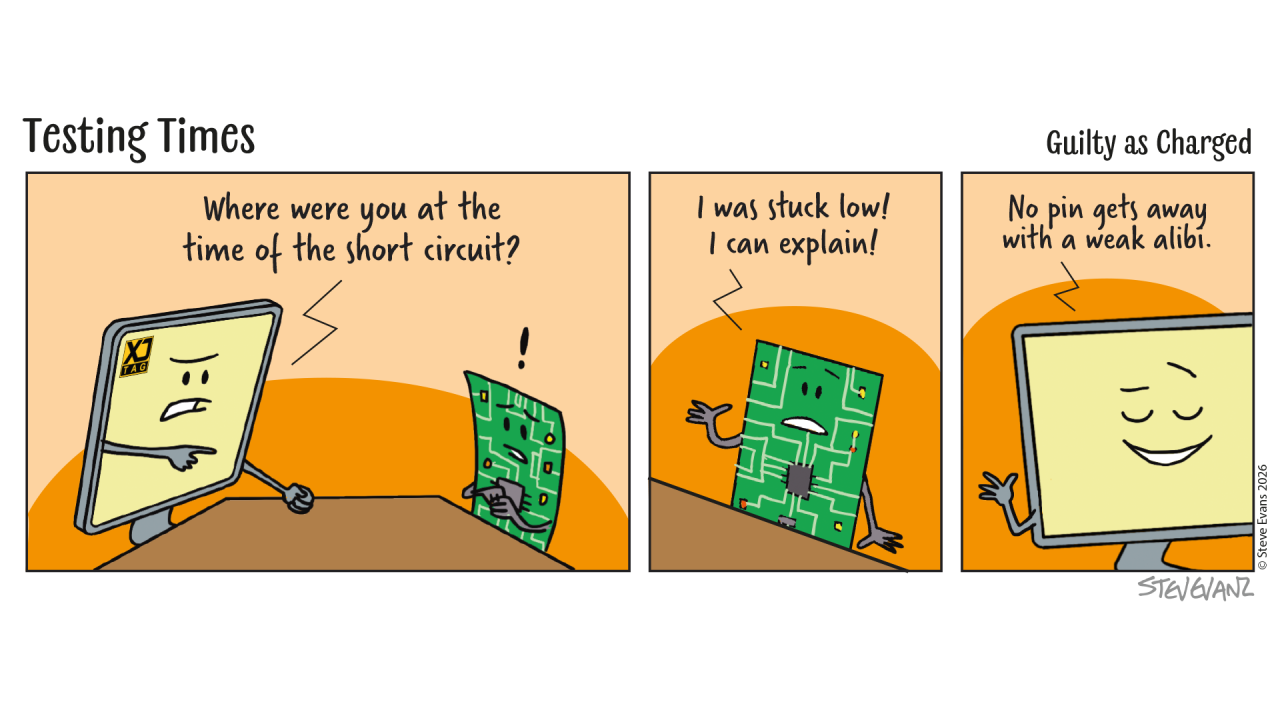 How to Increase Boundary Scan Test Coverage
Last week, we looked at how much of a PCB Boundary Scan can potentially test.
The answer can be surprisingly large.
A single processor, FPGA or SoC may provide access to memories, peripherals, interfaces and other circuitry far beyond the JTAG chain itself.
But the amount of useful test coverage you achieve isn't determined by the semiconductor devices alone.
Many of the decisions made during schematic design can significantly increase how much of the finished board can ultimately be tested.
And in many cases, relatively small design choices can make a surprisingly large difference.
Start with the Boundary Scan Capability You Already Have
The first step is to understand the Boundary Scan capability provided by the major semiconductor devices in the design.
Processors, FPGAs, SoCs, CPLDs and many other devices may already provide control and observation of a large number of their digital pins.
Those pins effectively become potential test access points into the PCB.
Rather than simply asking:
"Which devices support JTAG?"
it is more useful to ask:
"What parts of the board can I reach through those devices?"
That shift in thinking is important because the useful reach of Boundary Scan can extend considerably beyond the devices in the JTAG chain.
Maximise Control and Observation
At the heart of structural testing are two simple capabilities:
Control can a signal be driven into a known state?
Observation can the resulting state be measured somewhere else?
The more opportunities a design provides for both, the greater the potential test coverage.
A connection between two Boundary Scan devices is an obvious example. One device may drive the signal while another observes it.
But the same principle can also extend into non-JTAG circuitry.
A Boundary Scan-enabled FPGA, for example, may provide the control signals needed to interact with a memory or peripheral, allowing a much larger section of the design to be tested.
Thinking about where signals can be controlled and observed during schematic design can therefore have a significant impact later.
Make Mode Pins Work for You
Configuration, boot and mode-selection pins are often treated as something that only needs to be correct for normal operation.
But providing some flexibility around these signals can considerably improve testability.
A device may need to be placed into a particular operating mode before an interface can be exercised.
If the required mode is permanently hard-wired, the options available during bring-up and test may be limited.
Providing resistor options or other suitable configuration choices, such as switches or off-board access to such signals, can allow engineers to select alternative modes when required.
These are often very inexpensive additions during design.
Once the PCB has been manufactured, however, the same flexibility can be difficult
to add.
Keep Resets and Enables Accessible
Resets and enables can have a disproportionate effect on test coverage.
Imagine an FPGA provides excellent Boundary Scan access to a peripheral.
If that peripheral is permanently held in reset until application software releases it, much of that potential test capability may be unavailable before the application runs.
Where appropriate, providing a means of controlling important resets and enable signals through accessible circuitry can make more of the board testable independently of the application.
The same applies to:
Buffers
Multiplexers
Level translators
Peripheral enables
Making these signals controllable can open test paths into much larger sections of the PCB.
When a watchdog circuit is present also make sure that it can be completely disabled to avoid problems with unexpected resets whilst running tests.
Think About Power Domains
Designs frequently contain multiple voltage rails and independently controlled power domains.
With a little planning, these don't need to become barriers to testing.
Consider which devices need to be powered for a particular test and how those power domains are enabled.
Where level translators or isolation devices sit between domains, consider what state they will occupy during Boundary Scan testing and whether the relevant signals can still propagate.
The objective isn't necessarily to power the entire product for every test.
In some cases, being able to deliberately bring up individual sections of the board can actually make testing more controlled and informative.
Design the JTAG Chain for the Product
The structure of the JTAG chain itself deserves consideration.
On a simple board, placing all Boundary Scan devices in a single chain may be entirely appropriate.
On a more complex system, several chains may offer advantages.
Separating devices can provide greater flexibility when different parts of the board are powered independently, when devices are optional, or when different areas of the product need to be accessed separately.
There is no universal JTAG architecture that suits every design.
The important thing is to make the decision deliberately, based on how the board will be developed, programmed, tested, manufactured and supported.
Use Boundary Scan Devices as Gateways
One of the most effective ways of increasing coverage is to stop thinking of Boundary Scan devices as the only things being tested.
Instead, think of them as gateways into the surrounding circuitry.
If an FPGA is connected to a memory, Boundary Scan access through the FPGA may allow that memory to be exercised.
If it connects to an ADC, it may be possible to read analogue measurements.
If it controls a DAC, known output values may be generated.
If it connects to an Ethernet PHY, the device may potentially be configured and its behaviour checked.
The Boundary Scan device provides the access.
The surrounding circuitry provides additional opportunities for testing.
This is how a relatively small number of JTAG-enabled devices can potentially provide visibility across a much larger proportion of the PCB.
Combine Boundary Scan with Other Test Methods
Increasing test coverage doesn't mean trying to make Boundary Scan test absolutely everything.
Some parts of a design are naturally better suited to functional testing, measurement equipment or other test techniques.
The stronger approach is to understand what Boundary Scan can prove and use complementary methods for the remaining areas.
Boundary Scan might establish confidence in the underlying PCB connectivity.
Functional software can then prove that the completed system behaves correctly.
Oscilloscopes and other instrumentation can investigate areas where electrical measurements are required.
Each method contributes different information.
Together, they provide much greater confidence in the finished hardware.
Analyse Coverage Before the PCB Is Built
Perhaps the greatest opportunity to improve Boundary Scan coverage exists before layout is complete.
If testability is considered while the schematic is still being developed, engineers can identify areas where small changes could provide considerably greater access.
That might mean:
Making a reset controllable
Providing access to a mode pin or an important control signal
Changing the way a buffer is enabled
Reconsidering the JTAG chain architecture
Selecting a device with better Boundary Scan support
At this stage, these changes may be trivial.
After manufacture, they may require modifications or another PCB revision.
Designing for Greater Confidence
Throughout this series, we've repeatedly returned to the idea of building confidence in the hardware.
Increasing Boundary Scan coverage helps engineers establish that confidence across a greater proportion of the board.
More accessible signals mean more connections can be verified.
More controllable devices mean more circuitry can be exercised.
And greater coverage means fewer areas of uncertainty when the first prototype arrives.
Good testability doesn't necessarily require major changes to the design.
Often, it simply requires asking the right questions early enough.
Closing Thought
The Boundary Scan capability inside your semiconductor devices is the starting point.
The PCB design determines how far that capability can reach.
By considering control, observation, mode selection, resets, power domains and JTAG architecture during design, engineers can significantly increase the amount of hardware that can be tested.
And the best time to create that additional visibility isn't when a board has failed.
It's while the schematic is still open in front of you.
Don't Hand the Test Team a Finished Problem
It is easy to think of testing as something that happens after the hardware design is complete.
But by then, many of the decisions that determine what can and cannot be tested have already been made.
If test engineers are brought into the conversation earlier, relatively small design changes can provide significantly greater control, observation and diagnostic access.
That helps during the first board bring-up and gives the test team far more freedom when developing manufacturing tests later.
Rather than handing test engineers a finished board and asking them to find a way to test it, give them the access they need while there is still time to design it in.
That means thinking about testability as part o f the design process rather than something that is added one the design is completed.
Board Design Tip of the Week
During your next schematic review, pick one important non-JTAG device, perhaps a memory, peripheral or interface and work backwards from it.
Ask:
Can I control the signals it needs?
Can I observe enough of its behaviour to know whether it is working?
Can I put the surrounding circuitry into the state required to test it?
If the answer to any of those questions is no, look at whether a small design change could turn that part of the PCB into something you can test. It may be worthwhile making that change even if the additional access is not needed during normal operation, because it could provide valuable visibility during development, manufacturing test or fault diagnosis.
Sometimes a single resistor option, enable signal or accessible control pin can unlock considerably more Boundary Scan coverage.ould boundary scan make your next board easier to test?
Could boundary scan save time on your next design?
Discover how boundary scan can help you improve test coverage, diagnose faults faster and simplify board testing:
See what you can test with XJTAG.
Discover more about your board design with the Free XJTAG Layout Viewer.
To get started find out how the Free XJTAG Layout Viewer can help you see your board connections:
Download your Free XJTAG Layout Viewer today
How to Increase Boundary Scan Test Coverage
Last week, we looked at how much of a PCB Boundary Scan can potentially test.
The answer can be surprisingly large.
A single processor, FPGA or SoC may provide access to memories, peripherals, interfaces and other circuitry far beyond the JTAG chain itself.
But the amount of useful test coverage you achieve isn't determined by the semiconductor devices alone.
Many of the decisions made during schematic design can significantly increase how much of the finished board can ultimately be tested.
And in many cases, relatively small design choices can make a surprisingly large difference.
Start with the Boundary Scan Capability You Already Have
The first step is to understand the Boundary Scan capability provided by the major semiconductor devices in the design.
Processors, FPGAs, SoCs, CPLDs and many other devices may already provide control and observation of a large number of their digital pins.
Those pins effectively become potential test access points into the PCB.
Rather than simply asking:
"Which devices support JTAG?"
it is more useful to ask:
"What parts of the board can I reach through those devices?"
That shift in thinking is important because the useful reach of Boundary Scan can extend considerably beyond the devices in the JTAG chain.
Maximise Control and Observation
At the heart of structural testing are two simple capabilities:
Control can a signal be driven into a known state?
Observation can the resulting state be measured somewhere else?
The more opportunities a design provides for both, the greater the potential test coverage.
A connection between two Boundary Scan devices is an obvious example. One device may drive the signal while another observes it.
But the same principle can also extend into non-JTAG circuitry.
A Boundary Scan-enabled FPGA, for example, may provide the control signals needed to interact with a memory or peripheral, allowing a much larger section of the design to be tested.
Thinking about where signals can be controlled and observed during schematic design can therefore have a significant impact later.
Make Mode Pins Work for You
Configuration, boot and mode-selection pins are often treated as something that only needs to be correct for normal operation.
But providing some flexibility around these signals can considerably improve testability.
A device may need to be placed into a particular operating mode before an interface can be exercised.
If the required mode is permanently hard-wired, the options available during bring-up and test may be limited.
Providing resistor options or other suitable configuration choices, such as switches or off-board access to such signals, can allow engineers to select alternative modes when required.
These are often very inexpensive additions during design.
Once the PCB has been manufactured, however, the same flexibility can be difficult
to add.
Keep Resets and Enables Accessible
Resets and enables can have a disproportionate effect on test coverage.
Imagine an FPGA provides excellent Boundary Scan access to a peripheral.
If that peripheral is permanently held in reset until application software releases it, much of that potential test capability may be unavailable before the application runs.
Where appropriate, providing a means of controlling important resets and enable signals through accessible circuitry can make more of the board testable independently of the application.
The same applies to:
Buffers
Multiplexers
Level translators
Peripheral enables
Making these signals controllable can open test paths into much larger sections of the PCB.
When a watchdog circuit is present also make sure that it can be completely disabled to avoid problems with unexpected resets whilst running tests.
Think About Power Domains
Designs frequently contain multiple voltage rails and independently controlled power domains.
With a little planning, these don't need to become barriers to testing.
Consider which devices need to be powered for a particular test and how those power domains are enabled.
Where level translators or isolation devices sit between domains, consider what state they will occupy during Boundary Scan testing and whether the relevant signals can still propagate.
The objective isn't necessarily to power the entire product for every test.
In some cases, being able to deliberately bring up individual sections of the board can actually make testing more controlled and informative.
Design the JTAG Chain for the Product
The structure of the JTAG chain itself deserves consideration.
On a simple board, placing all Boundary Scan devices in a single chain may be entirely appropriate.
On a more complex system, several chains may offer advantages.
Separating devices can provide greater flexibility when different parts of the board are powered independently, when devices are optional, or when different areas of the product need to be accessed separately.
There is no universal JTAG architecture that suits every design.
The important thing is to make the decision deliberately, based on how the board will be developed, programmed, tested, manufactured and supported.
Use Boundary Scan Devices as Gateways
One of the most effective ways of increasing coverage is to stop thinking of Boundary Scan devices as the only things being tested.
Instead, think of them as gateways into the surrounding circuitry.
If an FPGA is connected to a memory, Boundary Scan access through the FPGA may allow that memory to be exercised.
If it connects to an ADC, it may be possible to read analogue measurements.
If it controls a DAC, known output values may be generated.
If it connects to an Ethernet PHY, the device may potentially be configured and its behaviour checked.
The Boundary Scan device provides the access.
The surrounding circuitry provides additional opportunities for testing.
This is how a relatively small number of JTAG-enabled devices can potentially provide visibility across a much larger proportion of the PCB.
Combine Boundary Scan with Other Test Methods
Increasing test coverage doesn't mean trying to make Boundary Scan test absolutely everything.
Some parts of a design are naturally better suited to functional testing, measurement equipment or other test techniques.
The stronger approach is to understand what Boundary Scan can prove and use complementary methods for the remaining areas.
Boundary Scan might establish confidence in the underlying PCB connectivity.
Functional software can then prove that the completed system behaves correctly.
Oscilloscopes and other instrumentation can investigate areas where electrical measurements are required.
Each method contributes different information.
Together, they provide much greater confidence in the finished hardware.
Analyse Coverage Before the PCB Is Built
Perhaps the greatest opportunity to improve Boundary Scan coverage exists before layout is complete.
If testability is considered while the schematic is still being developed, engineers can identify areas where small changes could provide considerably greater access.
That might mean:
Making a reset controllable
Providing access to a mode pin or an important control signal
Changing the way a buffer is enabled
Reconsidering the JTAG chain architecture
Selecting a device with better Boundary Scan support
At this stage, these changes may be trivial.
After manufacture, they may require modifications or another PCB revision.
Designing for Greater Confidence
Throughout this series, we've repeatedly returned to the idea of building confidence in the hardware.
Increasing Boundary Scan coverage helps engineers establish that confidence across a greater proportion of the board.
More accessible signals mean more connections can be verified.
More controllable devices mean more circuitry can be exercised.
And greater coverage means fewer areas of uncertainty when the first prototype arrives.
Good testability doesn't necessarily require major changes to the design.
Often, it simply requires asking the right questions early enough.
Closing Thought
The Boundary Scan capability inside your semiconductor devices is the starting point.
The PCB design determines how far that capability can reach.
By considering control, observation, mode selection, resets, power domains and JTAG architecture during design, engineers can significantly increase the amount of hardware that can be tested.
And the best time to create that additional visibility isn't when a board has failed.
It's while the schematic is still open in front of you.
Don't Hand the Test Team a Finished Problem
It is easy to think of testing as something that happens after the hardware design is complete.
But by then, many of the decisions that determine what can and cannot be tested have already been made.
If test engineers are brought into the conversation earlier, relatively small design changes can provide significantly greater control, observation and diagnostic access.
That helps during the first board bring-up and gives the test team far more freedom when developing manufacturing tests later.
Rather than handing test engineers a finished board and asking them to find a way to test it, give them the access they need while there is still time to design it in.
That means thinking about testability as part o f the design process rather than something that is added one the design is completed.
Board Design Tip of the Week
During your next schematic review, pick one important non-JTAG device, perhaps a memory, peripheral or interface and work backwards from it.
Ask:
Can I control the signals it needs?
Can I observe enough of its behaviour to know whether it is working?
Can I put the surrounding circuitry into the state required to test it?
If the answer to any of those questions is no, look at whether a small design change could turn that part of the PCB into something you can test. It may be worthwhile making that change even if the additional access is not needed during normal operation, because it could provide valuable visibility during development, manufacturing test or fault diagnosis.
Sometimes a single resistor option, enable signal or accessible control pin can unlock considerably more Boundary Scan coverage.ould boundary scan make your next board easier to test?
Could boundary scan save time on your next design?
Discover how boundary scan can help you improve test coverage, diagnose faults faster and simplify board testing:
See what you can test with XJTAG.
Discover more about your board design with the Free XJTAG Layout Viewer.
To get started find out how the Free XJTAG Layout Viewer can help you see your board connections:
Download your Free XJTAG Layout Viewer today
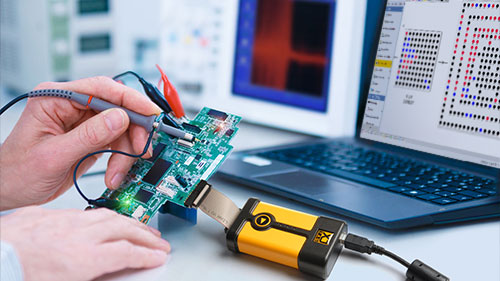 How Much of Your PCB Can Boundary Scan Actually Test?
Over the last few editions of Testing Times, we've followed the journey from the Boundary Scan capability built into semiconductor devices through to the creation of practical structural tests.
The devices provide the access.
BSDL files describe that access.
The PCB design data explains how everything is connected.
Boundary Scan software brings that information together and turns it into tests.
But once those tests have been created, another question becomes very important:
How much of the PCB can actually be tested?
The answer isn't simply determined by how many JTAG devices are on the board. In many cases, the reach of Boundary Scan extends considerably further.
It Starts with Access
Boundary Scan testing fundamentally depends on two things:
Can a signal be controlled?
And:
Can its behaviour be observed?
Consider a simple connection between two Boundary Scan-enabled devices.
If one device can drive the signal and the other can observe it, the connection can potentially be tested without the application running and without physically probing the PCB.
That is the most obvious example of Boundary Scan coverage.
But it is only the beginning.
Extending Test Coverage Beyond JTAG.
The test doesn't have to end at another JTAG device, this is an important point because it changes how we think about Boundary Scan coverage.
Suppose an FPGA with Boundary Scan is connected to a memory device that has no JTAG capability.
The memory doesn't suddenly become inaccessible simply because it isn't part of the JTAG chain.
The FPGA's Boundary Scan logic may still provide control of the signals connected to that memory.
If those signals can be exercised in a meaningful way, the memory and its connections can also become part of the test strategy.
The same principle can apply to many other devices on the board.
Boundary Scan Can Reach Into the Surrounding Circuitry
Depending on the design, Boundary Scan-enabled devices can provide access to:
Memories
Flash devices
SPI peripherals
I²C devices
Ethernet PHYs
GPIO circuitry
DACs
ADCs
LEDs and switches
Other digital and mixed-signal circuitry
The Boundary Scan device effectively becomes an access point into the surrounding hardware.
That means the useful test coverage of a board can extend well beyond the components that actually contain Boundary Scan logic.
Different Circuits Require Different Tests
Not every part of the PCB is tested in the same way.
A connection between two Boundary Scan devices might be tested structurally by driving patterns across the nets and observing the results.
A memory requires a different approach.
Its address, data and control signals may be exercised to perform read and write operations.
A DAC might be set to generate a known output.
An ADC might be used to measure a voltage.
An Ethernet PHY might be configured and checked to determine whether a link becomes active.
These are different tests, but they can all make use of the access provided through the JTAG-enabled devices already present on the board.
This is why Boundary Scan coverage is about much more than counting JTAG-to-JTAG connections.
Coverage Isn't Just a Percentage
It's tempting to describe test coverage with one number.
Perhaps:
“We have 85% coverage.”
But that number alone doesn't necessarily tell you very much.
Eighty-five percent of what?
Components?
Nets?
Pins?
Connections?
Functions?
A more useful question is:
What areas of the board can we establish confidence in, and what remains untested?
That distinction matters during bring-up and manufacturing.
Knowing that a section of the board has been structurally verified can be just as valuable as knowing where coverage is limited.
It allows engineers to focus other test methods on the parts of the design where they are actually needed.
Boundary Scan Is Part of a Test Strategy
No single test technology is likely to prove everything on a complex PCB.
Boundary Scan isn't intended to replace functional testing.
It doesn't replace oscilloscopes, flying probes, in-circuit test or other diagnostic techniques.
What it does provide is another layer of evidence.
And because it can often operate before the application software is available, it can provide that evidence remarkably early in the product lifecycle.
The objective isn't necessarily to test everything using Boundary Scan.
The objective is to use the access already available on the board to establish as much confidence as possible.
Design Decisions Make a Difference
There is another important aspect to test coverage.
It isn't completely fixed.
Decisions made while the PCB is being designed can significantly influence how much hardware will later be accessible to Boundary Scan testing.
For example, the choice of semiconductor devices, the way signals are connected, the structure of the JTAG chain and the accessibility of control signals can all affect the eventual test strategy.
Two boards containing similar components can therefore have very different levels of testability.
The difference may simply be that one was designed with test access in mind from the beginning.
Knowing the Gaps Is Valuable Too
A good test strategy should not pretend that everything is covered.
It should make the gaps visible.
If Boundary Scan software can show which connections and devices are testable and which are not, the engineering team can make informed decisions about how those remaining areas will be validated.
Perhaps they require functional software.
Perhaps they require physical probing.
Perhaps another test method is more appropriate.
Or perhaps the design should be changed before the board reaches production.
Understanding the gaps before you need to diagnose a fault is considerably better than discovering them afterwards.
Closing Thought
The value of Boundary Scan isn't determined by the number of JTAG devices on your schematic.
It's determined by how effectively the access provided by those devices can be used to understand the hardware around them.
A single FPGA or processor may provide visibility into a surprisingly large area of the PCB.
And when that capability is considered during the design stage, the resulting test coverage can become an important part of the product's bring-up, manufacturing and long-term support strategy.
The question isn't simply “Does my board have JTAG?”
A much better question is:
“How much confidence can I build using the JTAG access I've already got?”
Board Design Tip of the Week
Before releasing a PCB design, review Boundary Scan test coverage while changes are still inexpensive.
Look at which important interfaces can be controlled and observed, which non-JTAG devices can be accessed through neighbouring Boundary Scan devices, and where significant gaps remain.
A small schematic change made before layout is complete can sometimes provide test access that would be impossible to add once the board has been manufactured.
Could boundary scan make your next board easier to test?
Discover how boundary scan can help you improve test coverage, diagnose faults faster and simplify board testing:
See what you can test with XJTAG.
Explore you board design with the Free XJTAG Layout Viewer.
To get started find out how the Free XJTAG Layout Viewer can help you see your board connections:
Download your Free XJTAG Layout Viewer today
How Much of Your PCB Can Boundary Scan Actually Test?
Over the last few editions of Testing Times, we've followed the journey from the Boundary Scan capability built into semiconductor devices through to the creation of practical structural tests.
The devices provide the access.
BSDL files describe that access.
The PCB design data explains how everything is connected.
Boundary Scan software brings that information together and turns it into tests.
But once those tests have been created, another question becomes very important:
How much of the PCB can actually be tested?
The answer isn't simply determined by how many JTAG devices are on the board. In many cases, the reach of Boundary Scan extends considerably further.
It Starts with Access
Boundary Scan testing fundamentally depends on two things:
Can a signal be controlled?
And:
Can its behaviour be observed?
Consider a simple connection between two Boundary Scan-enabled devices.
If one device can drive the signal and the other can observe it, the connection can potentially be tested without the application running and without physically probing the PCB.
That is the most obvious example of Boundary Scan coverage.
But it is only the beginning.
Extending Test Coverage Beyond JTAG.
The test doesn't have to end at another JTAG device, this is an important point because it changes how we think about Boundary Scan coverage.
Suppose an FPGA with Boundary Scan is connected to a memory device that has no JTAG capability.
The memory doesn't suddenly become inaccessible simply because it isn't part of the JTAG chain.
The FPGA's Boundary Scan logic may still provide control of the signals connected to that memory.
If those signals can be exercised in a meaningful way, the memory and its connections can also become part of the test strategy.
The same principle can apply to many other devices on the board.
Boundary Scan Can Reach Into the Surrounding Circuitry
Depending on the design, Boundary Scan-enabled devices can provide access to:
Memories
Flash devices
SPI peripherals
I²C devices
Ethernet PHYs
GPIO circuitry
DACs
ADCs
LEDs and switches
Other digital and mixed-signal circuitry
The Boundary Scan device effectively becomes an access point into the surrounding hardware.
That means the useful test coverage of a board can extend well beyond the components that actually contain Boundary Scan logic.
Different Circuits Require Different Tests
Not every part of the PCB is tested in the same way.
A connection between two Boundary Scan devices might be tested structurally by driving patterns across the nets and observing the results.
A memory requires a different approach.
Its address, data and control signals may be exercised to perform read and write operations.
A DAC might be set to generate a known output.
An ADC might be used to measure a voltage.
An Ethernet PHY might be configured and checked to determine whether a link becomes active.
These are different tests, but they can all make use of the access provided through the JTAG-enabled devices already present on the board.
This is why Boundary Scan coverage is about much more than counting JTAG-to-JTAG connections.
Coverage Isn't Just a Percentage
It's tempting to describe test coverage with one number.
Perhaps:
“We have 85% coverage.”
But that number alone doesn't necessarily tell you very much.
Eighty-five percent of what?
Components?
Nets?
Pins?
Connections?
Functions?
A more useful question is:
What areas of the board can we establish confidence in, and what remains untested?
That distinction matters during bring-up and manufacturing.
Knowing that a section of the board has been structurally verified can be just as valuable as knowing where coverage is limited.
It allows engineers to focus other test methods on the parts of the design where they are actually needed.
Boundary Scan Is Part of a Test Strategy
No single test technology is likely to prove everything on a complex PCB.
Boundary Scan isn't intended to replace functional testing.
It doesn't replace oscilloscopes, flying probes, in-circuit test or other diagnostic techniques.
What it does provide is another layer of evidence.
And because it can often operate before the application software is available, it can provide that evidence remarkably early in the product lifecycle.
The objective isn't necessarily to test everything using Boundary Scan.
The objective is to use the access already available on the board to establish as much confidence as possible.
Design Decisions Make a Difference
There is another important aspect to test coverage.
It isn't completely fixed.
Decisions made while the PCB is being designed can significantly influence how much hardware will later be accessible to Boundary Scan testing.
For example, the choice of semiconductor devices, the way signals are connected, the structure of the JTAG chain and the accessibility of control signals can all affect the eventual test strategy.
Two boards containing similar components can therefore have very different levels of testability.
The difference may simply be that one was designed with test access in mind from the beginning.
Knowing the Gaps Is Valuable Too
A good test strategy should not pretend that everything is covered.
It should make the gaps visible.
If Boundary Scan software can show which connections and devices are testable and which are not, the engineering team can make informed decisions about how those remaining areas will be validated.
Perhaps they require functional software.
Perhaps they require physical probing.
Perhaps another test method is more appropriate.
Or perhaps the design should be changed before the board reaches production.
Understanding the gaps before you need to diagnose a fault is considerably better than discovering them afterwards.
Closing Thought
The value of Boundary Scan isn't determined by the number of JTAG devices on your schematic.
It's determined by how effectively the access provided by those devices can be used to understand the hardware around them.
A single FPGA or processor may provide visibility into a surprisingly large area of the PCB.
And when that capability is considered during the design stage, the resulting test coverage can become an important part of the product's bring-up, manufacturing and long-term support strategy.
The question isn't simply “Does my board have JTAG?”
A much better question is:
“How much confidence can I build using the JTAG access I've already got?”
Board Design Tip of the Week
Before releasing a PCB design, review Boundary Scan test coverage while changes are still inexpensive.
Look at which important interfaces can be controlled and observed, which non-JTAG devices can be accessed through neighbouring Boundary Scan devices, and where significant gaps remain.
A small schematic change made before layout is complete can sometimes provide test access that would be impossible to add once the board has been manufactured.
Could boundary scan make your next board easier to test?
Discover how boundary scan can help you improve test coverage, diagnose faults faster and simplify board testing:
See what you can test with XJTAG.
Explore you board design with the Free XJTAG Layout Viewer.
To get started find out how the Free XJTAG Layout Viewer can help you see your board connections:
Download your Free XJTAG Layout Viewer today
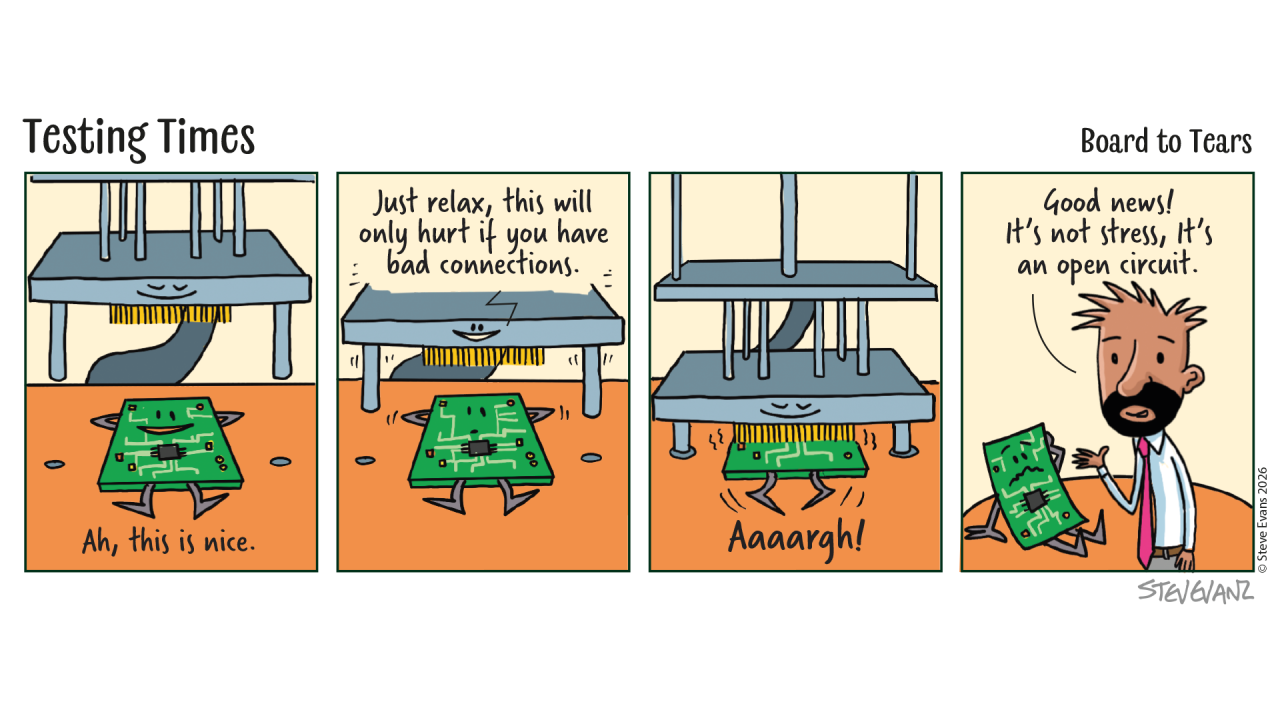 PCB Design Data to Working Boundary Scan Tests
Last week, we looked at how Boundary Scan software builds an understanding of your PCB.
The netlist describes how the board is connected. BSDL files describe the Boundary Scan devices, while models or reusable library files describe the other components.
Put that information together and the software can build a detailed model of the board.
But that raises another question:
How does that information become an actual test?
Understanding the design is useful but being able to automatically turn that understanding into tests that can be run on real hardware is where things become much more interesting.
Imagine Doing It Manually
Consider a complex PCB containing an FPGA, processor, several memories and hundreds, or potentially thousands, of interconnected signals.
If engineers had to create a test for every accessible connection individually, they would need to determine which device could drive each signal, which device could observe it, what values should be applied and what result should be expected.
Then they would have to repeat that process across the rest of the board.
It would be possible.
It would also require a considerable amount of engineering effort.
This is where Boundary Scan software becomes important.
The Board Model Changes Everything
Once the software understands the connectivity of the board and the capabilities of the devices, it can analyse the design systematically.
For each connection, it can determine whether there is Boundary Scan access and how that access can be used.
For example:
Can this signal be driven?
Can it be observed?
Which devices are connected to it?
What other components could affect the test?
Instead of treating the PCB as thousands of unrelated nets, the software can begin to understand which parts of the design are accessible and how they can be tested.
Creating Structural Tests
For connections between suitable Boundary Scan devices, the principle is relatively straightforward. One device can drive a known value onto a connection while another observes what arrives. The value can then be changed and the result observed again.
When this process is applied intelligently across groups of signals, the resulting test can identify structural problems such as opens and shorts.
The important distinction is that we're not asking whether the application works.
We're checking whether the physical connections on which that application depends behave as the design says they should.
What About Devices Without Boundary Scan?
This is where things become more interesting.
As we've discussed previously, the usefulness of Boundary Scan doesn't necessarily stop at the pins of another JTAG device.
If a Boundary Scan-enabled device is connected to a memory, peripheral, DAC, ADC or other non-JTAG component, those connections may still provide opportunities for testing.
The software needs to understand how that component behaves and how the accessible signals can be used to interact with it.
This is where device models and reusable test libraries become particularly valuable.
Instead of starting again every time a familiar component appears on another design, knowledge about how that type of device can be tested can be reused.
Automation Doesn't Remove Engineering
Automatic test generation doesn't mean that an engineer presses a button and every possible part of every PCB is magically tested.
Different designs provide different levels of Boundary Scan access, and some circuitry requires additional test development or other test techniques.
What automation does is remove a considerable amount of repetitive work.
The software can analyse what is accessible, generate appropriate structural tests and identify areas where additional engineering input may be required.
That leaves engineers free to concentrate on the parts of the design that actually need their expertise.
From a Test Result to Something Useful
Generating a test is only half the job.
When something fails, the engineer needs useful information.
Knowing that a test has reported an error is very different from knowing which signals and components are associated with that failure.
Because the Boundary Scan software understands the board design, the test result can be related back to the hardware.
Instead of simply:
TEST FAILED
the objective is to help answer:
Where should I investigate?
That can make a substantial difference during both prototype bring-up and manufacturing.
Reuse Changes the Economics
There's another important benefit.
Once structural tests have been developed for a design, they don't become irrelevant when development finishes.
They can move with the product through its lifecycle.
The same underlying test capability can support:
Prototype bring-up
Hardware validation
Manufacturing
Diagnosis
Repair and service
Subsequent board revisions
Compare that with some of the bespoke diagnostic software created during bring-up, which may have been written to investigate one particular problem and never used again.
The ability to create a test once and reuse that investment is an important part of the value of structural testing.
Closing Thought
The Boundary Scan hardware inside a semiconductor device provides access.
The BSDL files describe that access.
The PCB design data explains how everything is connected.
Device models describe how surrounding components can be interacted with.
Boundary Scan software brings all of that information together and turns it into something engineers can actually use: tests.
And once those tests exist, their value can extend far beyond the first prototype.
Board Design Tip of the Week
Don't wait until manufacturing to ask how much of your board can be tested.
Consider testability while the schematic is still being developed.
The placement of Boundary Scan-capable devices, the way signals are connected and the accessibility of important interfaces can all influence the structural test coverage available later.
A small design decision made before layout can sometimes provide significantly greater test access throughout the life of the product.
Could boundary scan make your next board easier to test?
Discover how boundary scan can help you improve test coverage, diagnose faults faster and simplify board testing:
See what you can test with XJTAG.
PCB Design Data to Working Boundary Scan Tests
Last week, we looked at how Boundary Scan software builds an understanding of your PCB.
The netlist describes how the board is connected. BSDL files describe the Boundary Scan devices, while models or reusable library files describe the other components.
Put that information together and the software can build a detailed model of the board.
But that raises another question:
How does that information become an actual test?
Understanding the design is useful but being able to automatically turn that understanding into tests that can be run on real hardware is where things become much more interesting.
Imagine Doing It Manually
Consider a complex PCB containing an FPGA, processor, several memories and hundreds, or potentially thousands, of interconnected signals.
If engineers had to create a test for every accessible connection individually, they would need to determine which device could drive each signal, which device could observe it, what values should be applied and what result should be expected.
Then they would have to repeat that process across the rest of the board.
It would be possible.
It would also require a considerable amount of engineering effort.
This is where Boundary Scan software becomes important.
The Board Model Changes Everything
Once the software understands the connectivity of the board and the capabilities of the devices, it can analyse the design systematically.
For each connection, it can determine whether there is Boundary Scan access and how that access can be used.
For example:
Can this signal be driven?
Can it be observed?
Which devices are connected to it?
What other components could affect the test?
Instead of treating the PCB as thousands of unrelated nets, the software can begin to understand which parts of the design are accessible and how they can be tested.
Creating Structural Tests
For connections between suitable Boundary Scan devices, the principle is relatively straightforward. One device can drive a known value onto a connection while another observes what arrives. The value can then be changed and the result observed again.
When this process is applied intelligently across groups of signals, the resulting test can identify structural problems such as opens and shorts.
The important distinction is that we're not asking whether the application works.
We're checking whether the physical connections on which that application depends behave as the design says they should.
What About Devices Without Boundary Scan?
This is where things become more interesting.
As we've discussed previously, the usefulness of Boundary Scan doesn't necessarily stop at the pins of another JTAG device.
If a Boundary Scan-enabled device is connected to a memory, peripheral, DAC, ADC or other non-JTAG component, those connections may still provide opportunities for testing.
The software needs to understand how that component behaves and how the accessible signals can be used to interact with it.
This is where device models and reusable test libraries become particularly valuable.
Instead of starting again every time a familiar component appears on another design, knowledge about how that type of device can be tested can be reused.
Automation Doesn't Remove Engineering
Automatic test generation doesn't mean that an engineer presses a button and every possible part of every PCB is magically tested.
Different designs provide different levels of Boundary Scan access, and some circuitry requires additional test development or other test techniques.
What automation does is remove a considerable amount of repetitive work.
The software can analyse what is accessible, generate appropriate structural tests and identify areas where additional engineering input may be required.
That leaves engineers free to concentrate on the parts of the design that actually need their expertise.
From a Test Result to Something Useful
Generating a test is only half the job.
When something fails, the engineer needs useful information.
Knowing that a test has reported an error is very different from knowing which signals and components are associated with that failure.
Because the Boundary Scan software understands the board design, the test result can be related back to the hardware.
Instead of simply:
TEST FAILED
the objective is to help answer:
Where should I investigate?
That can make a substantial difference during both prototype bring-up and manufacturing.
Reuse Changes the Economics
There's another important benefit.
Once structural tests have been developed for a design, they don't become irrelevant when development finishes.
They can move with the product through its lifecycle.
The same underlying test capability can support:
Prototype bring-up
Hardware validation
Manufacturing
Diagnosis
Repair and service
Subsequent board revisions
Compare that with some of the bespoke diagnostic software created during bring-up, which may have been written to investigate one particular problem and never used again.
The ability to create a test once and reuse that investment is an important part of the value of structural testing.
Closing Thought
The Boundary Scan hardware inside a semiconductor device provides access.
The BSDL files describe that access.
The PCB design data explains how everything is connected.
Device models describe how surrounding components can be interacted with.
Boundary Scan software brings all of that information together and turns it into something engineers can actually use: tests.
And once those tests exist, their value can extend far beyond the first prototype.
Board Design Tip of the Week
Don't wait until manufacturing to ask how much of your board can be tested.
Consider testability while the schematic is still being developed.
The placement of Boundary Scan-capable devices, the way signals are connected and the accessibility of important interfaces can all influence the structural test coverage available later.
A small design decision made before layout can sometimes provide significantly greater test access throughout the life of the product.
Could boundary scan make your next board easier to test?
Discover how boundary scan can help you improve test coverage, diagnose faults faster and simplify board testing:
See what you can test with XJTAG.
 How Does Boundary Scan Know How Your Board Is Connected?
The C word stands for Connections – because understanding what is connected to what is fundamental to understanding your PCB. When something doesn’t behave as expected, knowing the intended connections, and being able to test them, can turn thousands of individual nets into meaningful information that helps engineers quickly understand what’s happening on the board.
Over the past few weeks, we've explored how Boundary Scan works, why it's built into so many semiconductor devices and how software uses BSDL (Boundary Scan Description Language) files to understand each device's Boundary Scan capabilities.
But another question naturally follows.
How does the software know how all of those devices are connected together?
After all, knowing how a boundary scan device works is only part of the picture.
To test a board, you also need to understand the board itself.
One Source of Truth
Every PCB design starts as a schematic, which is much more than a simple drawing of components connected by lines.
The schematic is the authoritative description of the hardware design.
It is used to understand circuit intent, verify interfaces, support development, investigate faults, and confirm that the assembled hardware matches the intended design.
It describes how every device on the PCB is intended to interact with every other device.
It defines:
Nets
Components
Pin connections
Signal names
Power domains
Interfaces
For Boundary Scan software, it's equally important.
From Devices to the Board
The schematic tells the engineer how devices are connected together. The netlist generated from the schematic tells the Boundary Scan software how the devices connect together.
JTAG devices are described by BSDL files. Non-JTAG devices are modelled or assigned reusable library files.
Only when these three pieces of information are combined does the Boundary Scan software gain a complete understanding of the hardware.
It can determine:
Which Boundary Scan devices share signals
Which non-JTAG devices are connected to them
Which nets can be driven
Which signals can be observed
This transforms a collection of individual devices into a complete board model.
Turning Design Information into Tests
One of the strengths of Boundary Scan software is that it can use this information to generate meaningful structural tests.
Rather than engineers manually describing every connection, the software understands the design and can automatically determine how many of those connections can be verified. This dramatically reduces the effort required to begin testing a design.
More importantly, it allows engineers to concentrate on understanding the results rather than creating the tests themselves.
More Than Just Connectivity
Understanding the schematic also makes fault diagnosis far more meaningful. When a problem is detected, software doesn't simply report that a pin has failed.
It can identify:
The signal name
The devices involved
The location of the connection
The surrounding circuitry
Instead of raw data, engineers receive information they can immediately relate to the design.
That often makes the difference between spending hours interpreting results and understanding the problem within minutes.
Who Does This Benefit
Hardware engineers can use it to debug a design during bring-up and early validation.
Manufacturing teams can use it to quickly diagnose assembly and connectivity faults on the production line.
Test and support engineers rely on it to isolate issues in the field without needing full system access or software to be running.
By working from the same design data used across the engineering lifecycle, Boundary Scan ensures that structural tests remain aligned with the intended behaviour of the product from design through to deployment.
Building on the Design Process
One of the themes we've explored throughout this series is reducing uncertainty.
Every stage of Boundary Scan builds on information that already exists.
The semiconductor manufacturer provides the BSDL file. The hardware team creates the schematic / netlist. Boundary Scan software combines those sources to produce meaningful structural tests.
Nothing is guessed. Everything is based on the intended design.
Closing Thought
Boundary Scan is often described as a test technology.
In reality, it is much more than that.
It is a way of transforming the design information already available within a project into practical engineering insight.
The better the software understands the board, the more effectively it can help engineers validate, debug and support it throughout its lifecycle.
Board Design Tip of the Week
Treat your schematic as more than a design document.
It is also the foundation for bring-up, structural testing, manufacturing and long-term support.
Keeping schematics accurate, complete and well organised doesn't just help during design reviews, it helps every engineer who works on the product throughout its lifetime.
How Does Boundary Scan Know How Your Board Is Connected?
The C word stands for Connections – because understanding what is connected to what is fundamental to understanding your PCB. When something doesn’t behave as expected, knowing the intended connections, and being able to test them, can turn thousands of individual nets into meaningful information that helps engineers quickly understand what’s happening on the board.
Over the past few weeks, we've explored how Boundary Scan works, why it's built into so many semiconductor devices and how software uses BSDL (Boundary Scan Description Language) files to understand each device's Boundary Scan capabilities.
But another question naturally follows.
How does the software know how all of those devices are connected together?
After all, knowing how a boundary scan device works is only part of the picture.
To test a board, you also need to understand the board itself.
One Source of Truth
Every PCB design starts as a schematic, which is much more than a simple drawing of components connected by lines.
The schematic is the authoritative description of the hardware design.
It is used to understand circuit intent, verify interfaces, support development, investigate faults, and confirm that the assembled hardware matches the intended design.
It describes how every device on the PCB is intended to interact with every other device.
It defines:
Nets
Components
Pin connections
Signal names
Power domains
Interfaces
For Boundary Scan software, it's equally important.
From Devices to the Board
The schematic tells the engineer how devices are connected together. The netlist generated from the schematic tells the Boundary Scan software how the devices connect together.
JTAG devices are described by BSDL files. Non-JTAG devices are modelled or assigned reusable library files.
Only when these three pieces of information are combined does the Boundary Scan software gain a complete understanding of the hardware.
It can determine:
Which Boundary Scan devices share signals
Which non-JTAG devices are connected to them
Which nets can be driven
Which signals can be observed
This transforms a collection of individual devices into a complete board model.
Turning Design Information into Tests
One of the strengths of Boundary Scan software is that it can use this information to generate meaningful structural tests.
Rather than engineers manually describing every connection, the software understands the design and can automatically determine how many of those connections can be verified. This dramatically reduces the effort required to begin testing a design.
More importantly, it allows engineers to concentrate on understanding the results rather than creating the tests themselves.
More Than Just Connectivity
Understanding the schematic also makes fault diagnosis far more meaningful. When a problem is detected, software doesn't simply report that a pin has failed.
It can identify:
The signal name
The devices involved
The location of the connection
The surrounding circuitry
Instead of raw data, engineers receive information they can immediately relate to the design.
That often makes the difference between spending hours interpreting results and understanding the problem within minutes.
Who Does This Benefit
Hardware engineers can use it to debug a design during bring-up and early validation.
Manufacturing teams can use it to quickly diagnose assembly and connectivity faults on the production line.
Test and support engineers rely on it to isolate issues in the field without needing full system access or software to be running.
By working from the same design data used across the engineering lifecycle, Boundary Scan ensures that structural tests remain aligned with the intended behaviour of the product from design through to deployment.
Building on the Design Process
One of the themes we've explored throughout this series is reducing uncertainty.
Every stage of Boundary Scan builds on information that already exists.
The semiconductor manufacturer provides the BSDL file. The hardware team creates the schematic / netlist. Boundary Scan software combines those sources to produce meaningful structural tests.
Nothing is guessed. Everything is based on the intended design.
Closing Thought
Boundary Scan is often described as a test technology.
In reality, it is much more than that.
It is a way of transforming the design information already available within a project into practical engineering insight.
The better the software understands the board, the more effectively it can help engineers validate, debug and support it throughout its lifecycle.
Board Design Tip of the Week
Treat your schematic as more than a design document.
It is also the foundation for bring-up, structural testing, manufacturing and long-term support.
Keeping schematics accurate, complete and well organised doesn't just help during design reviews, it helps every engineer who works on the product throughout its lifetime.
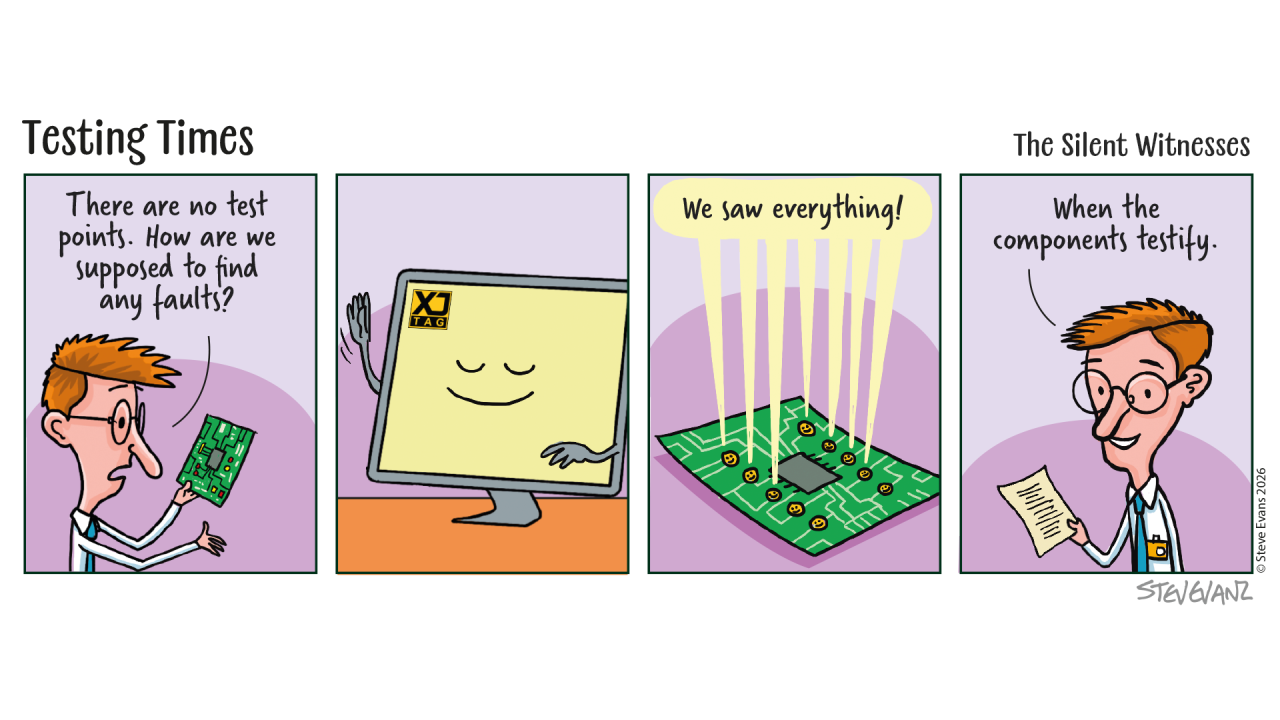 How Does Boundary Scan Know What It’s Testing?
By now, we've explored what Boundary Scan is, what it can test and why it works even before the FPGA is configured or the processor has booted.
That naturally leads to another question.
How does a Boundary Scan tool know which pins belong to which signals, or what each device is capable of testing?
The answer lies in something that most engineers have never needed to think about.
Every Boundary Scan Device Comes with a Description
Boundary Scan isn't based on guesswork.
Semiconductor manufacturers provide a formal description of each Boundary Scan-compatible device. This file describes the device's Boundary Scan architecture, including its pins, instructions and test capabilities.
These descriptions are known as Boundary Scan Description Language (BSDL) files.
Think of a BSDL file as the device's instruction manual for Boundary Scan.
It tells software how to communicate with the device and how its Boundary Scan logic is organised.
Why This Matters
Every FPGA, processor or SoC is different.
They have different pin counts.
Different functions.
Different Boundary Scan capabilities.
Without a standard way of describing each device, every Boundary Scan tool would need to understand every device individually. Instead, the BSDL file provides a common description that allows compatible tools to work with devices from many different semiconductor manufacturers.
More Than Just a Pin List
At first glance, a BSDL file might look like little more than a list of pins.
In reality, it contains far more information.
For example, it describes:
Which pins support Boundary Scan
The Boundary Scan instructions the device understands
How the Boundary Scan register is organised
Device identification information
The behaviour of different pin types
This information allows software to communicate with the device correctly and make use of its available test capabilities.
Building a Picture of the Board
Of course, knowing about individual devices is only part of the story.
A PCB contains many devices connected together.
To generate useful tests, software also needs to understand how those devices are interconnected. By combining the information from the BSDL files with the board design, Boundary Scan tools can build a model of the hardware and determine which signals can be driven, observed and verified.
This transforms individual device descriptions into meaningful board-level tests.
Why Engineers Rarely Look at BSDL Files
Although every Boundary Scan engineer relies on BSDL files, many never open one. Today's Boundary Scan software handles most of the complexity automatically. It imports the device descriptions, understands the Boundary Scan capabilities and uses that information to help generate tests and diagnostics. For most users, the BSDL file simply becomes another building block working behind the scenes.
Closing Thought
Boundary Scan isn't simply a collection of test features built into semiconductor devices.
It is a standardised ecosystem.
The devices provide the hardware.
Manufacturers provide the descriptions.
Software brings everything together to create practical tests that help engineers understand their boards. It's another example of how industry standards allow engineers to work across devices from many different vendors using a common approach.
Board Design Tip of the Week
When selecting components for a new design, check that BSDL files are available and up to date.
Most major semiconductor manufacturers provide them as part of their device support, and having access to the correct files from the start can make board bring-up and structural testing significantly smoother.
How Does Boundary Scan Know What It’s Testing?
By now, we've explored what Boundary Scan is, what it can test and why it works even before the FPGA is configured or the processor has booted.
That naturally leads to another question.
How does a Boundary Scan tool know which pins belong to which signals, or what each device is capable of testing?
The answer lies in something that most engineers have never needed to think about.
Every Boundary Scan Device Comes with a Description
Boundary Scan isn't based on guesswork.
Semiconductor manufacturers provide a formal description of each Boundary Scan-compatible device. This file describes the device's Boundary Scan architecture, including its pins, instructions and test capabilities.
These descriptions are known as Boundary Scan Description Language (BSDL) files.
Think of a BSDL file as the device's instruction manual for Boundary Scan.
It tells software how to communicate with the device and how its Boundary Scan logic is organised.
Why This Matters
Every FPGA, processor or SoC is different.
They have different pin counts.
Different functions.
Different Boundary Scan capabilities.
Without a standard way of describing each device, every Boundary Scan tool would need to understand every device individually. Instead, the BSDL file provides a common description that allows compatible tools to work with devices from many different semiconductor manufacturers.
More Than Just a Pin List
At first glance, a BSDL file might look like little more than a list of pins.
In reality, it contains far more information.
For example, it describes:
Which pins support Boundary Scan
The Boundary Scan instructions the device understands
How the Boundary Scan register is organised
Device identification information
The behaviour of different pin types
This information allows software to communicate with the device correctly and make use of its available test capabilities.
Building a Picture of the Board
Of course, knowing about individual devices is only part of the story.
A PCB contains many devices connected together.
To generate useful tests, software also needs to understand how those devices are interconnected. By combining the information from the BSDL files with the board design, Boundary Scan tools can build a model of the hardware and determine which signals can be driven, observed and verified.
This transforms individual device descriptions into meaningful board-level tests.
Why Engineers Rarely Look at BSDL Files
Although every Boundary Scan engineer relies on BSDL files, many never open one. Today's Boundary Scan software handles most of the complexity automatically. It imports the device descriptions, understands the Boundary Scan capabilities and uses that information to help generate tests and diagnostics. For most users, the BSDL file simply becomes another building block working behind the scenes.
Closing Thought
Boundary Scan isn't simply a collection of test features built into semiconductor devices.
It is a standardised ecosystem.
The devices provide the hardware.
Manufacturers provide the descriptions.
Software brings everything together to create practical tests that help engineers understand their boards. It's another example of how industry standards allow engineers to work across devices from many different vendors using a common approach.
Board Design Tip of the Week
When selecting components for a new design, check that BSDL files are available and up to date.
Most major semiconductor manufacturers provide them as part of their device support, and having access to the correct files from the start can make board bring-up and structural testing significantly smoother.
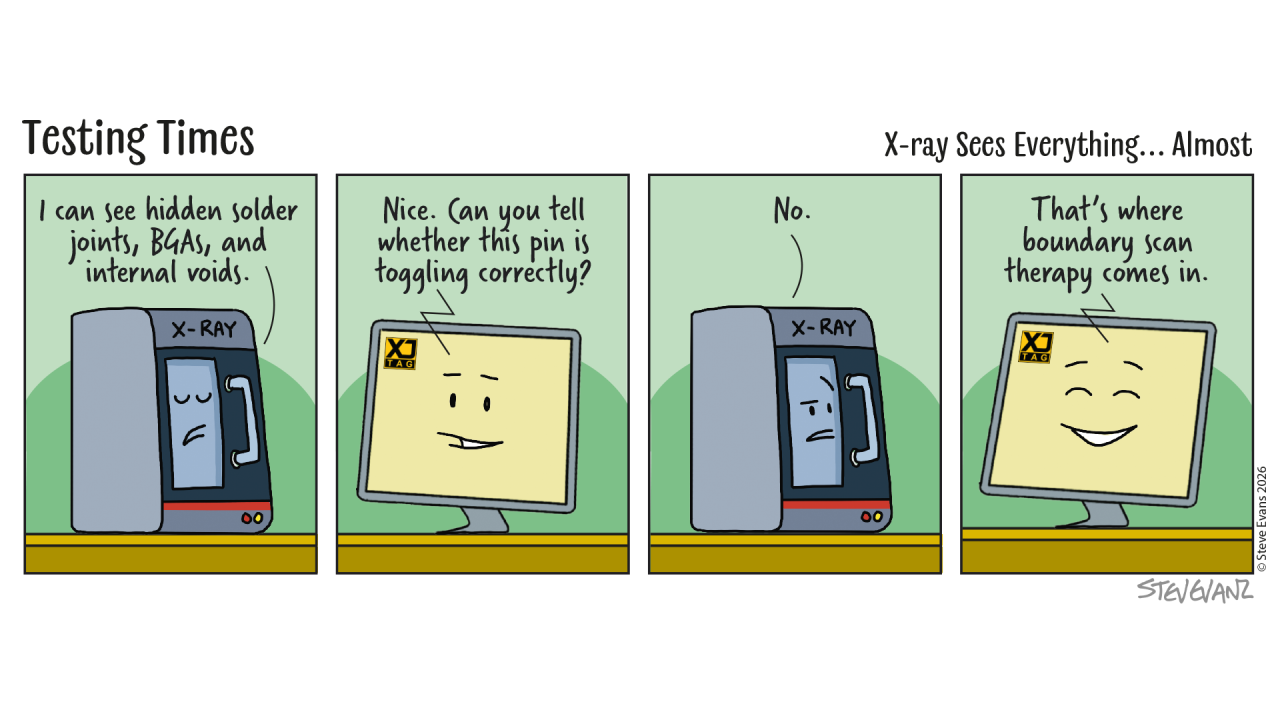 How Can Boundary Scan Test a Board Before the FPGA or Processor Is Running?
One of the biggest surprises for engineers discovering Boundary Scan is that it doesn't rely on your application software.
It doesn't require the processor to have booted.
It doesn't require the FPGA to be configured.
It doesn’t require memories to be programmed.
Boundary Scan can often begin testing the hardware before any of these have happened.
How is that possible?
The Secret Is Inside the Silicon
When people first hear about Boundary Scan, they often imagine external test equipment somehow taking control of the core of a device.
That's not what happens.
The functionality that makes Boundary Scan possible already exists inside the semiconductor device itself.
Today's FPGAs, processors, SoCs, CPLDs and many other digital devices include dedicated Boundary Scan logic as part of their silicon.
That logic is completely separate from the logic that runs your application.
It is always available whenever the device is powered.
A Separate Path
Think of the device as having two completely independent ways to interact with the outside world.
The first is through the application itself.
Software executes.
The FPGA design runs.
Signals behave exactly as the product was designed.
The second path is through the Boundary Scan logic.
Instead of relying on the application, engineers can communicate directly with the dedicated test circuitry built into the device.
This allows individual pins to be observed or controlled regardless of what the application is doing—or whether it is running at all.
Why This Matters During Bring-Up
Early prototypes rarely work perfectly.
Perhaps the FPGA hasn't yet been configured.
Perhaps the boot firmware is incomplete.
Perhaps the processor isn't reaching its first instruction.
Traditional debugging often has to wait until enough of the system is operational.
Boundary Scan doesn't.
Engineers can begin verifying power-up assumptions, checking connectivity and building confidence in the hardware before software development has reached that point.
Rather than waiting for the application to become the diagnostic tool, Boundary Scan provides an independent source of information from the very beginning.
Independent Information
One of the strengths of Boundary Scan is that it provides evidence that is independent of the software under development.
Imagine a DDR memory test fails.
Is the software wrong?
Is the memory initialisation incorrect?
Is there a PCB assembly problem?
Is there a soldering fault beneath the BGA?
Boundary Scan helps answer those questions by examining the hardware directly.
Rather than relying solely on software symptoms, engineers gain another way of determining where the problem really lies.
Confidence Before Code
Every successful Boundary Scan test removes uncertainty.
A verified address bus.
A proven control signal.
A confirmed data connection.
Each result helps engineers build confidence in the hardware long before the full application is available.
That confidence makes subsequent software debugging significantly more efficient because the hardware foundation has already been established.
Closing Thought
Software (functional testing) is excellent at proving what a system does but often requires significant development time.
Boundary Scan tests are faster to implement and operate in a fundamentally different way, which means they can often detect faults that may be missed by functional tests alone.
Together they provide a far more complete understanding of the board than either approach can achieve alone.
Understanding both is one of the reasons experienced bring-up engineers can diagnose complex hardware problems so quickly.
Board Design Tip of the Week
Don't treat the JTAG connector as something that's only needed for programming.
Providing reliable access to the Boundary Scan chain from the very first prototype gives engineers an independent way to investigate hardware, even before software is available.
That capability can save days, or even weeks, during early board bring-up.
Explore your board design with the Free XJTAG Layout Viewer
To get started find out how the Free XJTAG Layout Viewer can help you see your board connections:
Download your Free XJTAG Layout Viewer today
How Can Boundary Scan Test a Board Before the FPGA or Processor Is Running?
One of the biggest surprises for engineers discovering Boundary Scan is that it doesn't rely on your application software.
It doesn't require the processor to have booted.
It doesn't require the FPGA to be configured.
It doesn’t require memories to be programmed.
Boundary Scan can often begin testing the hardware before any of these have happened.
How is that possible?
The Secret Is Inside the Silicon
When people first hear about Boundary Scan, they often imagine external test equipment somehow taking control of the core of a device.
That's not what happens.
The functionality that makes Boundary Scan possible already exists inside the semiconductor device itself.
Today's FPGAs, processors, SoCs, CPLDs and many other digital devices include dedicated Boundary Scan logic as part of their silicon.
That logic is completely separate from the logic that runs your application.
It is always available whenever the device is powered.
A Separate Path
Think of the device as having two completely independent ways to interact with the outside world.
The first is through the application itself.
Software executes.
The FPGA design runs.
Signals behave exactly as the product was designed.
The second path is through the Boundary Scan logic.
Instead of relying on the application, engineers can communicate directly with the dedicated test circuitry built into the device.
This allows individual pins to be observed or controlled regardless of what the application is doing—or whether it is running at all.
Why This Matters During Bring-Up
Early prototypes rarely work perfectly.
Perhaps the FPGA hasn't yet been configured.
Perhaps the boot firmware is incomplete.
Perhaps the processor isn't reaching its first instruction.
Traditional debugging often has to wait until enough of the system is operational.
Boundary Scan doesn't.
Engineers can begin verifying power-up assumptions, checking connectivity and building confidence in the hardware before software development has reached that point.
Rather than waiting for the application to become the diagnostic tool, Boundary Scan provides an independent source of information from the very beginning.
Independent Information
One of the strengths of Boundary Scan is that it provides evidence that is independent of the software under development.
Imagine a DDR memory test fails.
Is the software wrong?
Is the memory initialisation incorrect?
Is there a PCB assembly problem?
Is there a soldering fault beneath the BGA?
Boundary Scan helps answer those questions by examining the hardware directly.
Rather than relying solely on software symptoms, engineers gain another way of determining where the problem really lies.
Confidence Before Code
Every successful Boundary Scan test removes uncertainty.
A verified address bus.
A proven control signal.
A confirmed data connection.
Each result helps engineers build confidence in the hardware long before the full application is available.
That confidence makes subsequent software debugging significantly more efficient because the hardware foundation has already been established.
Closing Thought
Software (functional testing) is excellent at proving what a system does but often requires significant development time.
Boundary Scan tests are faster to implement and operate in a fundamentally different way, which means they can often detect faults that may be missed by functional tests alone.
Together they provide a far more complete understanding of the board than either approach can achieve alone.
Understanding both is one of the reasons experienced bring-up engineers can diagnose complex hardware problems so quickly.
Board Design Tip of the Week
Don't treat the JTAG connector as something that's only needed for programming.
Providing reliable access to the Boundary Scan chain from the very first prototype gives engineers an independent way to investigate hardware, even before software is available.
That capability can save days, or even weeks, during early board bring-up.
Explore your board design with the Free XJTAG Layout Viewer
To get started find out how the Free XJTAG Layout Viewer can help you see your board connections:
Download your Free XJTAG Layout Viewer today
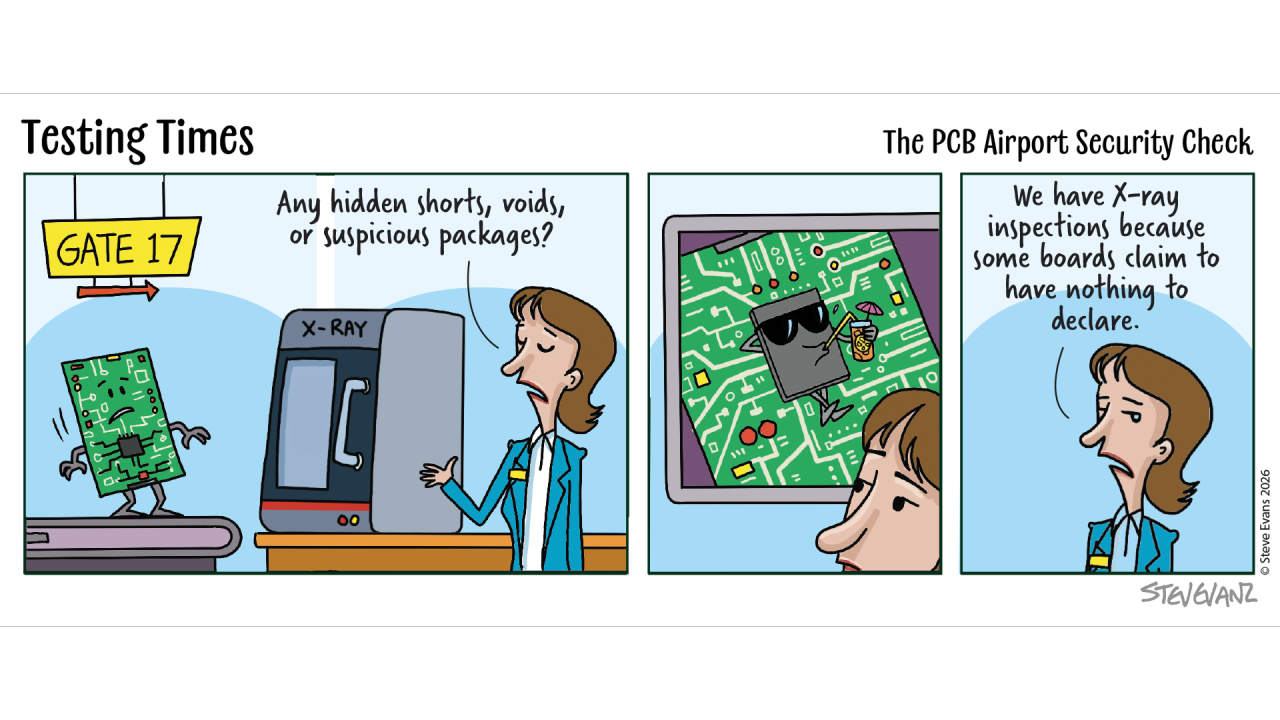 What Can Boundary Scan Actually Test?
Last week, we explored what Boundary Scan is and why it is already built into so many of today's semiconductor devices. For many engineers, that raises the next obvious question:
What can it actually test?
The answer often surprises people. Because Boundary Scan is not really about testing a single device. It is about analysing how the devices on a board are connected together.
Every Board Is Built From Connections
Whether you're designing an FPGA platform, an embedded processor board or a complex SoC-based system, the finished product is really a collection of thousands of electrical connections.
Processors, FPGAs, memories, power-management devices and peripherals are all interconnected as well as external connections.
If any one of those connections is incorrect, the behaviour of the entire system can change.
Looking Beyond Functionality
During bring-up, engineers often discover a symptom.
A memory test fails.
An interface doesn't respond.
A processor refuses to boot.
Those symptoms are useful, but they don't necessarily identify the underlying cause.
Boundary Scan approaches the problem differently.
Instead of asking whether the interface works, it asks whether the electrical connections that make up the interface are correct.
Verifying PCB Interconnections
One of the most common uses of Boundary Scan is verifying the connections between semiconductor devices.
For example, it can help identify:
Open circuits
Short circuits
Incorrectly assembled connections
Missing or incorrectly fitted devices
Rather than investigating an interface as a whole, engineers can often verify the individual signals that make up that interface. That provides a much clearer starting point for further investigation.
Looking Beyond JTAG Devices
One of the biggest misconceptions about Boundary Scan is that it can only be used with JTAG-compatible devices.
In reality, JTAG-enabled devices can often be used to interact with surrounding components that have no JTAG capability at all.
Depending on the design, this may include:
DDR memories
Flash memories
SPI peripherals
I²C devices
Ethernet PHYs
DACs and ADCs
Displays, indicators and buttons
General-purpose logic
By using the Boundary Scan logic already built into neighbouring devices, engineers can establish confidence in much larger sections of the hardware than they might initially expect.
Looking Beyond Non-JTAG Devices
When interacting with surrounding components, Boundary Scan is not limited to simply checking the connections between a JTAG device and a non-JTAG device.
Those same connections can often be used to exercise the functionality of the non-JTAG device itself.
For example, engineers can:
Drive DAC outputs and observe the resulting analogue signals
Read voltages using ADC inputs
Check whether an Ethernet link successfully comes up
Interact with peripherals to confirm expected behaviour
By using the functionality of these devices, Boundary Scan can extend testing far beyond simple connectivity checks.
This means that testing can reach into many parts of the design that are physically and logically distant from the original JTAG device.
In practice, this allows engineers to move far beyond the immediate JTAG chain, reaching into analogue domains, peripheral subsystems and external interfaces, to validate behaviour across large portions of the board that could otherwise be extremely difficult to access or control.
More Than Finding Faults
Although Boundary Scan is often associated with fault finding, its value starts much earlier.
It can help engineers:
Build confidence during board bring-up
Verify hardware before software is complete
Support manufacturing test
Diagnose returned products
Validate new board revisions
In many cases, the greatest benefit is not simply finding faults.
It is proving that large parts of the hardware are already working correctly.
That confidence allows engineers to focus their investigation on the areas that remain uncertain.
The Value of Knowing What You Don't Need to Investigate
One of the themes we've returned to throughout this series is reducing uncertainty.
Every verified connection removes another possible cause.
Every proven interface narrows the investigation.
Every confirmed device increases confidence in the hardware.
Good engineering is often less about finding the answer immediately and more about systematically eliminating the possibilities that are no longer relevant.
Boundary Scan is particularly effective at helping engineers do exactly that.
Closing Thought
Boundary Scan doesn't replace application software.
It doesn't replace oscilloscopes.
It doesn't replace logic analysers.
Instead, it provides another source of information that helps engineers understand the hardware itself.
And the better engineers understand their hardware, the faster they can move from uncertainty to confidence.
Board Design Tip of the Week
Think about Boundary Scan while you're still designing the board, not after it's been built.
Preserving JTAG access, planning the scan chain and ensuring critical devices remain accessible can dramatically increase the value that Boundary Scan provides throughout development, manufacturing and long-term support.
The decisions made during schematic capture often determine how much visibility engineers will have when the first prototypes arrive.
Explore your board design with the Free XJTAG Layout Viewer
To get started find out how the Free XJTAG Layout Viewer can help you see your board connections:
Download your Free XJTAG Layout Viewer today
What Can Boundary Scan Actually Test?
Last week, we explored what Boundary Scan is and why it is already built into so many of today's semiconductor devices. For many engineers, that raises the next obvious question:
What can it actually test?
The answer often surprises people. Because Boundary Scan is not really about testing a single device. It is about analysing how the devices on a board are connected together.
Every Board Is Built From Connections
Whether you're designing an FPGA platform, an embedded processor board or a complex SoC-based system, the finished product is really a collection of thousands of electrical connections.
Processors, FPGAs, memories, power-management devices and peripherals are all interconnected as well as external connections.
If any one of those connections is incorrect, the behaviour of the entire system can change.
Looking Beyond Functionality
During bring-up, engineers often discover a symptom.
A memory test fails.
An interface doesn't respond.
A processor refuses to boot.
Those symptoms are useful, but they don't necessarily identify the underlying cause.
Boundary Scan approaches the problem differently.
Instead of asking whether the interface works, it asks whether the electrical connections that make up the interface are correct.
Verifying PCB Interconnections
One of the most common uses of Boundary Scan is verifying the connections between semiconductor devices.
For example, it can help identify:
Open circuits
Short circuits
Incorrectly assembled connections
Missing or incorrectly fitted devices
Rather than investigating an interface as a whole, engineers can often verify the individual signals that make up that interface. That provides a much clearer starting point for further investigation.
Looking Beyond JTAG Devices
One of the biggest misconceptions about Boundary Scan is that it can only be used with JTAG-compatible devices.
In reality, JTAG-enabled devices can often be used to interact with surrounding components that have no JTAG capability at all.
Depending on the design, this may include:
DDR memories
Flash memories
SPI peripherals
I²C devices
Ethernet PHYs
DACs and ADCs
Displays, indicators and buttons
General-purpose logic
By using the Boundary Scan logic already built into neighbouring devices, engineers can establish confidence in much larger sections of the hardware than they might initially expect.
Looking Beyond Non-JTAG Devices
When interacting with surrounding components, Boundary Scan is not limited to simply checking the connections between a JTAG device and a non-JTAG device.
Those same connections can often be used to exercise the functionality of the non-JTAG device itself.
For example, engineers can:
Drive DAC outputs and observe the resulting analogue signals
Read voltages using ADC inputs
Check whether an Ethernet link successfully comes up
Interact with peripherals to confirm expected behaviour
By using the functionality of these devices, Boundary Scan can extend testing far beyond simple connectivity checks.
This means that testing can reach into many parts of the design that are physically and logically distant from the original JTAG device.
In practice, this allows engineers to move far beyond the immediate JTAG chain, reaching into analogue domains, peripheral subsystems and external interfaces, to validate behaviour across large portions of the board that could otherwise be extremely difficult to access or control.
More Than Finding Faults
Although Boundary Scan is often associated with fault finding, its value starts much earlier.
It can help engineers:
Build confidence during board bring-up
Verify hardware before software is complete
Support manufacturing test
Diagnose returned products
Validate new board revisions
In many cases, the greatest benefit is not simply finding faults.
It is proving that large parts of the hardware are already working correctly.
That confidence allows engineers to focus their investigation on the areas that remain uncertain.
The Value of Knowing What You Don't Need to Investigate
One of the themes we've returned to throughout this series is reducing uncertainty.
Every verified connection removes another possible cause.
Every proven interface narrows the investigation.
Every confirmed device increases confidence in the hardware.
Good engineering is often less about finding the answer immediately and more about systematically eliminating the possibilities that are no longer relevant.
Boundary Scan is particularly effective at helping engineers do exactly that.
Closing Thought
Boundary Scan doesn't replace application software.
It doesn't replace oscilloscopes.
It doesn't replace logic analysers.
Instead, it provides another source of information that helps engineers understand the hardware itself.
And the better engineers understand their hardware, the faster they can move from uncertainty to confidence.
Board Design Tip of the Week
Think about Boundary Scan while you're still designing the board, not after it's been built.
Preserving JTAG access, planning the scan chain and ensuring critical devices remain accessible can dramatically increase the value that Boundary Scan provides throughout development, manufacturing and long-term support.
The decisions made during schematic capture often determine how much visibility engineers will have when the first prototypes arrive.
Explore your board design with the Free XJTAG Layout Viewer
To get started find out how the Free XJTAG Layout Viewer can help you see your board connections:
Download your Free XJTAG Layout Viewer today
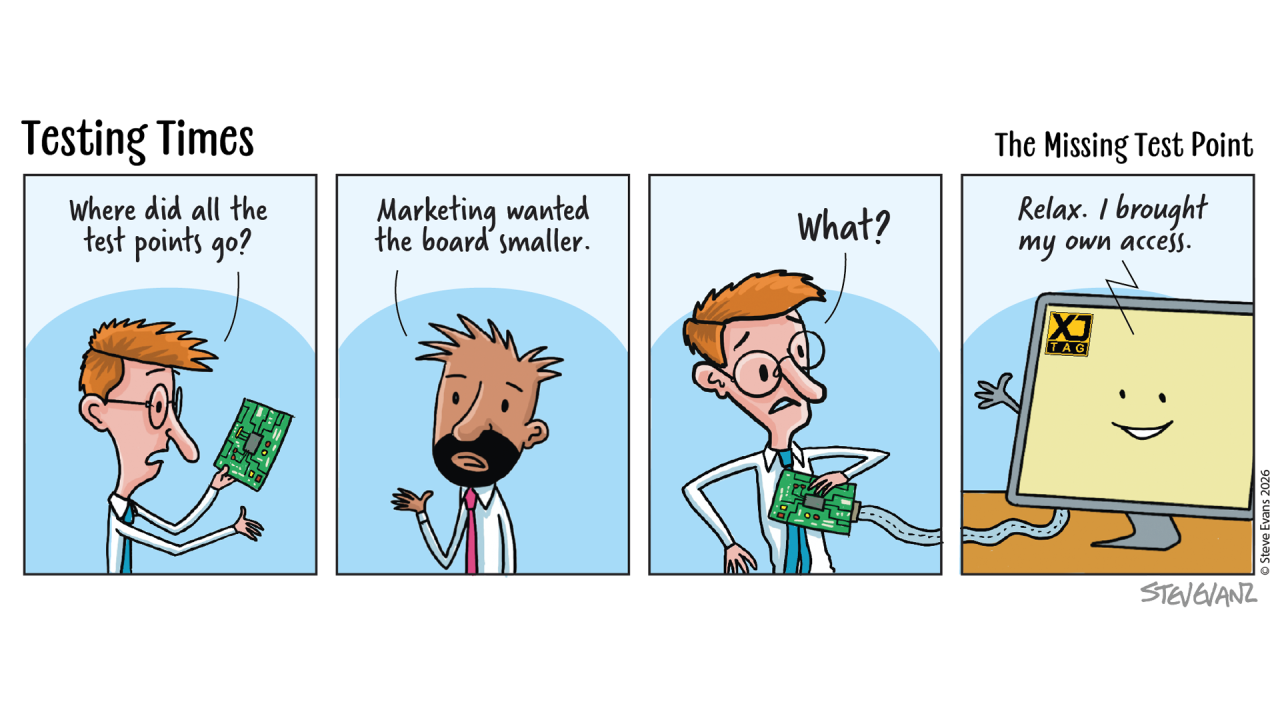 What Is Boundary Scan. And Why It Is Already On Your PCB
Over the last few weeks, we've explored why JTAG exists, how it helps engineers gain visibility into increasingly complex hardware, and how structural testing complements software-based bring-up.
Many engineers use JTAG every day to program, configure or debug FPGAs and processors. Fewer realise that many of those same semiconductor devices already contain dedicated hardware designed specifically to help test and debug the board itself.
That capability is called Boundary Scan.
More Than Just JTAG
JTAG and Boundary Scan are often mentioned together, and it's easy to assume they mean the same thing, they don't.
JTAG is the standardised interface that allows engineers to communicate with compatible semiconductor devices. Boundary Scan is one of the capabilities that can be accessed through that interface.
In simple terms, JTAG is the doorway, Boundary Scan is one of the powerful tools behind that door.
A Clever Idea
Imagine every digital input and output pin on a semiconductor device had a small piece of dedicated test logic associated with it. Instead of relying on the processor executing software or the FPGA running its design, engineers could use that test logic to directly observe or control the logic level at those pins.
That is the fundamental idea behind Boundary Scan.
By placing dedicated test logic around the edge, or boundary, of the device, engineers gain a way to interact with signals independently of the device's normal operation.
It is a remarkably simple idea that has had a profound impact on board-level testing.
Why It Was Developed
As semiconductor devices evolved, packages became smaller, pin counts increased and Ball Grid Array (BGA) packages became commonplace. Many signals could no longer be accessed using traditional test probes. Boundary Scan was developed to solve exactly this problem.
Rather than requiring physical access to every connection, engineers could use the test logic already built into the semiconductor device to help verify the PCB interconnections.
This made it possible to investigate hardware that would otherwise be extremely difficult to access.
In some cases, such as when using blind vias between BGAs, this can be the only test access to nets without having to create bespoke test code for the device.
It Doesn't Need the Application to Be Running
One of the characteristics that makes Boundary Scan particularly valuable during board bring-up is that it operates independently of the application software.
If a processor has failed to boot...
If an FPGA has not yet been configured...
Or if the operating system has never started...
Boundary Scan can often still provide valuable information about the hardware itself.
That allows engineers to begin building confidence in the board long before the application is capable of running.
Looking Beyond the Device
One of the biggest surprises for engineers new to Boundary Scan is that its usefulness extends well beyond the semiconductor device itself. The signals driven and observed through the Boundary Scan logic continue into the PCB.
That means engineers can investigate the interconnections between devices and, in many cases, establish confidence in much larger sections of the board than they might expect.
Importantly, this also means that JTAG-enabled devices can be used to test connections to devices that do not support JTAG themselves. By driving and observing signals through the Boundary Scan logic, engineers can verify connectivity to non-JTAG components such as memories, peripherals and other discrete devices.
The reach of Boundary Scan testing doesn’t have to stop there. This interaction with non-JTAG components can also be used to actively control them for example, setting DAC output values or reading ADC inputs, allowing engineers to extend testing even further beyond the Boundary Scan device itself.
Boundary Scan is not simply about testing the device. It is about helping engineers understand the hardware around it.
Unlocking the Capability
Having Boundary Scan logic built into a semiconductor device is only part of the story. The capability still needs to be accessed, understood and applied in a practical way.
That requires software capable of communicating with the JTAG chain, understanding the devices on the board, interpreting their Boundary Scan descriptions, and translating that information into meaningful engineering tasks such as connectivity testing, device programming and fault diagnosis.
Much like a software debugger helps engineers understand and control running code, specialised Boundary Scan tools help engineers unlock the structural test capability already built into many modern semiconductor devices. Without those tools, much of that capability remains largely untapped.
A Foundation for Modern Hardware Debug
Over the years, semiconductor manufacturers have incorporated Boundary Scan into an enormous number of devices, including:
FPGAs
Processors
SoCs
CPLDs
Ethernet PHYs
As a result, countless electronic systems already contain the hardware needed to support structural testing. The capability already exists within the silicon, the opportunity lies in making practical use of it.
Closing Thought
Most engineers are familiar with JTAG. Far fewer have explored what Boundary Scan can actually do.
Yet it has become one of the key technologies that helps engineers establish confidence in complex electronic hardware. Not by replacing software, not by replacing functional testing. But by providing another way to understand the board when answers are needed most. The capability is already there. The real challenge is unlocking it in a way that provides meaningful insight into the hardware.
Board Design Tip of the Week
When selecting major semiconductor devices, don't just consider processing power or logic resources. Also consider the test and debug capabilities they provide.
Boundary Scan is already built into many modern devices, and designing your board so that this capability remains accessible can pay dividends throughout bring-up, manufacturing, debugging and long-term support.
Providing access to the capability is only the first step.
Making effective use of it is where the real value begins.
Explore your board design with the Free XJTAG Layout Viewer
To get started find out how the Free XJTAG Layout Viewer can help you see your board connections:
Download your Free XJTAG Layout Viewer today
What Is Boundary Scan. And Why It Is Already On Your PCB
Over the last few weeks, we've explored why JTAG exists, how it helps engineers gain visibility into increasingly complex hardware, and how structural testing complements software-based bring-up.
Many engineers use JTAG every day to program, configure or debug FPGAs and processors. Fewer realise that many of those same semiconductor devices already contain dedicated hardware designed specifically to help test and debug the board itself.
That capability is called Boundary Scan.
More Than Just JTAG
JTAG and Boundary Scan are often mentioned together, and it's easy to assume they mean the same thing, they don't.
JTAG is the standardised interface that allows engineers to communicate with compatible semiconductor devices. Boundary Scan is one of the capabilities that can be accessed through that interface.
In simple terms, JTAG is the doorway, Boundary Scan is one of the powerful tools behind that door.
A Clever Idea
Imagine every digital input and output pin on a semiconductor device had a small piece of dedicated test logic associated with it. Instead of relying on the processor executing software or the FPGA running its design, engineers could use that test logic to directly observe or control the logic level at those pins.
That is the fundamental idea behind Boundary Scan.
By placing dedicated test logic around the edge, or boundary, of the device, engineers gain a way to interact with signals independently of the device's normal operation.
It is a remarkably simple idea that has had a profound impact on board-level testing.
Why It Was Developed
As semiconductor devices evolved, packages became smaller, pin counts increased and Ball Grid Array (BGA) packages became commonplace. Many signals could no longer be accessed using traditional test probes. Boundary Scan was developed to solve exactly this problem.
Rather than requiring physical access to every connection, engineers could use the test logic already built into the semiconductor device to help verify the PCB interconnections.
This made it possible to investigate hardware that would otherwise be extremely difficult to access.
In some cases, such as when using blind vias between BGAs, this can be the only test access to nets without having to create bespoke test code for the device.
It Doesn't Need the Application to Be Running
One of the characteristics that makes Boundary Scan particularly valuable during board bring-up is that it operates independently of the application software.
If a processor has failed to boot...
If an FPGA has not yet been configured...
Or if the operating system has never started...
Boundary Scan can often still provide valuable information about the hardware itself.
That allows engineers to begin building confidence in the board long before the application is capable of running.
Looking Beyond the Device
One of the biggest surprises for engineers new to Boundary Scan is that its usefulness extends well beyond the semiconductor device itself. The signals driven and observed through the Boundary Scan logic continue into the PCB.
That means engineers can investigate the interconnections between devices and, in many cases, establish confidence in much larger sections of the board than they might expect.
Importantly, this also means that JTAG-enabled devices can be used to test connections to devices that do not support JTAG themselves. By driving and observing signals through the Boundary Scan logic, engineers can verify connectivity to non-JTAG components such as memories, peripherals and other discrete devices.
The reach of Boundary Scan testing doesn’t have to stop there. This interaction with non-JTAG components can also be used to actively control them for example, setting DAC output values or reading ADC inputs, allowing engineers to extend testing even further beyond the Boundary Scan device itself.
Boundary Scan is not simply about testing the device. It is about helping engineers understand the hardware around it.
Unlocking the Capability
Having Boundary Scan logic built into a semiconductor device is only part of the story. The capability still needs to be accessed, understood and applied in a practical way.
That requires software capable of communicating with the JTAG chain, understanding the devices on the board, interpreting their Boundary Scan descriptions, and translating that information into meaningful engineering tasks such as connectivity testing, device programming and fault diagnosis.
Much like a software debugger helps engineers understand and control running code, specialised Boundary Scan tools help engineers unlock the structural test capability already built into many modern semiconductor devices. Without those tools, much of that capability remains largely untapped.
A Foundation for Modern Hardware Debug
Over the years, semiconductor manufacturers have incorporated Boundary Scan into an enormous number of devices, including:
FPGAs
Processors
SoCs
CPLDs
Ethernet PHYs
As a result, countless electronic systems already contain the hardware needed to support structural testing. The capability already exists within the silicon, the opportunity lies in making practical use of it.
Closing Thought
Most engineers are familiar with JTAG. Far fewer have explored what Boundary Scan can actually do.
Yet it has become one of the key technologies that helps engineers establish confidence in complex electronic hardware. Not by replacing software, not by replacing functional testing. But by providing another way to understand the board when answers are needed most. The capability is already there. The real challenge is unlocking it in a way that provides meaningful insight into the hardware.
Board Design Tip of the Week
When selecting major semiconductor devices, don't just consider processing power or logic resources. Also consider the test and debug capabilities they provide.
Boundary Scan is already built into many modern devices, and designing your board so that this capability remains accessible can pay dividends throughout bring-up, manufacturing, debugging and long-term support.
Providing access to the capability is only the first step.
Making effective use of it is where the real value begins.
Explore your board design with the Free XJTAG Layout Viewer
To get started find out how the Free XJTAG Layout Viewer can help you see your board connections:
Download your Free XJTAG Layout Viewer today
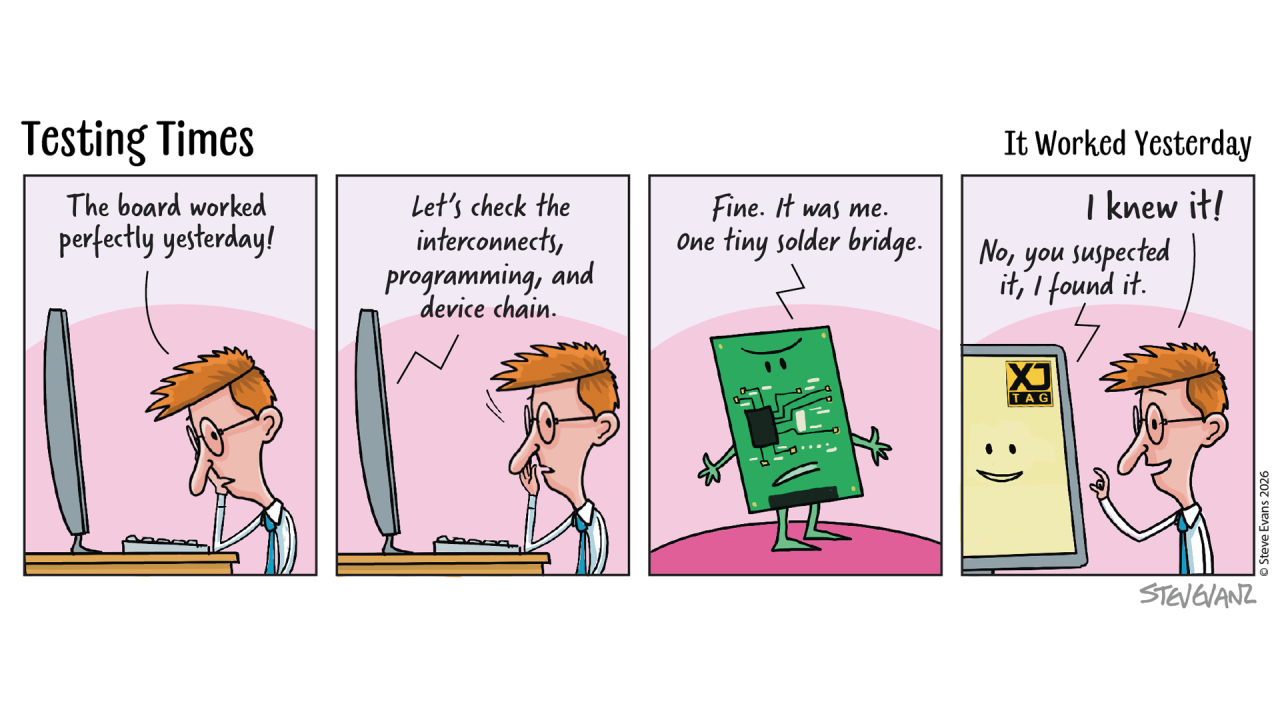 What Happens When the Prototype Arrives?
Few moments in a development project are more anticipated than the arrival of the first assembled PCB.
Months have been spent defining the requirements, designing the schematic, laying out the PCB and selecting components. The boards finally arrive, and the question everyone wants answered is a simple one:
Does it work?
The first few days are often referred to as board bring-up or commissioning. It's the point where hardware and software engineers begin working together to understand how the new design behaves.
The First Steps
The initial objective isn't to prove every feature of the product. It's to establish confidence that the hardware is fundamentally healthy.
Can the FPGA be programmed?
Will the processor boot?
Do key interfaces respond?
Can the application software begin running?
Existing boot software, demonstration code or simple application software is often used to answer these first questions. The aim is to determine whether the board behaves sufficiently well for development to continue.
If everything works, the project moves forward.
If it doesn't, the investigation begins.
When Questions Start Appearing
Imagine the processor doesn't boot or the FPGA won't configure. A memory interface fails to initialise or a communication interface refuses to respond. At this point, engineers know something isn't right, but they don't yet know why.
Is it the software?
A configuration issue?
Or is there a hardware problem somewhere on the board?
Answering those questions is often the most time-consuming part of bring-up.
The Natural Response
When hardware behaviour doesn't match expectations, engineers do what engineers have always done.
They investigate.
Additional software is written to read registers, exercise peripherals, toggle GPIOs or collect diagnostic information. Each small test is designed to answer another question about the system.
This investigative software is invaluable during development, but it is usually written to solve a specific problem on a specific prototype. Once the issue has been resolved, much of it is rarely used again.
Looking at the Hardware Differently
Structural testing approaches the problem from a different direction.
Instead of asking whether the application software behaves correctly, it asks whether the underlying hardware has been assembled and connected correctly. One of the biggest advantages is that structural testing does not rely on the application software running successfully.
Many structural tests can begin before a processor has booted or before an FPGA has completed its intended function, because they use dedicated hardware test logic already built into many semiconductor devices and accessed through the JTAG interface.
This allows engineers to begin establishing confidence in the hardware, even when the system itself is not yet capable of running software.
A Different Level of Information
There is another important difference. Imagine an memory interface doesn't work, a software-based investigation may just tell you that communication has failed.
What it often cannot tell you immediately is why.
Structural testing can often investigate the individual interconnections that make up the interface, helping engineers narrow the search to the specific signals involved rather than simply identifying that the interface has failed.
That level of detail can significantly reduce the time needed to isolate hardware faults.
Two Approaches That Work Together
It is sometimes tempting to compare software-based investigation with structural testing, but in reality they answer different questions.
Application software demonstrates that the product performs the functions it was designed to perform.
Structural testing provides confidence that the hardware supporting those functions has been assembled and connected correctly.
One validates the behaviour of the product. The other validates the hardware platform on which that behaviour depends.
Together, they help engineering teams move from uncertainty to understanding much more quickly.
Beyond the First Prototype
The benefits don't stop once bring-up is complete. Much of the diagnostic software written during development is closely tied to a particular investigation or a specific board revision.
Structural tests, by contrast, can often be reused throughout the product lifecycle.
The same tests developed during prototype bring-up may later be used for:
Design verification
Manufacturing test
Later board revisions
Fault diagnosis
Repair and service
As the application software evolves, the hardware foundation changes much more slowly, making structural tests a valuable long-term engineering asset.
Closing Thought
Every new product begins with questions, some are answered by running software. Others require engineers to look deeper into the hardware itself. The most effective engineering teams recognise that these are not competing activities. They are complementary ways of building confidence.
By combining software-based investigation with structural testing, engineers can establish confidence earlier, isolate faults more quickly and spend more time developing products instead of searching for the cause of unexpected behaviour.
Board Design Tip of the Week
Design every board with future investigation in mind.
Good JTAG access and thoughtful testability features don't just help during manufacturing—they can provide valuable insight long before the processor boots or the application software is running.
The easiest time to make a board easier to investigate is during the design phase. The value of those decisions often isn't realised until the very first prototype arrives.
Explore your board design with the Free XJTAG Layout Viewer
To get started find out how the Free XJTAG Layout Viewer can help you see your board connections:
Download your Free XJTAG Layout Viewer today
What Happens When the Prototype Arrives?
Few moments in a development project are more anticipated than the arrival of the first assembled PCB.
Months have been spent defining the requirements, designing the schematic, laying out the PCB and selecting components. The boards finally arrive, and the question everyone wants answered is a simple one:
Does it work?
The first few days are often referred to as board bring-up or commissioning. It's the point where hardware and software engineers begin working together to understand how the new design behaves.
The First Steps
The initial objective isn't to prove every feature of the product. It's to establish confidence that the hardware is fundamentally healthy.
Can the FPGA be programmed?
Will the processor boot?
Do key interfaces respond?
Can the application software begin running?
Existing boot software, demonstration code or simple application software is often used to answer these first questions. The aim is to determine whether the board behaves sufficiently well for development to continue.
If everything works, the project moves forward.
If it doesn't, the investigation begins.
When Questions Start Appearing
Imagine the processor doesn't boot or the FPGA won't configure. A memory interface fails to initialise or a communication interface refuses to respond. At this point, engineers know something isn't right, but they don't yet know why.
Is it the software?
A configuration issue?
Or is there a hardware problem somewhere on the board?
Answering those questions is often the most time-consuming part of bring-up.
The Natural Response
When hardware behaviour doesn't match expectations, engineers do what engineers have always done.
They investigate.
Additional software is written to read registers, exercise peripherals, toggle GPIOs or collect diagnostic information. Each small test is designed to answer another question about the system.
This investigative software is invaluable during development, but it is usually written to solve a specific problem on a specific prototype. Once the issue has been resolved, much of it is rarely used again.
Looking at the Hardware Differently
Structural testing approaches the problem from a different direction.
Instead of asking whether the application software behaves correctly, it asks whether the underlying hardware has been assembled and connected correctly. One of the biggest advantages is that structural testing does not rely on the application software running successfully.
Many structural tests can begin before a processor has booted or before an FPGA has completed its intended function, because they use dedicated hardware test logic already built into many semiconductor devices and accessed through the JTAG interface.
This allows engineers to begin establishing confidence in the hardware, even when the system itself is not yet capable of running software.
A Different Level of Information
There is another important difference. Imagine an memory interface doesn't work, a software-based investigation may just tell you that communication has failed.
What it often cannot tell you immediately is why.
Structural testing can often investigate the individual interconnections that make up the interface, helping engineers narrow the search to the specific signals involved rather than simply identifying that the interface has failed.
That level of detail can significantly reduce the time needed to isolate hardware faults.
Two Approaches That Work Together
It is sometimes tempting to compare software-based investigation with structural testing, but in reality they answer different questions.
Application software demonstrates that the product performs the functions it was designed to perform.
Structural testing provides confidence that the hardware supporting those functions has been assembled and connected correctly.
One validates the behaviour of the product. The other validates the hardware platform on which that behaviour depends.
Together, they help engineering teams move from uncertainty to understanding much more quickly.
Beyond the First Prototype
The benefits don't stop once bring-up is complete. Much of the diagnostic software written during development is closely tied to a particular investigation or a specific board revision.
Structural tests, by contrast, can often be reused throughout the product lifecycle.
The same tests developed during prototype bring-up may later be used for:
Design verification
Manufacturing test
Later board revisions
Fault diagnosis
Repair and service
As the application software evolves, the hardware foundation changes much more slowly, making structural tests a valuable long-term engineering asset.
Closing Thought
Every new product begins with questions, some are answered by running software. Others require engineers to look deeper into the hardware itself. The most effective engineering teams recognise that these are not competing activities. They are complementary ways of building confidence.
By combining software-based investigation with structural testing, engineers can establish confidence earlier, isolate faults more quickly and spend more time developing products instead of searching for the cause of unexpected behaviour.
Board Design Tip of the Week
Design every board with future investigation in mind.
Good JTAG access and thoughtful testability features don't just help during manufacturing—they can provide valuable insight long before the processor boots or the application software is running.
The easiest time to make a board easier to investigate is during the design phase. The value of those decisions often isn't realised until the very first prototype arrives.
Explore your board design with the Free XJTAG Layout Viewer
To get started find out how the Free XJTAG Layout Viewer can help you see your board connections:
Download your Free XJTAG Layout Viewer today
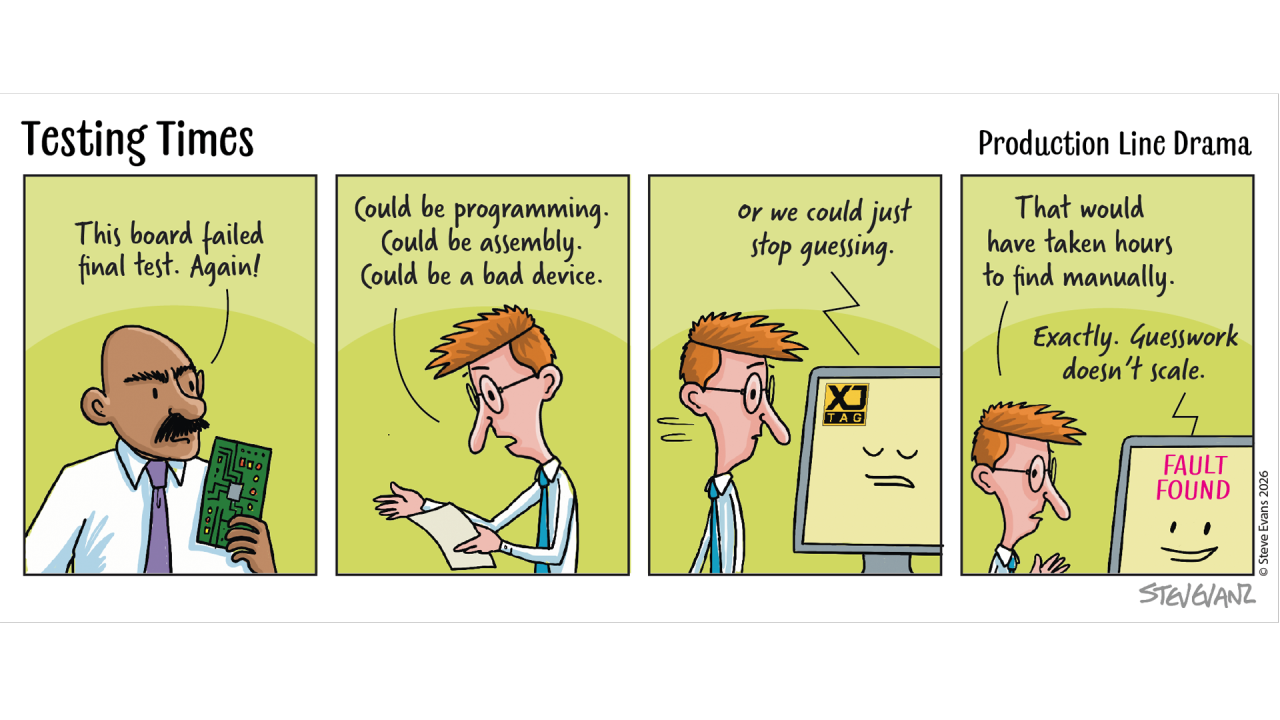 Why Good JTAG Design Matters
Over the past few weeks, we've explored how JTAG helps engineers gain visibility into increasingly complex electronic systems.
We've discussed why visibility matters, how JTAG enables access to devices, and why JTAG testing can provide insight into much more than just the devices that contain the JTAG logic itself.
But there is another aspect that is often overlooked.
None of these benefits happen by accident.
They depend on the board being designed in a way that preserves access and visibility from the very beginning.
The Design Phase Is Usually Optimistic
When a new board is being developed, teams are naturally focused on functionality.
The design is expected to work.
The FPGA will configure.
The processor will boot.
The interfaces will communicate.
The software will run.
And most of the time, that optimism is justified.
The challenge is that engineers rarely know in advance which assumptions will eventually need to be investigated.
Future Engineers Inherit Today's Decisions
One of the interesting things about board design is that the people who benefit from good design decisions are often not the people who make them.
A JTAG connection added during schematic capture may later help:
A bring-up engineer investigating first prototypes
A manufacturing engineer diagnosing assembly faults
A software engineer debugging a processor boot issue
A service technician investigating a returned product
The design decision may take minutes.
The benefit may last for years.
Visibility Is Easier To Preserve Than Recreate
Once a PCB has been manufactured, options become limited. If access to a signal was not provided, adding it later may require:
Board modifications
Additional fixtures
Rework
New PCB revisions
By contrast, preserving visibility during design often costs very little.
A few extra pads.
A sensible connector location.
Access to key interfaces.
The earlier visibility is considered, the easier it becomes to support future investigation.
When Good Design Pays Off
Designing for testability is not about expecting problems. It's about preparing for the questions engineers will inevitably need to answer throughout the life of the product.
It can support:
Manufacturing test
Device programming
Production diagnostics
Design verification
Future revisions
Long-term support
Good JTAG design is therefore not about expecting problems. It is about preparing for questions.
The Cost Of Assumptions
Many engineering delays are caused by uncertainty. Engineers know something is wrong, they simply don't know where. When visibility has been designed into the board, uncertainty can be reduced much more quickly.
Questions become easier to answer.
Assumptions become easier to verify.
And investigations become significantly more efficient.
Designing For The Entire Lifecycle
One of the reasons JTAG has remained relevant for so long is that it supports far more than initial development.
A well-designed JTAG infrastructure can continue providing value through:
Bring-up
Manufacturing
Production
Service
Repair
Future product revisions
That makes it one of the few interfaces that remains useful throughout the life of a product.
Closing Thought
Good JTAG design is rarely noticed when everything works. Its value becomes apparent when engineers need answers. The best time to think about visibility, access, and future debug capability is not when a problem occurs.
It's during the design stage, when those options are still easy to preserve.
Because once a board has been built, engineers can only work with the visibility they were given.
JTAG Tip of the Week
Where practical, provide footprints for components that may help optimise JTAG operation in the future, even if they are not initially fitted.
Examples include:
JTAG termination options
Pull-up and pull-down resistors
Configuration mode selection resistors
Chain isolation options
These footprints consume very little PCB area but can provide valuable flexibility during bring-up, debug, and future revisions.
It is often better to have the option and not need it than to need it and discover it cannot be added.
Explore your board design with the Free XJTAG Layout Viewer
To get started find out how the Free XJTAG Layout Viewer can help you see your board connections:
Download your Free XJTAG Layout Viewer today
Why Good JTAG Design Matters
Over the past few weeks, we've explored how JTAG helps engineers gain visibility into increasingly complex electronic systems.
We've discussed why visibility matters, how JTAG enables access to devices, and why JTAG testing can provide insight into much more than just the devices that contain the JTAG logic itself.
But there is another aspect that is often overlooked.
None of these benefits happen by accident.
They depend on the board being designed in a way that preserves access and visibility from the very beginning.
The Design Phase Is Usually Optimistic
When a new board is being developed, teams are naturally focused on functionality.
The design is expected to work.
The FPGA will configure.
The processor will boot.
The interfaces will communicate.
The software will run.
And most of the time, that optimism is justified.
The challenge is that engineers rarely know in advance which assumptions will eventually need to be investigated.
Future Engineers Inherit Today's Decisions
One of the interesting things about board design is that the people who benefit from good design decisions are often not the people who make them.
A JTAG connection added during schematic capture may later help:
A bring-up engineer investigating first prototypes
A manufacturing engineer diagnosing assembly faults
A software engineer debugging a processor boot issue
A service technician investigating a returned product
The design decision may take minutes.
The benefit may last for years.
Visibility Is Easier To Preserve Than Recreate
Once a PCB has been manufactured, options become limited. If access to a signal was not provided, adding it later may require:
Board modifications
Additional fixtures
Rework
New PCB revisions
By contrast, preserving visibility during design often costs very little.
A few extra pads.
A sensible connector location.
Access to key interfaces.
The earlier visibility is considered, the easier it becomes to support future investigation.
When Good Design Pays Off
Designing for testability is not about expecting problems. It's about preparing for the questions engineers will inevitably need to answer throughout the life of the product.
It can support:
Manufacturing test
Device programming
Production diagnostics
Design verification
Future revisions
Long-term support
Good JTAG design is therefore not about expecting problems. It is about preparing for questions.
The Cost Of Assumptions
Many engineering delays are caused by uncertainty. Engineers know something is wrong, they simply don't know where. When visibility has been designed into the board, uncertainty can be reduced much more quickly.
Questions become easier to answer.
Assumptions become easier to verify.
And investigations become significantly more efficient.
Designing For The Entire Lifecycle
One of the reasons JTAG has remained relevant for so long is that it supports far more than initial development.
A well-designed JTAG infrastructure can continue providing value through:
Bring-up
Manufacturing
Production
Service
Repair
Future product revisions
That makes it one of the few interfaces that remains useful throughout the life of a product.
Closing Thought
Good JTAG design is rarely noticed when everything works. Its value becomes apparent when engineers need answers. The best time to think about visibility, access, and future debug capability is not when a problem occurs.
It's during the design stage, when those options are still easy to preserve.
Because once a board has been built, engineers can only work with the visibility they were given.
JTAG Tip of the Week
Where practical, provide footprints for components that may help optimise JTAG operation in the future, even if they are not initially fitted.
Examples include:
JTAG termination options
Pull-up and pull-down resistors
Configuration mode selection resistors
Chain isolation options
These footprints consume very little PCB area but can provide valuable flexibility during bring-up, debug, and future revisions.
It is often better to have the option and not need it than to need it and discover it cannot be added.
Explore your board design with the Free XJTAG Layout Viewer
To get started find out how the Free XJTAG Layout Viewer can help you see your board connections:
Download your Free XJTAG Layout Viewer today
 Why JTAG Testing Is More Powerful Than Most Engineers Realise
Over the past few weeks, we've explored why JTAG was created, what it enables, why it has become so important to semiconductor devices, and why visibility matters when bringing up and supporting complex hardware.
For many engineers, JTAG is already familiar.
It's used to program FPGAs.
Debug processors.
Configure devices.
Identify parts on a board.
But there is another capability that often receives far less attention.
And it is arguably one of the most powerful.
The Assumption Most Engineers Make
When engineers first encounter JTAG testing, they often assume it can only be used to interact with JTAG devices. It's an understandable conclusion, after all, the JTAG interface exists inside semiconductor devices. So it seems logical that its usefulness would stop there.
In reality, that is only part of the story.
Looking Beyond The Device
One of the key ideas behind boundary scan is that it provides access to signals at the pins of semiconductor devices. Those signals do not stop at the device boundary, they continue into the surrounding circuitry. This means that JTAG-enabled devices can provide visibility into much more than the devices themselves.
They can provide visibility into the board.
A Different Way Of Thinking About Testing
Consider a common engineering problem, a new board arrives from manufacturing. The FPGA can be identified, the processor appears to respond, yet something still doesn't work. Perhaps a memory interface is failing, a peripheral isn't responding. Or an important communication path behaves unexpectedly. At this point, many teams immediately start investigating the failing subsystem.
Experienced engineers often take a different approach.
Instead of asking:
"Why doesn't it work?"
They first ask:
"What can we prove already works?"
Can signals be driven?
Can signals be observed?
Can connectivity be verified?
Can devices be accessed?
Each answer removes uncertainty.
And removing uncertainty is often the fastest route to finding the real problem.
Why This Matters
Modern electronic systems contain far more than processors and FPGAs.
They include:
Memories
Clock generators
Power-management devices
ADCs and DACs
SPI peripherals
I²C devices
Communication interfaces
Many of these devices do not contain JTAG interfaces themselves.
Yet they are connected to devices that do.
That creates opportunities to validate and understand large portions of the board using the visibility provided by the JTAG infrastructure already present.
The Real Benefit
The true value is not simply test coverage.
The real benefit is confidence.
Confidence that:
Devices are connected correctly
Signals are reaching their destinations
Critical interfaces are functioning
The hardware foundation is sound
When that confidence exists, debugging becomes significantly more focused.
Instead of investigating every possible cause, engineers can concentrate on what remains unproven.
Why This Is Becoming More Important
The original reasons JTAG was created have not disappeared.
If anything, they have become more relevant.
Today's boards contain:
Higher pin counts
More BGAs
Faster interfaces
Greater integration
More layers
At the same time, physical access to signals continues to decrease. Traditional probing techniques remain important, but they are no longer sufficient on their own. Engineers increasingly need alternative ways to understand what is happening on the board.
Visibility Creates Momentum
One of the observations we've made repeatedly over the years is that engineering teams rarely get delayed because they lack technical capability. They get delayed because uncertainty remains for too long. The longer it takes to establish what is known to be working, the longer investigations tend to take.
Visibility changes that.
It allows engineers to establish confidence earlier, reduce assumptions, and focus effort where it matters most.
Closing Thought
Many engineers think of JTAG as a programming interface.
Others think of it as a debug interface.
Some think of it as a manufacturing test interface.
In reality, its greatest strength may be something much simpler.
It helps engineers understand their hardware.
And in increasingly complex electronic systems, that understanding is often more valuable than ever.
JTAG Tip of the Week
When designing a board, don't think about JTAG solely as a programming interface.
Consider how it might help establish confidence in the hardware during bring-up, manufacturing, and future debug activities.
The more visibility that is preserved during the design stage, the more options engineers will have when investigating unexpected behaviour later.
Good JTAG design is often less about today's requirements and more about tomorrow's questions.
Explore your board design with the Free XJTAG Layout Viewer
To get started find out how the Free XJTAG Layout Viewer can help you see your board connections:
Download your Free XJTAG Layout Viewer today
Why JTAG Testing Is More Powerful Than Most Engineers Realise
Over the past few weeks, we've explored why JTAG was created, what it enables, why it has become so important to semiconductor devices, and why visibility matters when bringing up and supporting complex hardware.
For many engineers, JTAG is already familiar.
It's used to program FPGAs.
Debug processors.
Configure devices.
Identify parts on a board.
But there is another capability that often receives far less attention.
And it is arguably one of the most powerful.
The Assumption Most Engineers Make
When engineers first encounter JTAG testing, they often assume it can only be used to interact with JTAG devices. It's an understandable conclusion, after all, the JTAG interface exists inside semiconductor devices. So it seems logical that its usefulness would stop there.
In reality, that is only part of the story.
Looking Beyond The Device
One of the key ideas behind boundary scan is that it provides access to signals at the pins of semiconductor devices. Those signals do not stop at the device boundary, they continue into the surrounding circuitry. This means that JTAG-enabled devices can provide visibility into much more than the devices themselves.
They can provide visibility into the board.
A Different Way Of Thinking About Testing
Consider a common engineering problem, a new board arrives from manufacturing. The FPGA can be identified, the processor appears to respond, yet something still doesn't work. Perhaps a memory interface is failing, a peripheral isn't responding. Or an important communication path behaves unexpectedly. At this point, many teams immediately start investigating the failing subsystem.
Experienced engineers often take a different approach.
Instead of asking:
"Why doesn't it work?"
They first ask:
"What can we prove already works?"
Can signals be driven?
Can signals be observed?
Can connectivity be verified?
Can devices be accessed?
Each answer removes uncertainty.
And removing uncertainty is often the fastest route to finding the real problem.
Why This Matters
Modern electronic systems contain far more than processors and FPGAs.
They include:
Memories
Clock generators
Power-management devices
ADCs and DACs
SPI peripherals
I²C devices
Communication interfaces
Many of these devices do not contain JTAG interfaces themselves.
Yet they are connected to devices that do.
That creates opportunities to validate and understand large portions of the board using the visibility provided by the JTAG infrastructure already present.
The Real Benefit
The true value is not simply test coverage.
The real benefit is confidence.
Confidence that:
Devices are connected correctly
Signals are reaching their destinations
Critical interfaces are functioning
The hardware foundation is sound
When that confidence exists, debugging becomes significantly more focused.
Instead of investigating every possible cause, engineers can concentrate on what remains unproven.
Why This Is Becoming More Important
The original reasons JTAG was created have not disappeared.
If anything, they have become more relevant.
Today's boards contain:
Higher pin counts
More BGAs
Faster interfaces
Greater integration
More layers
At the same time, physical access to signals continues to decrease. Traditional probing techniques remain important, but they are no longer sufficient on their own. Engineers increasingly need alternative ways to understand what is happening on the board.
Visibility Creates Momentum
One of the observations we've made repeatedly over the years is that engineering teams rarely get delayed because they lack technical capability. They get delayed because uncertainty remains for too long. The longer it takes to establish what is known to be working, the longer investigations tend to take.
Visibility changes that.
It allows engineers to establish confidence earlier, reduce assumptions, and focus effort where it matters most.
Closing Thought
Many engineers think of JTAG as a programming interface.
Others think of it as a debug interface.
Some think of it as a manufacturing test interface.
In reality, its greatest strength may be something much simpler.
It helps engineers understand their hardware.
And in increasingly complex electronic systems, that understanding is often more valuable than ever.
JTAG Tip of the Week
When designing a board, don't think about JTAG solely as a programming interface.
Consider how it might help establish confidence in the hardware during bring-up, manufacturing, and future debug activities.
The more visibility that is preserved during the design stage, the more options engineers will have when investigating unexpected behaviour later.
Good JTAG design is often less about today's requirements and more about tomorrow's questions.
Explore your board design with the Free XJTAG Layout Viewer
To get started find out how the Free XJTAG Layout Viewer can help you see your board connections:
Download your Free XJTAG Layout Viewer today